

Run Hexomatic workflow when new WordPress post is created
When a new post is published on your WordPress site, this workflow updates the status of a Hexomatic workflow you choose, so that workflow can be set running each time fresh content goes live.
 WordPress
 Hexomatic
2 steps Setup ~5 min Used on 1.5k sites Free to import
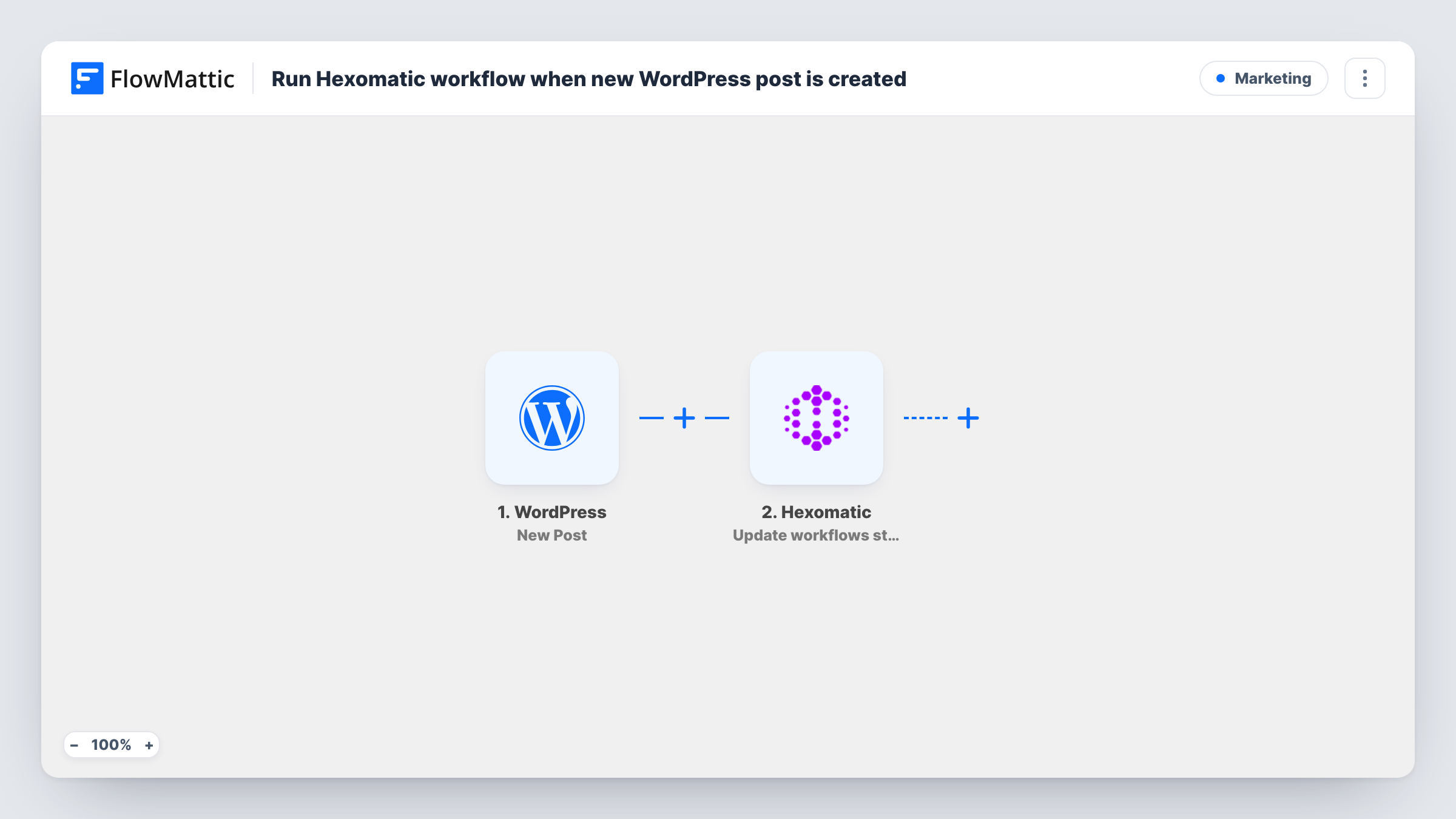
What this workflow does
Some Hexomatic workflows only make sense after you publish, such as checking your blog's pages, collecting fresh data or refreshing a report that reads your site. Starting them by hand after every post is easy to forget. This workflow changes the Hexomatic workflow's status each time WordPress publishes a post.
The WordPress trigger fires when a new post is published, not when a draft is saved. The Hexomatic step then runs Update workflows status on the one Hexomatic workflow you select. Set it to the status that starts the workflow, and check in Hexomatic after a test post that it began a run.
Be clear about what this template does not do. It passes nothing from the post to Hexomatic: no URL, title or content. The Hexomatic workflow runs with whatever inputs it already has, so it suits workflows that read a fixed source like your blog page or sitemap. It also does not collect the results. Hexomatic's Get Completed Workflow Data action can fetch them in a separate step or workflow once the run has finished.
Refresh a blog page check after publishing
A Hexomatic workflow that scans your blog index for broken links or missing images is set running each time you publish a new post.
Update a content inventory
A Hexomatic workflow that collects every article from your sitemap into a sheet is started after each new post, so the inventory includes it.
Run a scrape only when content changes
Instead of running a Hexomatic workflow on a timer, you start it when new content goes live, when the page it reads has actually changed.
How this workflow runs
What happens at each step once the workflow is on, and what you need before you import it.
 WordPress New Post
Runs when a new post is published on the WordPress site where FlowMattic is installed. Drafts and edits to existing posts do not start it.
- Hexomatic Update workflows status
Updates the status of the Hexomatic workflow you select. Choose your workflow, set the status that starts it, and publish a test post to confirm Hexomatic shows a new run.
What you need
- FlowMatticCore
- Hexomatic AccountAccount
After importing, map your own data. To keep the template universal, not every step is pre-filled. Open each step in the builder and connect your accounts and fields (channels, lists, sheets, recipients) before you switch the workflow on.
Make it yours
Changes worth making after you import it.
- Add a Filter after the WordPress trigger that continues only for one category or post type, if the Hexomatic workflow should run for some posts only.
- Add a Delay before the Hexomatic step if your caching or sitemap takes a few minutes to show the new post, so the workflow reads the updated pages.
- Build a second FlowMattic workflow on Hexomatic's Configure Webhooks trigger, which fires when a recipe completes, to act on the results once the run ends.
Questions about this workflow
Does Hexomatic receive the new WordPress post's URL?
No. The Hexomatic step only changes the selected workflow's status. Nothing from the post is passed in, so the Hexomatic workflow must already know which pages to read.
Does saving a WordPress draft start the Hexomatic workflow?
No. The trigger fires when a post is published. Drafts, scheduled posts before their publish time and edits to published posts do not run it.
Where do the Hexomatic results end up?
In Hexomatic, as with any run you start yourself. This template does not fetch them. Use Get Completed Workflow Data or the Configure Webhooks trigger if you want FlowMattic to pick them up.
More Marketing workflows
Other ready-to-import templates from the same category.




Import this workflow into your WordPress site
Download the JSON, import it from the Workflows screen and connect your accounts. Every run stays on your server, with no per-task fees.
30-day money-back guarantee Unlimited workflows and runs Self-hosted