

Save each new Social Intents offline message to a Notion database
When a visitor leaves an offline message in your Social Intents chat widget, this workflow adds it as a new item in the Notion database you choose, so after-hours questions sit in one list your team works from.
 Social Intents
 Notion
2 steps Setup ~5 min Used on 1.4k sites Free to import
What this workflow does
When nobody is online, the Social Intents widget asks visitors to leave a message instead of chatting live. Those messages are easy to lose between email notifications, and nobody can tell which ones already got an answer. Putting each one into Notion gives the team a shared list where they can assign, comment on and close every request.
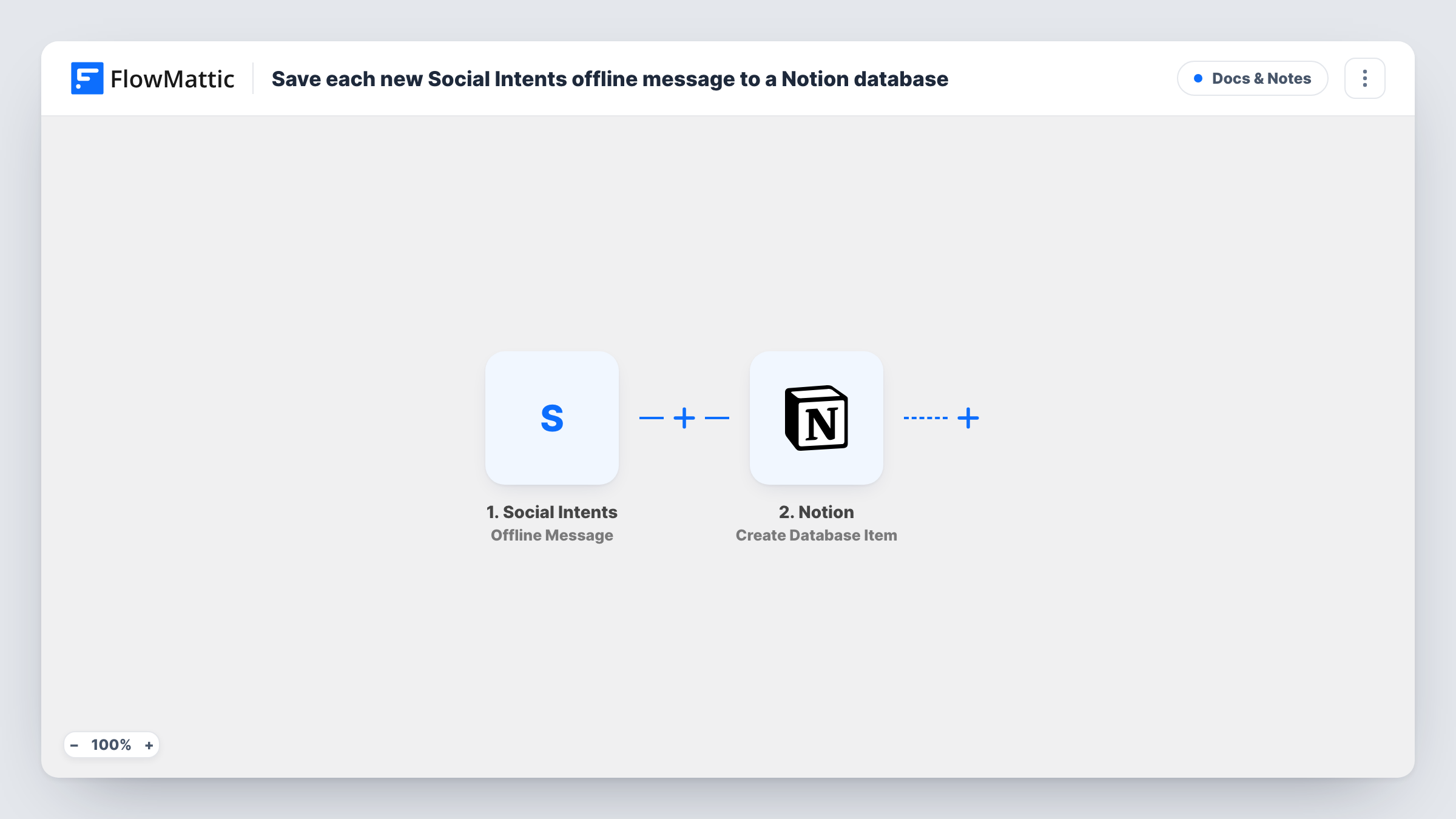
A run starts in the Social Intents trigger each time someone leaves a message while your team is offline. FlowMattic passes along what the visitor submitted. The Notion step then creates an item in the database you pick, and you map the message details into its properties.
Every offline message becomes its own Notion item, in the order they come in. If your database has a status property, your team can mark each item as handled once someone has replied. Runs appear in Task History, which helps when you want to confirm that a message reached Notion.
Weekend questions for a small online shop
Messages left on Saturday and Sunday wait in a Notion board. On Monday the support person works through them from top to bottom.
Agency with clients in other time zones
Visitors who write while your office is closed land in a Notion database the morning team checks first, with each request as a separate item.
Sales enquiries from a pricing page
Offline messages from prospects become Notion items that a salesperson can claim, add notes to and follow up on.
How this workflow runs
What happens at each step once the workflow is on, and what you need before you import it.
 Social Intents Offline Message
Fires when a visitor sends an offline message through your Social Intents widget. The details of that message are available to map into the Notion item.
- Notion Create Database Item
Adds one new item to whichever Notion database you point it at. Connect your Notion workspace, choose the database, and map the offline message details into its properties.
What you need
- FlowMatticCore
- Social Intents AccountAccount
- Notion AccountAccount
After importing, map your own data. To keep the template universal, not every step is pre-filled. Open each step in the builder and connect your accounts and fields (channels, lists, sheets, recipients) before you switch the workflow on.
Make it yours
Changes worth making after you import it.
- Give your Notion database a Status property with a default value such as New, so the team can move each item to Replied once it is handled.
- Add a Slack or email step after Notion if someone should hear about each offline message as soon as it is saved, not only when they open the database.
- Leave a test offline message on your site after import so FlowMattic captures the fields, then map them to the Notion properties before switching the workflow on.
Questions about this workflow
Does this save live Social Intents chats too?
No. The trigger only fires for offline messages. Social Intents also has Answered Chat and Missed Chat triggers in FlowMattic if you want to log those in a separate workflow.
Which Notion database receives the Social Intents message?
The one you pick in the Notion step after connecting your Notion workspace. If the database doesn't appear in the list, check that your Notion connection has access to it.
Will old Social Intents offline messages be added to Notion?
No. Only messages sent after the workflow is turned on create Notion items.
What if the same visitor sends two offline messages?
Each message runs the workflow on its own, so you get two Notion items. The step creates items and does not look for an earlier one from that visitor.
More Docs & Notes workflows
Other ready-to-import templates from the same category.





Import this workflow into your WordPress site
Download the JSON, import it from the Workflows screen and connect your accounts. Every run stays on your server, with no per-task fees.
30-day money-back guarantee Unlimited workflows and runs Self-hosted