

Send coupon emails in WooCommerce Smart Coupons for new bookings in Calendly
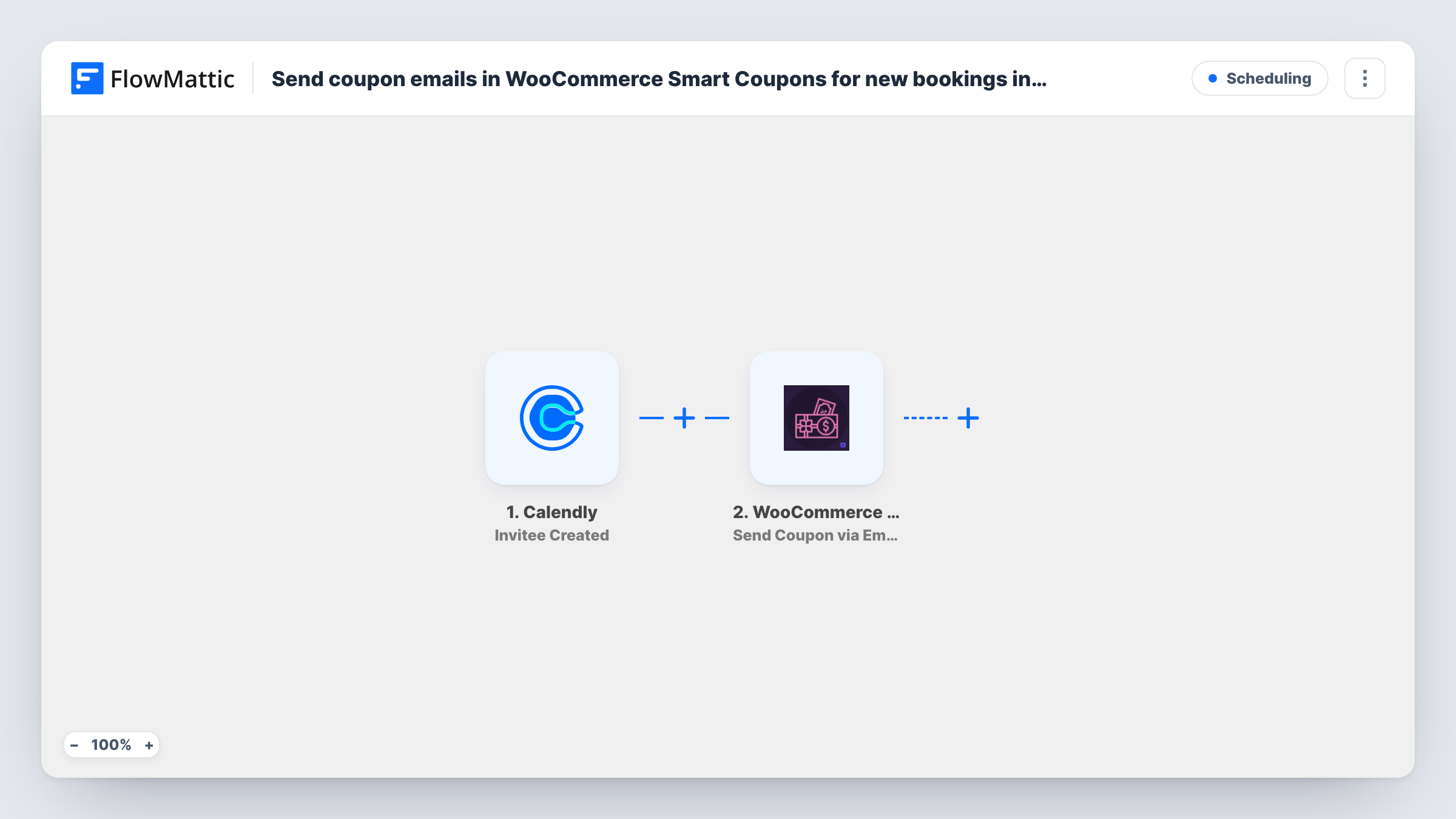
When someone books a meeting through Calendly, this workflow emails them an existing WooCommerce Smart Coupons coupon, so every invitee receives the code you chose for meeting bookings.
 Calendly
 WooCommerce Smart Coupons
2 steps Setup ~5 min Used on 2.5k sites Free to import
What this workflow does
Some businesses thank people for booking a consultation with a discount on their shop, or give a code to use after the call. Sending that code by hand for each booking is easy to forget. This workflow emails it as soon as the meeting is booked.
The Calendly Invitee Created trigger runs the workflow for each new meeting booking. FlowMattic passes the invitee's details to WooCommerce Smart Coupons, where the Send Coupon via Email action sends an existing coupon to a customer by email. You map the invitee's email from Calendly and point the step at the coupon you created in WooCommerce.
The coupon has to exist before the workflow runs, and every invitee receives that same coupon. If you want a unique code per person, add the plugin's Create Coupon action before the send step. Smart Coupons runs with WooCommerce on your WordPress site, so the email is sent by your site rather than by Calendly.
Consultation booking thank-you
A skincare shop offers free video consultations. Each person who books gets the shop's consultation coupon by email to use on products discussed in the call.
Product demo follow-up offer
A store selling equipment books demos through Calendly. Invitees receive a fixed discount code they can use if they order after the demo.
Workshop sign-ups with a materials discount
People booking a craft workshop slot get a coupon for the materials kit sold in your WooCommerce store.
How this workflow runs
What happens at each step once the workflow is on, and what you need before you import it.
 Calendly Invitee Created
Starts when an invitee picks a time on your Calendly page. The invitee's name, email and event details are passed on. Book a test meeting to see the fields.
- WooCommerce Smart Coupons Send Coupon via Email
Emails an existing coupon to the invitee with WooCommerce Smart Coupons. Map the Calendly email address and tell the step which coupon to send. Book a meeting with your own email to see the coupon email before going live.
What you need
- FlowMatticCore
- Calendly AccountAccount
- WooCommerce Smart Coupons PluginPlugin
After importing, map your own data. To keep the template universal, not every step is pre-filled. Open each step in the builder and connect your accounts and fields (channels, lists, sheets, recipients) before you switch the workflow on.
Make it yours
Changes worth making after you import it.
- Add Smart Coupons' Create Coupon action before the send step and send the new coupon instead, so each invitee gets their own code.
- Add a Filter after the trigger that continues only for the Calendly event type that should earn a coupon, if you run several kinds of meetings.
- Set usage limits on the coupon in WooCommerce, such as one use per customer, since every invitee receives the same code as imported.
Questions about this workflow
Does the workflow create a new WooCommerce coupon for each Calendly booking?
No. Send Coupon via Email sends an existing coupon, so every invitee gets the same one. Add Create Coupon before it if you want a unique code each time.
Do I need WooCommerce Smart Coupons on the same site as FlowMattic?
Yes. The send step uses the Smart Coupons plugin, which runs with WooCommerce on the WordPress site where FlowMattic is installed.
Does a rescheduled Calendly meeting send the coupon again?
A reschedule in Calendly can count as a new booking and fire Invitee Created again, which would send another email. Test a reschedule and check Task History.
Will invitees who cancel still have the coupon?
Yes. The email has already gone out, and this template doesn't react to cancellations. You can disable or change the coupon in WooCommerce if needed.
More Scheduling workflows
Other ready-to-import templates from the same category.






Import this workflow into your WordPress site
Download the JSON, import it from the Workflows screen and connect your accounts. Every run stays on your server, with no per-task fees.
30-day money-back guarantee Unlimited workflows and runs Self-hosted