

Subscribe new Shiksha student leads to a FluentCRM list
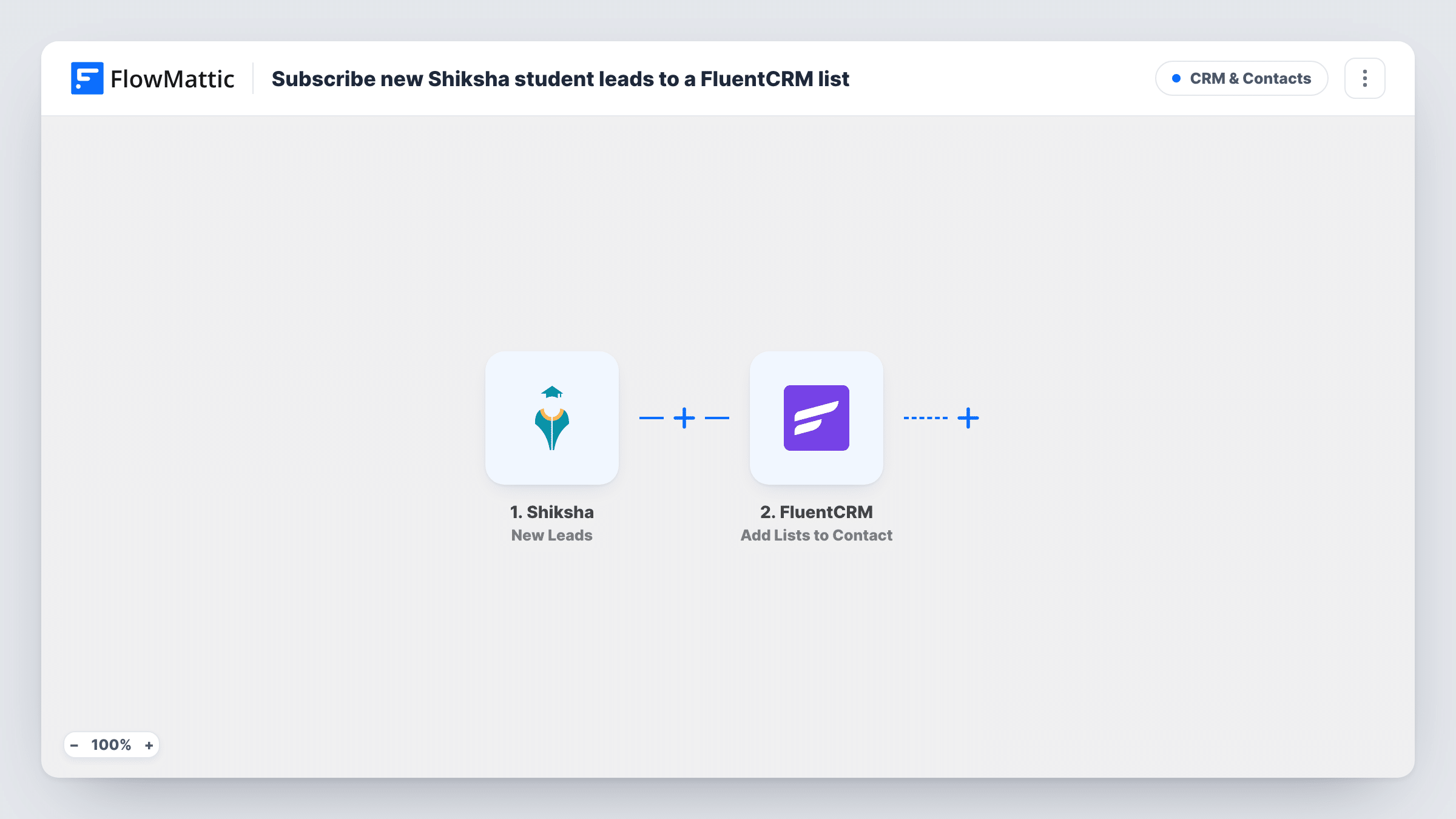
Each new Shiksha student lead is created or updated as a FluentCRM contact by email, then added to the FluentCRM lists you pick so your admissions emails can reach them.
 Shiksha
 FluentCRM
3 steps Setup ~5 min Used on 869 sites Free to import
What this workflow does
Student enquiries that arrive through Shiksha are only useful if someone follows up while the student is still comparing colleges. This workflow moves every new lead into FluentCRM on your WordPress site, where your counsellors and email sequences already live, without anyone copying details out of Shiksha by hand.
The Shiksha New Leads trigger starts a run each time Shiksha captures a lead for you. The first FluentCRM step creates a contact from that lead, or updates the existing contact when the email address is already in your CRM. The second FluentCRM step then adds that contact to one or more lists.
Neither FluentCRM step has its fields mapped in the template. After import you map the lead's email, name and phone from the Shiksha data into the contact step, and in the list step you choose the lists and point it at the contact from step 2. Because the contact step runs first, the list step always works on a contact that exists.
A student who enquires twice reaches FluentCRM as the same contact, matched by email, and is added to the lists again. Run a test lead and open Task History to see the fields Shiksha sent and what each FluentCRM step returned.
Admissions nurture for a private college
A college adds every Shiksha enquiry to a 'Prospective students' list in FluentCRM that starts a sequence about courses, fees pages and campus visits.
Separate lists per programme
A coaching institute keeps one FluentCRM list for engineering enquiries and another for MBA ones, and picks the right list for the leads its Shiksha listing brings in.
One record for repeat enquiries
A student who contacts the institute through Shiksha in January and again in March stays a single FluentCRM contact, so counsellors see one history.
How this workflow runs
What happens at each step once the workflow is on, and what you need before you import it.
 Shiksha New Leads
Starts the workflow when Shiksha captures a new student lead for your institution. The lead's details are passed to FluentCRM; check a test run to see exactly which fields Shiksha includes.
- FluentCRM Create or Update Contact
Turns the Shiksha lead into a FluentCRM contact; if a contact with the same email exists, that record is updated instead. The step ships unmapped: map the student's email, name and phone from the Shiksha lead after import.
- FluentCRM Add Lists to Contact
Adds the contact from step 2 to the FluentCRM lists you choose. Nothing is preset, so pick your lists and map the contact from the previous step before you turn the workflow on.
What you need
- FlowMatticCore
- Shiksha AccountAccount
- FluentCRM PluginPlugin
After importing, map your own data. To keep the template universal, not every step is pre-filled. Open each step in the builder and connect your accounts and fields (channels, lists, sheets, recipients) before you switch the workflow on.
Make it yours
Changes worth making after you import it.
- Map the course or programme the student asked about into a FluentCRM custom field, so you can segment your lists and emails by course later.
- To send leads to different lists by course, put a Router between the Create or Update Contact step and the Add Lists to Contact step, give each route its own copy of the list step, and use course conditions that can't both match.
- Add a FluentCRM tag such as 'Shiksha' in a step after the list step, so you can tell these contacts apart from people who signed up on your own site.
Questions about this workflow
What happens when a Shiksha lead's email is already in FluentCRM?
The Create or Update Contact step matches on email address, so FluentCRM updates the existing contact instead of creating a second one. The list step then adds that same contact to the lists you picked.
Do I need FluentCRM installed on the same WordPress site?
Yes. FluentCRM runs inside WordPress, so install it alongside FlowMattic on the site that receives the Shiksha leads. You also need a Shiksha account that sends leads to FlowMattic.
Can a Shiksha lead go on more than one FluentCRM list?
Yes. The Add Lists to Contact step can add one or more lists to the contact. Choose every list you want in that step.
Will leads Shiksha captured before I set this up be imported?
No. The trigger only reacts to Shiksha leads that arrive once the workflow is switched on. Export older leads from Shiksha and import them into FluentCRM separately.
More CRM & Contacts workflows
Other ready-to-import templates from the same category.





Import this workflow into your WordPress site
Download the JSON, import it from the Workflows screen and connect your accounts. Every run stays on your server, with no per-task fees.
30-day money-back guarantee Unlimited workflows and runs Self-hosted