

Update Notion databases from approved Zoho Sign documents
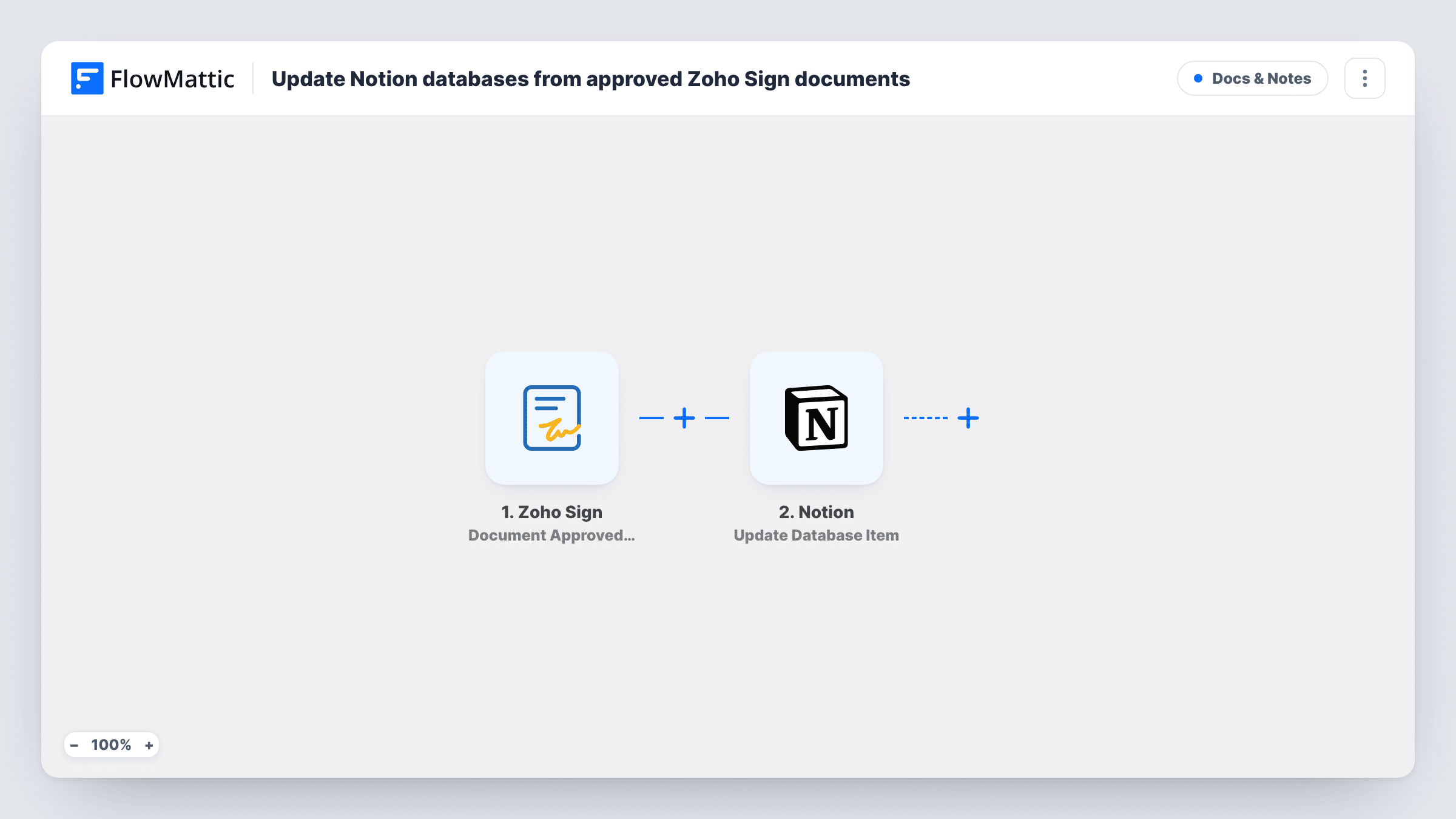
When a recipient approves a Zoho Sign document, FlowMattic finds the matching item in your Notion database and, if it exists, updates it, so your tracker shows the approval without manual edits.
 Zoho Sign
 Notion
 Filter
4 steps Setup ~8 min Used on 558 sites Free to import
What this workflow does
Teams that track contracts, proposals or policies in Notion often keep a status column that someone has to change by hand once the paperwork is approved. This workflow updates that Notion item for you whenever a Zoho Sign recipient approves the document.
The Zoho Sign trigger fires when a document is approved by one of its recipients, and passes the document's details on. A Notion Find Database Item step then searches your database by a property, for example a column holding the document name or request ID. After import you choose the database, the property to search and the Zoho Sign value to match.
A Filter comes next and is already set: it continues only when the Notion search returned an item ID. Approvals with no matching Notion item stop there. For matches, the Update Database Item step changes that item; its item ID is already mapped from the search, and you choose which properties to set, such as a status or approval date.
If a document has several approvers, each approval can start its own run and update the same item again. Test with a document you've added to Notion and check Task History for each step's result.
Contract tracker for a sales team
A sales team keeps every outgoing contract in a Notion database and has the status move to Approved as soon as the client approves it in Zoho Sign.
Policy sign-off records for HR
An HR team tracks policy documents in Notion and records the approval date in each item when a manager approves the document in Zoho Sign.
Agency proposals and project kick-off
An agency's project board in Notion shows which proposals have client approval, so the team knows which projects can start.
How this workflow runs
What happens at each step once the workflow is on, and what you need before you import it.
 Zoho Sign Document Approved by Recipient
Starts the workflow when one of a Zoho Sign document's recipients approves it. The document's details, such as its name, become available to search Notion with.
- Notion Find Database Item
Searches your Notion database for an item by a property. After import, pick the database and the property that holds the document's name or ID, and map the matching Zoho Sign value.
- Filter Continue If Condition Meet
Lets the run go on only if step 2 handed back a Notion item ID. Approvals that match nothing in your database stop here, so no Notion item is changed for them.
- Notion Update Database Item
Updates the Notion item found in step 2, using its ID, which the template already maps. Choose the properties to change, such as a status or approval date, and map values into them.
What you need
- FlowMatticCore
- Zoho Sign AccountAccount
- Notion AccountAccount
After importing, map your own data. To keep the template universal, not every step is pre-filled. Open each step in the builder and connect your accounts and fields (channels, lists, sheets, recipients) before you switch the workflow on.
Make it yours
Changes worth making after you import it.
- Store the Zoho Sign document name or request ID in its own Notion property when you add the item, so the Find step has a reliable value to search for.
- To catch documents that are missing from Notion, add a Router between the Find step and the Filter: one route keeps the Filter and the update, the other creates a Notion item when the ID is empty. Those two conditions can't both be true.
- If you only care about fully approved documents with several approvers, build the same steps on Zoho Sign's Document Completed trigger, which fires once all recipients have signed and approved.
Questions about this workflow
What happens when no Notion item matches the approved Zoho Sign document?
The Filter stops the run, so nothing in Notion changes. Task History shows that the search came back empty, which helps you spot documents you forgot to add.
Which Notion properties does the workflow change?
The ones you set in the Update Database Item step. Only the item ID is mapped in the template, so choose the status, date or other properties to change after import.
Does a document with two approvers update Notion twice?
It can. The trigger fires when one of the recipients approves, so each approval may start a run and update the same item.
Do I need a Notion integration connected to my database?
Yes. FlowMattic connects to Notion through your account, and the database must be shared with that connection so the Find and Update steps can reach it.
More Docs & Notes workflows
Other ready-to-import templates from the same category.




Import this workflow into your WordPress site
Download the JSON, import it from the Workflows screen and connect your accounts. Every run stays on your server, with no per-task fees.
30-day money-back guarantee Unlimited workflows and runs Self-hosted