

Update a WooCommerce subscription product price when a Monday pricing board column changes
When a column changes on your monday.com pricing board, FlowMattic updates the price of a WooCommerce subscription product, so prices agreed on the board reach your store.
 Monday.com
 WooCommerce Subscriptions
2 steps Setup ~5 min Used on 413 sites Free to import
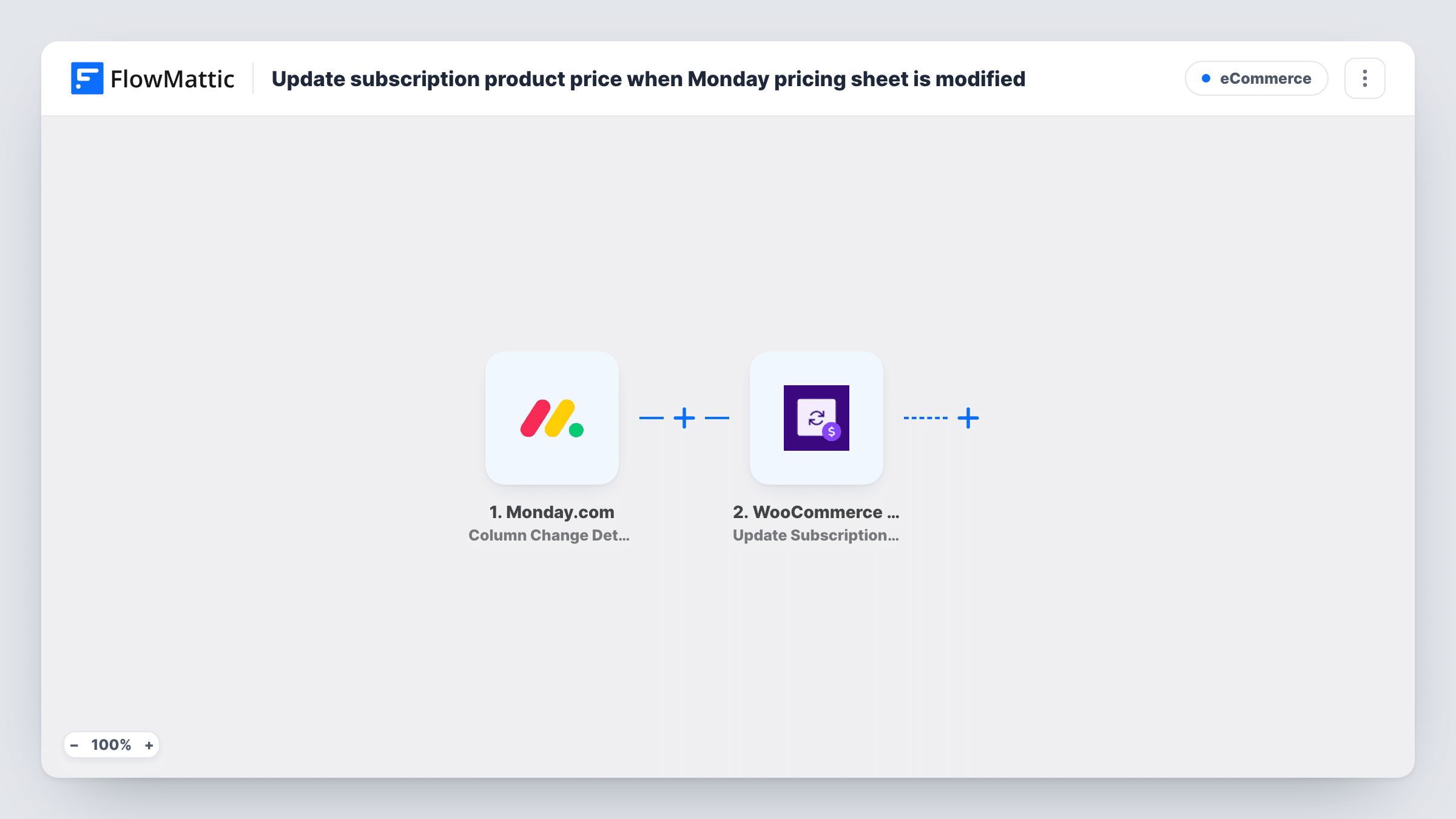
What this workflow does
Pricing decisions often happen in a shared board where the team can discuss and approve them. Copying each agreed price into WooCommerce afterwards is slow and easy to get wrong. This workflow lets a change on your Monday.com pricing board update the subscription product price in your store.
The Monday.com trigger fires whenever any column on the board you choose changes. That means a price edit starts a run, but so does a change to any other column on that board, such as a status or a note. Each run passes on the change data from Monday.com.
The WooCommerce Subscriptions step then updates pricing for a subscription product. It ships unmapped. After import you map which product to change and the new price. Your board has to supply both: keep the WooCommerce product ID and the price in their own columns on each item. Check a test change to see which item details reach FlowMattic, and confirm the product ID and price are among them before you rely on it.
Because any column change re-sends the price, an unrelated edit on an item writes the same price again. Test on one product first and check Task History for what WooCommerce returned.
Approved price changes from a pricing team
A subscription-box company agrees new monthly prices on a Monday.com board, and the board's price column updates the matching WooCommerce subscription product.
Seasonal plan pricing
A meal-kit store edits its winter plan prices on one Monday.com board and lets FlowMattic push each change to the WooCommerce subscription products.
One board for product managers
A software seller's product managers adjust licence subscription prices in Monday.com, so nobody needs WooCommerce admin access just to change a price.
How this workflow runs
What happens at each step once the workflow is on, and what you need before you import it.
 Monday.com Column Change Detected
Fires whenever any column changes on the Monday.com board you pick, not only the price column. The change data becomes available to map; check a test change for which item details it includes.
- WooCommerce Subscriptions Update Subscription Product Price
Updates pricing for a WooCommerce subscription product. The step ships unmapped: map the product ID and the new price from your board, then test on a single product before going live.
What you need
- FlowMatticCore
- Monday.com AccountAccount
- WooCommerce Subscriptions PluginPlugin
After importing, map your own data. To keep the template universal, not every step is pre-filled. Open each step in the builder and connect your accounts and fields (channels, lists, sheets, recipients) before you switch the workflow on.
Make it yours
Changes worth making after you import it.
- Put a Filter between the Monday.com trigger and the WooCommerce Subscriptions step that continues only when the changed column is your price column. Pick the field and value from a test run; they are yours to set.
- Keep the WooCommerce product ID in its own column on every item, and avoid editing it once set, so each price change reaches the right product.
- Enter prices in a plain number column without currency symbols, which keeps the value simple to map into WooCommerce.
Questions about this workflow
Does any change on the Monday.com board update a WooCommerce price?
Yes, as imported. The trigger fires for a change to any column on the board, so a status or note edit also starts a run. Add a Filter on the changed column between the two steps to act only on price edits.
How does FlowMattic know which WooCommerce product to update?
From the product ID you map into the WooCommerce Subscriptions step. Your board needs to hold that ID for each item. Check a test change to confirm it comes through in the trigger data.
Do existing subscribers pay the new WooCommerce price?
The step updates the subscription product's price. How existing subscriptions are billed after a product price change is decided by WooCommerce Subscriptions, so check on a test subscription.
More E-Commerce workflows
Other ready-to-import templates from the same category.







Import this workflow into your WordPress site
Download the JSON, import it from the Workflows screen and connect your accounts. Every run stays on your server, with no per-task fees.
30-day money-back guarantee Unlimited workflows and runs Self-hosted