

When Customer Reaches $5K Lifetime Value in FluentCart, Send Celebratory Message to WhatsApp
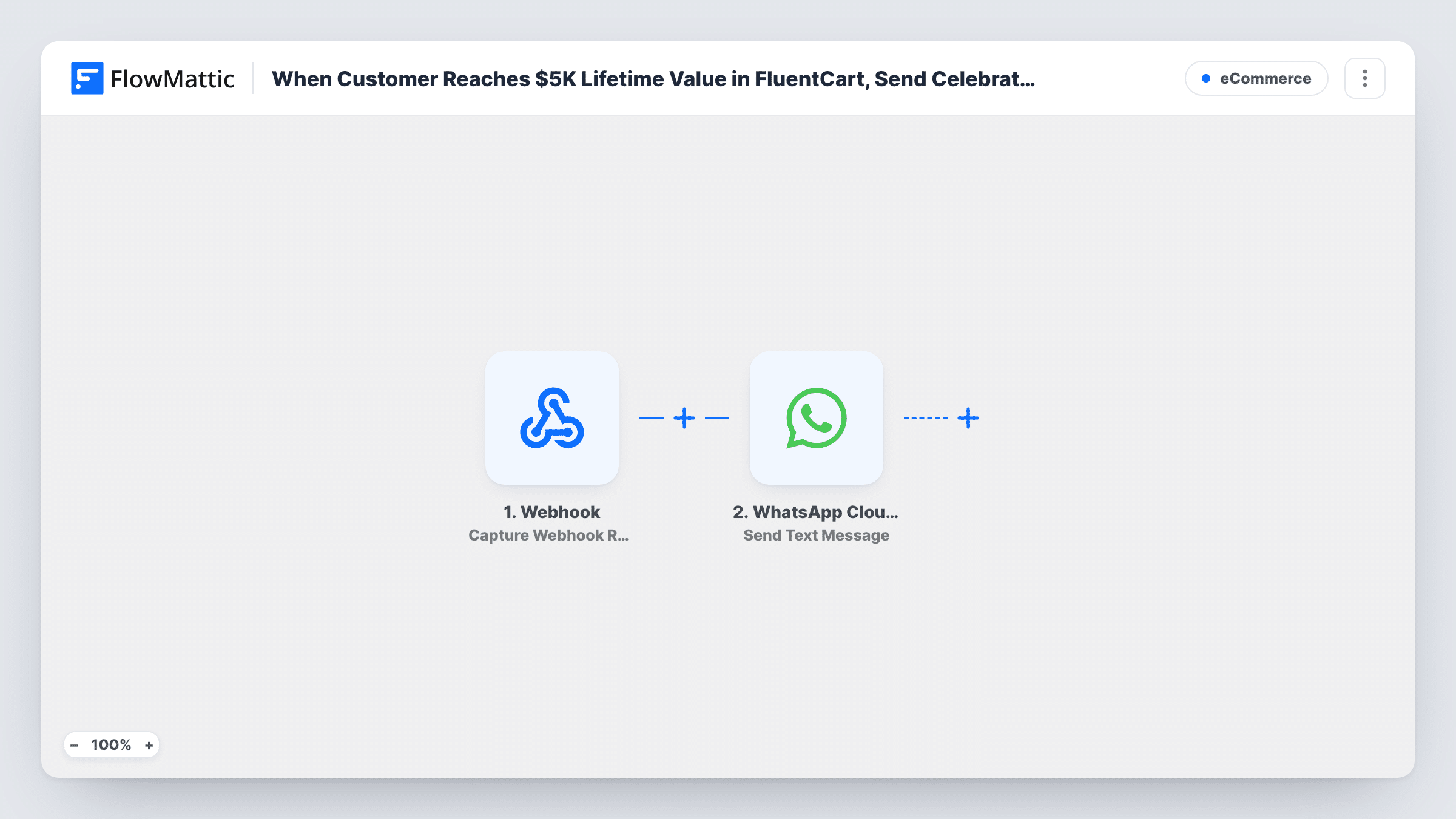
When a FluentCart customer’s total spend reaches the threshold you set, such as $5,000, FlowMattic sends them a celebratory text message through WhatsApp Cloud API.
 FluentCart
 WhatsApp Cloud API
2 steps Setup ~5 min Used on 2.0k sites Free to import
What this workflow does
Customers who have spent a lot with you deserve a personal thank-you, and the moment they cross a spending milestone is a natural time to send it. Watching every customer's lifetime total by hand isn't realistic. This workflow lets FluentCart spot the milestone and sends the message on WhatsApp.
The FluentCart trigger fires when a customer reaches a spending amount you specify. FlowMattic describes it as counting only orders with a successful payment status: paid, partially paid or partially refunded. The template doesn't set the amount, so open the trigger after import and enter 5000 for a $5K milestone, or any figure you prefer.
The WhatsApp Cloud API Send Text Message step then messages the customer. It ships unmapped: connect your WhatsApp Business account, map the customer's phone number from the trigger, and write the celebration text, with their name mapped in.
WhatsApp only delivers free-form text within 24 hours of the person last messaging your business number. A customer who hasn't written to you recently usually won't receive this text, so an approved template message is the safer choice for most stores. Open Task History to see whether WhatsApp accepted each milestone message.
VIP thank-you for top customers
A specialty coffee store sends a personal WhatsApp note when a customer's lifetime spend in FluentCart crosses $5,000, with an invitation to its VIP tasting club.
Milestone reward announcement
A fashion boutique uses the milestone message to tell big spenders about a loyalty gift and how to claim it on their next order.
Personal check-in from the founder
A small software shop on FluentCart has the founder's WhatsApp number send a thank-you to each customer reaching the spending milestone.
How this workflow runs
What happens at each step once the workflow is on, and what you need before you import it.
 FluentCart Customer Total Spend Threshold
Fires when a FluentCart customer's total spend reaches the amount you set, counting only paid, partially paid and partially refunded orders. The amount isn't set in the template: enter 5000 for a $5K milestone.
- WhatsApp Cloud API Send Text Message
Sends a free-form WhatsApp text through WhatsApp Cloud API. The step ships unmapped: map the customer's phone number, write the celebratory message and map their name or total spend into it.
What you need
- FlowMatticCore
- FluentCart PluginPlugin
- WhatsApp Cloud API AccountAccount
After importing, map your own data. To keep the template universal, not every step is pre-filled. Open each step in the builder and connect your accounts and fields (channels, lists, sheets, recipients) before you switch the workflow on.
Make it yours
Changes worth making after you import it.
- Switch to WhatsApp Cloud API's Send Template Message action with an approved template, so customers who haven't messaged you in the last 24 hours can still receive the thank-you.
- Make sure FluentCart stores phone numbers with the country code, since WhatsApp needs the full international number.
- To mark the milestone in your CRM too, add a step after the WhatsApp step that tags the customer, so your team knows who has already been congratulated.
Questions about this workflow
Where do I set the $5,000 amount for the FluentCart trigger?
In the trigger itself. The template leaves the spending amount empty, so open the Customer Total Spend Threshold trigger after import and enter 5000, or whichever milestone you want.
Which FluentCart orders count toward the total spend?
FlowMattic describes the trigger as counting only orders with a successful payment status: paid, partially paid and partially refunded. Pending or failed orders don't add to the total.
Will every customer get the WhatsApp message?
Not with free-form text. WhatsApp delivers it only within 24 hours of the customer messaging your business number. Use an approved template message to reach the others, and check Task History for each response.
Do customers who passed $5,000 before I turned this on get a message?
The trigger reacts to customers reaching the amount while the workflow is active. Test with a customer close to the threshold to see how it behaves for your store.
More E-Commerce workflows
Other ready-to-import templates from the same category.






Import this workflow into your WordPress site
Download the JSON, import it from the Workflows screen and connect your accounts. Every run stays on your server, with no per-task fees.
30-day money-back guarantee Unlimited workflows and runs Self-hosted