

When a BoldDesk ticket property is updated, log it in Airtable and alert the agent in Slack
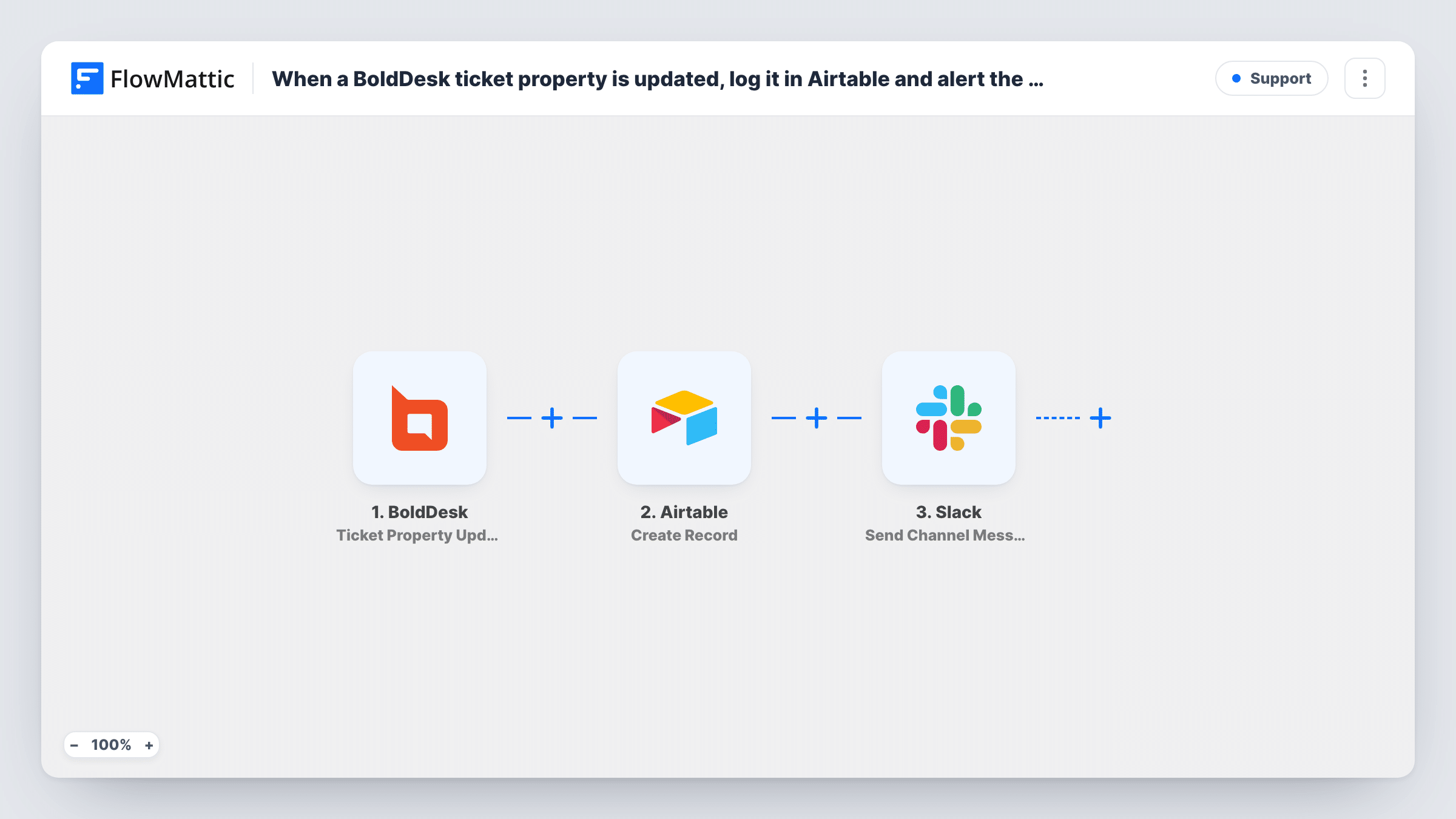
Each time a property changes on a BoldDesk ticket, this workflow adds a record to an Airtable table as a change log and posts a message in a Slack channel so your support agents see the update.
 BoldDesk
 Airtable
 Slack
Slack3 steps Setup ~5 min Used on 2.9k sites Free to import
What this workflow does
Ticket fields such as status, priority or assignee change many times over a ticket's life. BoldDesk shows the current values, but a running record of each change, and a heads-up in the place your agents already talk, takes extra effort. This workflow handles both every time a ticket property is updated.
The BoldDesk trigger fires whenever a ticket's properties are updated. FlowMattic sends the ticket data to Airtable, where Create Record adds a new row to the table you pick. You decide which ticket values fill which Airtable fields. The last step posts a message to a Slack channel, built from the same ticket data.
Every update creates its own Airtable record, so the table grows into a history of changes rather than one row per ticket. The Slack step posts to a channel, not to one person, so pick a channel your agents watch. If you'd rather reach a single agent, the tips cover that change.
Audit trail for escalations
A team lead reviews the Airtable log at the end of the week to see which tickets were moved to urgent priority and when, using the ticket fields you mapped into each record.
Shared alert channel for a small support team
Your three agents all watch a single support channel in Slack. Each property change on a BoldDesk ticket posts there, so whoever is free can see a ticket that just moved.
Reporting on status changes
Records in Airtable become the source for a view or chart showing how often tickets change status, without exporting data from BoldDesk.
How this workflow runs
What happens at each step once the workflow is on, and what you need before you import it.
 BoldDesk Ticket Property Updated
Fires when properties on a BoldDesk ticket are updated. The ticket's data from that event is passed on for the Airtable and Slack steps to use.
- Airtable Create Record
Adds a fresh Airtable record to the base and table you select for the change log. Map the ticket values you want logged to the table's fields and connect your Airtable account on import.
- Slack Send Channel Message
Posts a message to a Slack channel with the ticket details you place in the text. Connect your Slack workspace, pick the channel, and build the message from BoldDesk fields.
What you need
- FlowMatticCore
- BoldDesk AccountAccount
- Airtable AccountAccount
- Slack AccountAccount
After importing, map your own data. To keep the template universal, not every step is pre-filled. Open each step in the builder and connect your accounts and fields (channels, lists, sheets, recipients) before you switch the workflow on.
Make it yours
Changes worth making after you import it.
- To alert one agent instead of a channel, swap the Slack step for Send Direct Message and map the person to message. Run a test to see which agent details the BoldDesk event carries.
- Only care about certain changes? Add a Filter between the BoldDesk trigger and the Airtable step that continues when, for example, the priority field equals Urgent. Both later steps then skip other updates.
- Add a date or time column in Airtable and map the event's timestamp into it, if the BoldDesk data includes one, so you can sort the log by when each change happened.
Questions about this workflow
Does every BoldDesk ticket edit create a new Airtable record?
Yes. The trigger fires on each property update, and the Airtable step always creates a record. A ticket that changes five times gives you five records. Add a Filter between the trigger and the Airtable step if you only want some changes logged.
Can the BoldDesk alert be posted in a private Slack channel?
The step as imported is Send Channel Message. For a private channel, use Slack's Send Private Channel Message action instead and test that the message arrives.
Which ticket details can I put in the Airtable record and the Slack message?
Whatever the BoldDesk event sends. Update a property on a test ticket after import so FlowMattic captures the data, then pick the fields you want in each step.
Can I keep one Airtable row per BoldDesk ticket instead of one per change?
Not as imported. Create Record adds a new record for every update. One row per ticket would need a different design: an Airtable Search Record step to find the ticket's row, then Update Record in place of Create Record.
More Support workflows
Other ready-to-import templates from the same category.





Import this workflow into your WordPress site
Download the JSON, import it from the Workflows screen and connect your accounts. Every run stays on your server, with no per-task fees.
30-day money-back guarantee Unlimited workflows and runs Self-hosted