

When a course is enrolled, create the contact and tag them in Groundhogg
When a student enrolls in a free or paid PETE course, FlowMattic creates them as a Groundhogg contact and then adds the tags you choose, ready for your course emails and funnels.
 PETE
 Groundhogg
3 steps Setup ~5 min Used on 2.7k sites Free to import
What this workflow does
PETE runs your courses, but your email follow-up may live in Groundhogg on your WordPress site. Without a link between them, new students don't reach the onboarding emails or funnels you've built. This workflow brings each enrolled student into Groundhogg and tags them so those automations can start.
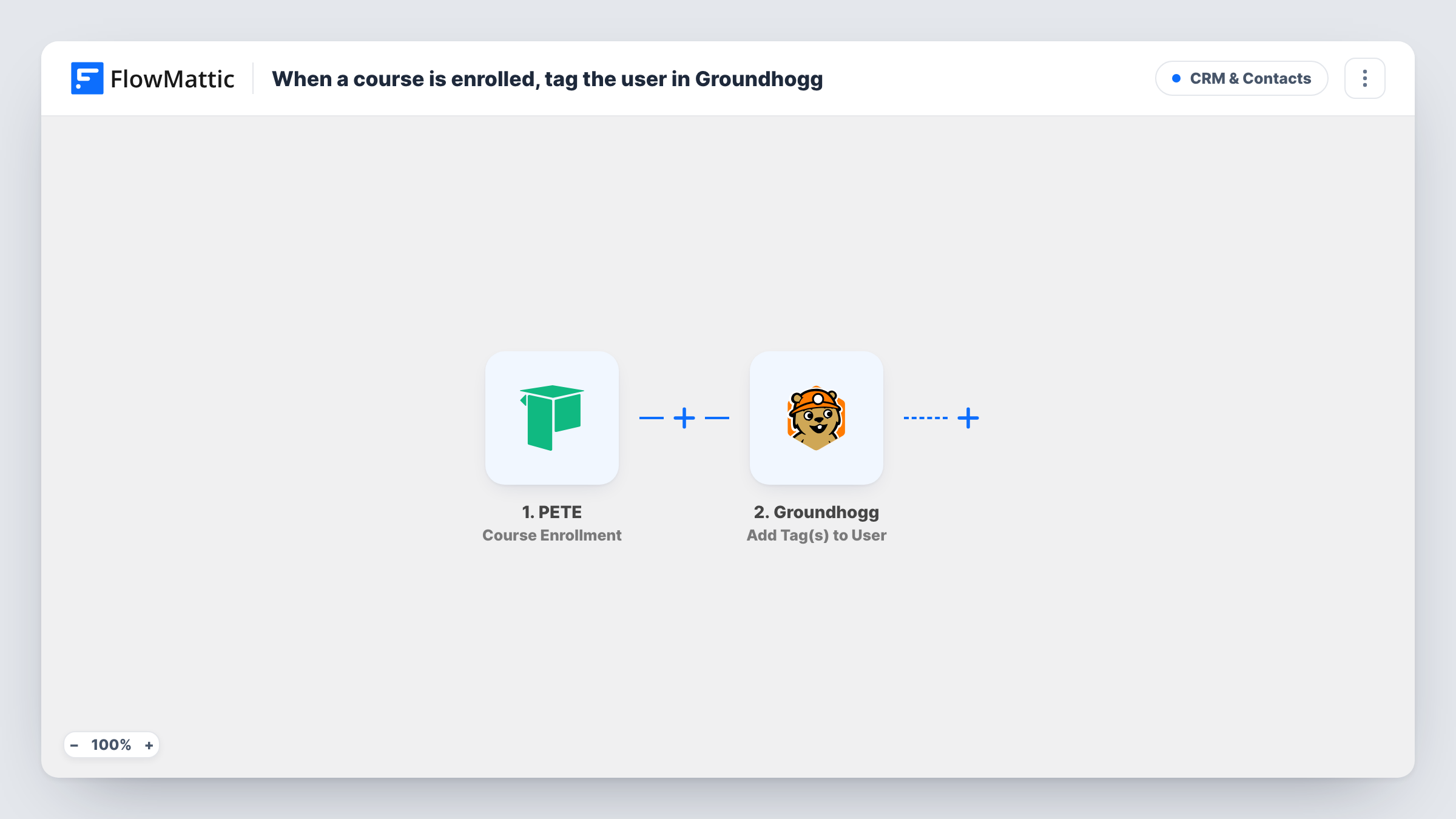
The PETE trigger is Course Enrollment, which FlowMattic describes as firing when a student enrolls in a free or paid course. The student's details from that enrollment are passed on; run a test enrollment to see which ones arrive, such as name, email and course.
Two Groundhogg steps follow. Create New Contact adds the student to your Groundhogg contacts from the values you map. Add Tag(s) to User then applies one or more tags, for example the course name or a tag like New student. Creating the contact first gives the tag step someone to tag. Both steps ship unmapped, so after import you map the student's details, point the tag step at the contact from step 2, and choose the tags.
If a student enrolls in a second course, a new run starts. Check Task History to see what Groundhogg returned for an email it already holds.
Course welcome funnel
A coach tags every PETE enrollee in Groundhogg, and a funnel that starts on that tag sends a welcome email and first-week tips.
Separate tags per course
An online school imports one copy per course with its own tag, so Groundhogg can email photography students and design students different content.
Free-course upsell
A creator tags students who join a free PETE course and later sends them an offer for the paid programme from Groundhogg.
How this workflow runs
What happens at each step once the workflow is on, and what you need before you import it.
 PETE Course Enrollment
Fires when a student enrolls in a free or paid PETE course. The student's enrollment details are passed on; a test enrollment shows the values available to map.
- Groundhogg Create New Contact
Adds the student to your Groundhogg contacts. The step ships unmapped: map the student's email and name from the PETE trigger after import.
- Groundhogg Add Tag(s) to User
Applies one or more Groundhogg tags to the contact from the previous step. Choose the tags and map the contact after import, then check a test run to confirm they were added.
What you need
- FlowMatticCore
- PETE AccountAccount
- Groundhogg PluginPlugin
After importing, map your own data. To keep the template universal, not every step is pre-filled. Open each step in the builder and connect your accounts and fields (channels, lists, sheets, recipients) before you switch the workflow on.
Make it yours
Changes worth making after you import it.
- Create the tags in Groundhogg before you import, using names that match your courses, so they're easy to pick in the tag step.
- Build a Groundhogg funnel that starts when your course tag is applied, so each tagged student gets your onboarding emails.
- If you only want paid enrollments tagged, put a Filter between the PETE trigger and the Create New Contact step on a value that tells paid and free apart, if a test run shows the trigger sends one.
Questions about this workflow
What if the PETE student is already a Groundhogg contact?
The first step is Create New Contact, and Groundhogg decides how to handle an email it already has. Run a test with an existing contact and check Task History for both steps.
Does it tag students by course in Groundhogg?
It adds the tags you choose in the tag step. Use one copy of the workflow per course with its own tag, or map a value from the trigger if the step accepts it.
Are students who enrolled in PETE before I turned this on included?
No. Only enrollments made while the workflow is active start a run. Import earlier students into Groundhogg separately.
More CRM & Contacts workflows
Other ready-to-import templates from the same category.





Import this workflow into your WordPress site
Download the JSON, import it from the Workflows screen and connect your accounts. Every run stays on your server, with no per-task fees.
30-day money-back guarantee Unlimited workflows and runs Self-hosted