

When a customer unsubscribes from future email newsletters in Sellfy, remove the contact from FluentCRM
When a Sellfy customer unsubscribes from your email newsletter, FlowMattic permanently deletes the matching contact from FluentCRM, so people who opted out in Sellfy are gone from your WordPress list too.
 Sellfy
 FluentCRM
2 steps Setup ~5 min Used on 3.0k sites Free to import
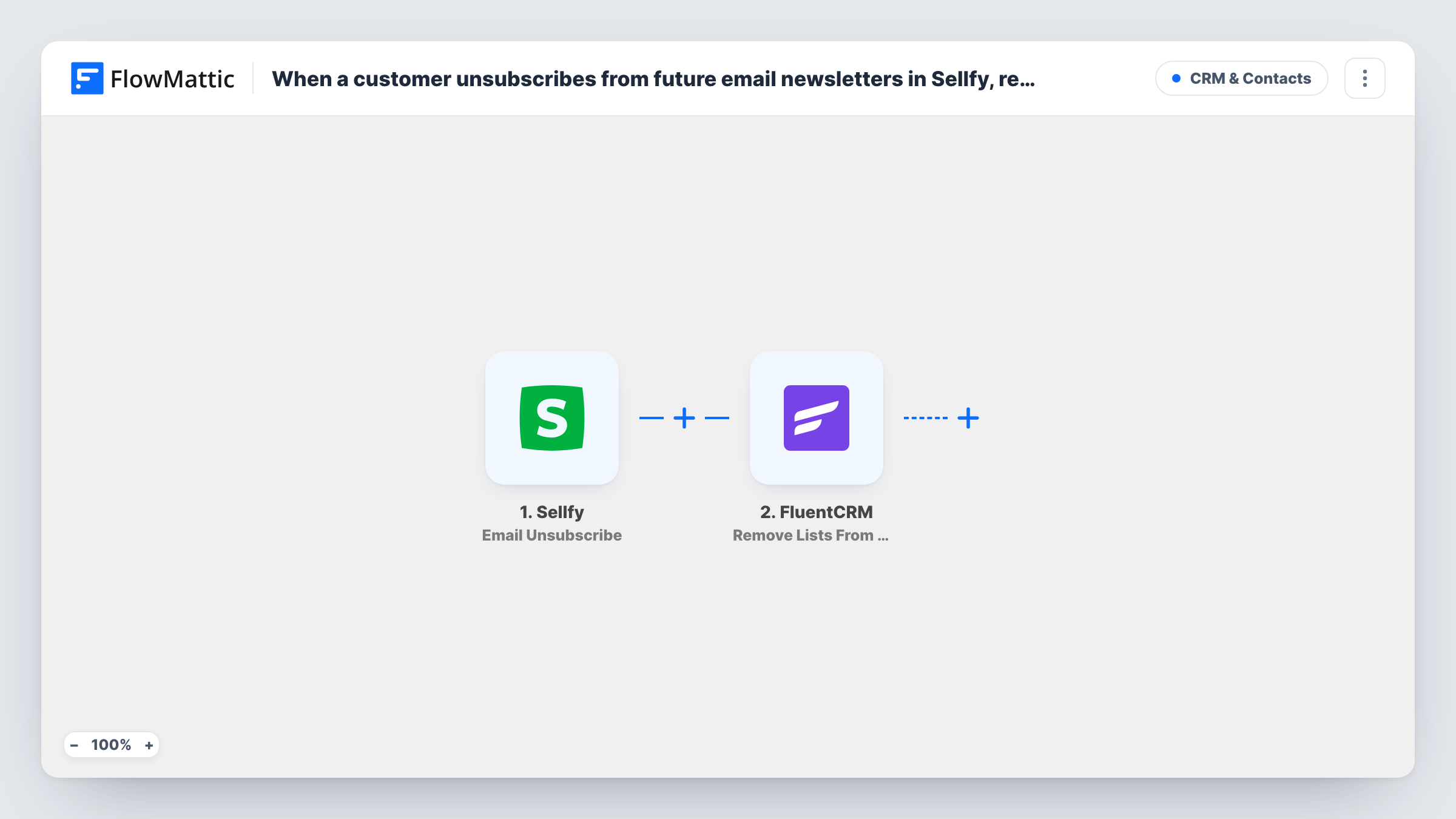
What this workflow does
If you sell through Sellfy and send email from FluentCRM, an unsubscribe in one place doesn't reach the other on its own. Someone who opts out of your Sellfy newsletter could keep getting FluentCRM campaigns. This workflow closes that gap by removing the person from FluentCRM when Sellfy reports the unsubscribe.
The Sellfy trigger fires when a customer unsubscribes from future email newsletters, and passes the customer's details, including the email address, along. The FluentCRM step then runs Delete Contact, which FlowMattic describes as permanently removing a contact from FluentCRM.
Deleting is final: the contact record and the history attached to it go with it. If you would rather keep the record and just stop emails, FluentCRM's Update Contact Status action can set the person to unsubscribed instead.
The Delete Contact step ships unmapped. After import, map the identifier it asks for from the Sellfy data, such as the email address. Test with a contact you created for the purpose, and check Task History; FluentCRM may report an error when no contact matches the Sellfy email.
Honouring opt-outs across both tools
A digital product seller who mails customers from FluentCRM makes sure that anyone who leaves the Sellfy newsletter is also removed from the WordPress list.
Keeping a lean contact database
A course creator who prefers a small, engaged FluentCRM list deletes people outright once they unsubscribe from Sellfy emails.
Privacy-minded stores
A shop that removes contact data when people opt out uses the Sellfy unsubscribe as the signal to delete their FluentCRM record.
How this workflow runs
What happens at each step once the workflow is on, and what you need before you import it.
 Sellfy Email Unsubscribe
Starts the workflow when a Sellfy customer unsubscribes from your future email newsletters. The customer's email and other details are passed on to the FluentCRM step.
- FluentCRM Delete Contact
Permanently deletes the matching contact from FluentCRM. Map the identifier the step asks for, such as the email from the Sellfy event, and test it on a contact you don't need.
What you need
- FlowMatticCore
- Sellfy AccountAccount
- FluentCRM PluginPlugin
After importing, map your own data. To keep the template universal, not every step is pre-filled. Open each step in the builder and connect your accounts and fields (channels, lists, sheets, recipients) before you switch the workflow on.
Make it yours
Changes worth making after you import it.
- To keep the contact's history, swap Delete Contact for FluentCRM's Update Contact Status action and set the status to unsubscribed. The person stays in FluentCRM but stops getting campaigns.
- If you want a record of who was removed, add a Google Sheets Add New Row step between the Sellfy trigger and the FluentCRM step, and log the email and the date before the contact is deleted.
- Run a test with a throwaway contact first, since a deleted FluentCRM contact can't be brought back from FlowMattic.
Questions about this workflow
Can I undo a FluentCRM contact this workflow deleted?
Not from FlowMattic. Delete Contact removes the record permanently, so you would have to add the person again by hand, without their past history.
What if the Sellfy customer isn't in FluentCRM at all?
There is nothing to delete. FluentCRM may return an error for that run, which you can see in Task History, and your list is unchanged.
Does this unsubscribe the person in FluentCRM instead of deleting them?
No, it deletes them. For an unsubscribe that keeps the record, use FluentCRM's Update Contact Status action in place of Delete Contact.
Do Sellfy customers who unsubscribed in the past get removed?
No. Only unsubscribes that happen after you switch the workflow on reach FluentCRM. Clean up earlier opt-outs in FluentCRM by hand.
More CRM & Contacts workflows
Other ready-to-import templates from the same category.





Import this workflow into your WordPress site
Download the JSON, import it from the Workflows screen and connect your accounts. Every run stays on your server, with no per-task fees.
30-day money-back guarantee Unlimited workflows and runs Self-hosted