

When a form submission is received in Contact Form 7, create a new ticket in Desku.io
Every Contact Form 7 submission on your WordPress site opens a new ticket in Desku.io, so requests from your contact or support form wait in your helpdesk instead of an inbox.
 Contact Form 7
 Desku
2 steps Setup ~5 min Used on 1.7k sites Free to import
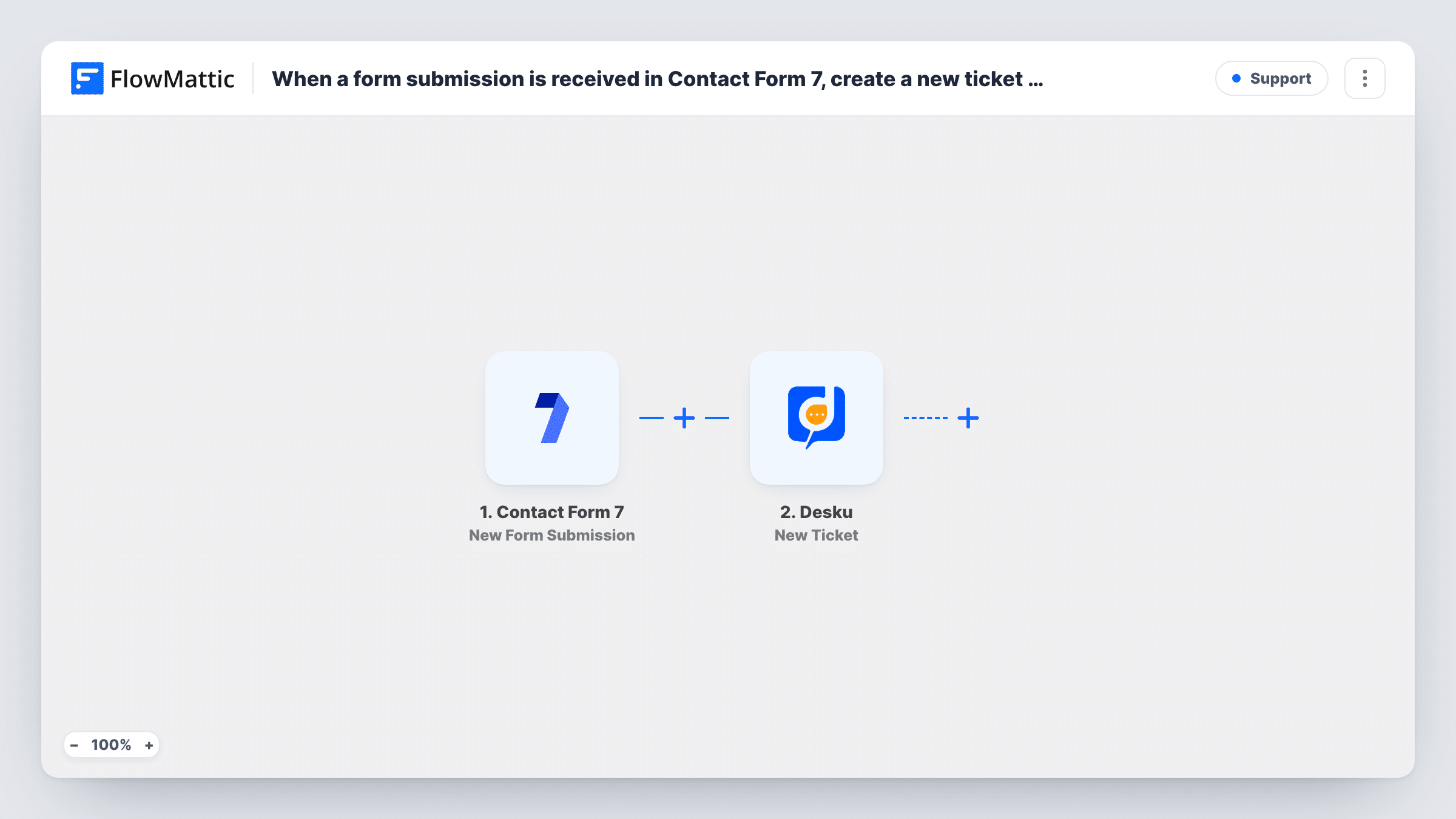
What this workflow does
Contact Form 7 sends its messages by email, where they mix with everything else and nobody can see who has replied. A helpdesk gives each request an owner and a status. This workflow puts every form message into Desku as a ticket, so your team works through them the same way as other support conversations.
The Contact Form 7 trigger starts a run when someone submits the form you pick and passes each field on, such as the name, email, subject and message tags in your form. The Desku.io step then creates a new ticket from those values.
The Desku step ships unmapped. After import you connect your Desku account and map the form's fields into the ticket. Contact Form 7 marks a field as required with an asterisk in its tag, such as email*, which is a simple way to make sure every ticket has an address to reply to.
Each submission makes one ticket, including repeat messages from the same person. Contact Form 7 keeps sending its usual email too, unless you change the form's mail settings. Submit a test message and check Task History for Desku's response.
Support form on a product site
A plugin developer's Contact Form 7 support page sends each request into Desku, where agents assign and answer them by priority.
Service requests for a local business
A repair shop collects booking and repair questions through its WordPress form and tracks each one as a Desku ticket until it's resolved.
Feedback that needs a reply
A membership site's feedback form opens a ticket for every message, so the team can follow up and close it once the member hears back.
How this workflow runs
What happens at each step once the workflow is on, and what you need before you import it.
 Contact Form 7 New Form Submission
Starts the workflow whenever the Contact Form 7 form you choose is submitted. Every field in the form, based on its tags, is passed on to map into the ticket.
- Desku Create Ticket
Opens a new ticket in Desku.io from the submission. Connect Desku after import and map the sender's email and name and the message into the ticket, since the template leaves this step empty.
What you need
- FlowMatticCore
- Contact Form 7 PluginPlugin
- Desku.io AccountAccount
After importing, map your own data. To keep the template universal, not every step is pre-filled. Open each step in the builder and connect your accounts and fields (channels, lists, sheets, recipients) before you switch the workflow on.
Make it yours
Changes worth making after you import it.
- Map the form's subject field into the ticket subject, so agents can scan the Desku queue without opening each ticket.
- Put a Filter between the Contact Form 7 trigger and the Desku step if the form also takes sales enquiries, continuing only when a topic field contains the word you use for support.
- Keep Contact Form 7's own mail turned on while you test, then decide whether you still need the email copy once tickets arrive reliably in Desku.
Questions about this workflow
Do I still get the Contact Form 7 email when a ticket is created?
Yes, unless you change the form's mail settings. The workflow adds a Desku ticket alongside Contact Form 7's normal email.
Which Contact Form 7 fields reach the Desku ticket?
Only fields you assign in Desku's Create Ticket step. Your form's tags decide which fields exist, and a test submission shows their values.
Can more than one Contact Form 7 form open Desku tickets?
Yes. Set this workflow up for one form, then import or duplicate it for each other form and point every copy's trigger at its own form.
More Support workflows
Other ready-to-import templates from the same category.






Import this workflow into your WordPress site
Download the JSON, import it from the Workflows screen and connect your accounts. Every run stays on your server, with no per-task fees.
30-day money-back guarantee Unlimited workflows and runs Self-hosted