

When a form submission is received in Deftform, enroll a student in BrainCert
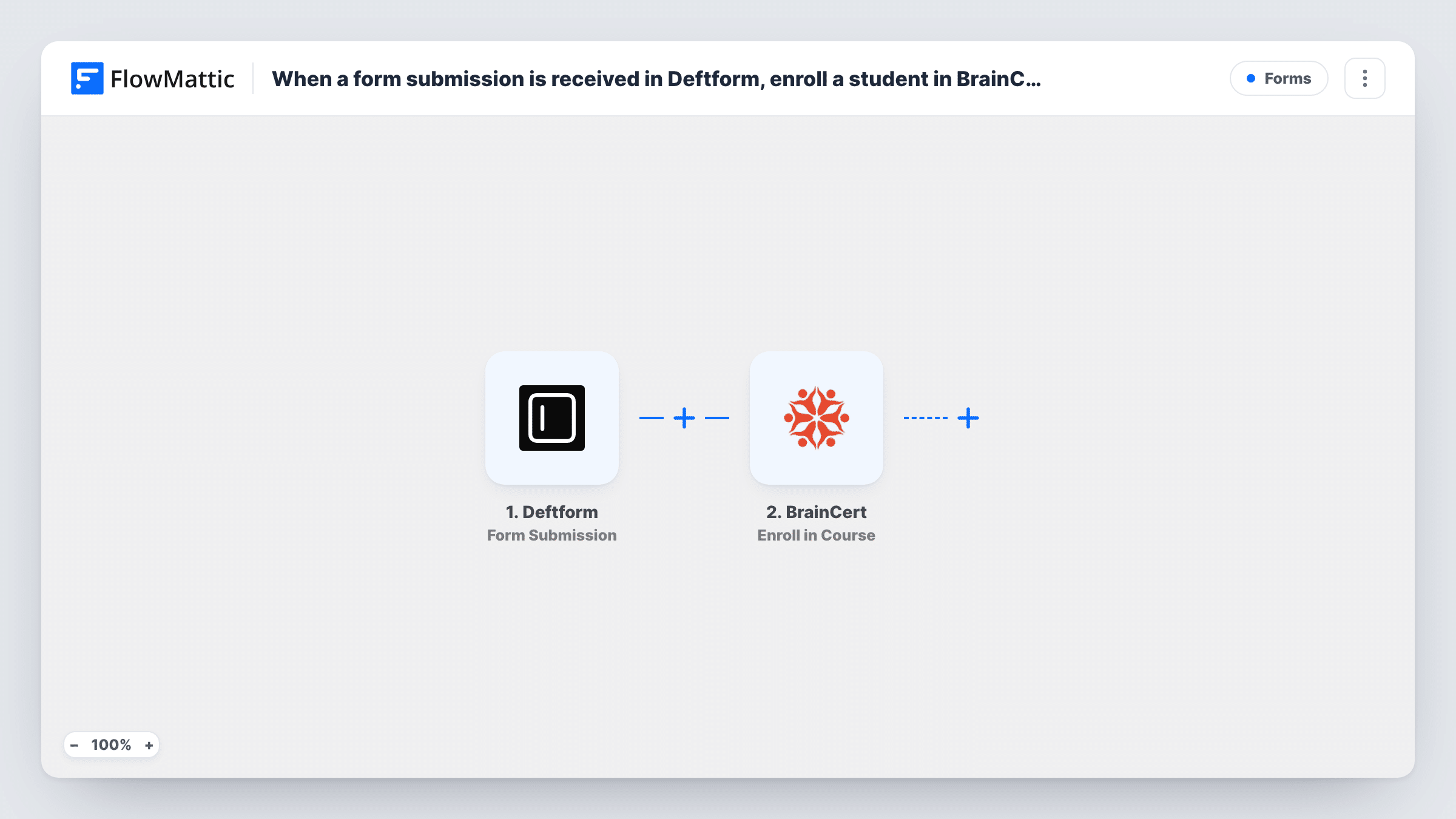
When someone submits your Deftform form, FlowMattic creates a BrainCert user from their answers and enrolls that new user in the BrainCert course you choose, so sign-ups become students without manual setup.
 Deftform
 BrainCert
3 steps Setup ~5 min Used on 2.0k sites Free to import
What this workflow does
If you take course registrations through a form, every new student normally means creating an account in your learning platform and adding them to the right course by hand. This workflow does both for each Deftform response, so people who sign up can find their course in BrainCert.
The Deftform trigger starts a run when a form submission is received. The answers, such as name and email, are passed to the next steps.
The first BrainCert step creates a new user. The second enrolls a user in a course. Both ship unmapped: after import you connect BrainCert, map the form's name and email into Create User, then pick the course in the enrollment step and map the user that the first step returned. A test submission shows which value from Create User identifies the new account.
Every submission tries to create an account, so someone who already has a BrainCert login and fills in the form again may get an error back from BrainCert instead of a second account. Each run's BrainCert responses are listed in Task History. If your form is public, think about whether everyone who submits it should get course access.
Free course sign-up page
A training company puts a Deftform registration form on its site, and each person who fills it in gets a BrainCert account and a place on the free intro course.
Staff onboarding course
HR sends new hires a Deftform form on their first day, and the answers create their BrainCert login and enroll them in the onboarding course.
Workshop follow-up training
After a live workshop, attendees use a Deftform form to claim the recorded course, which enrolls them in BrainCert straight away.
How this workflow runs
What happens at each step once the workflow is on, and what you need before you import it.
 Deftform Form Submission
Starts the workflow when your Deftform form receives a submission. The answers, including the person's name and email, become available to map into BrainCert.
- BrainCert Create User
Creates a new user in BrainCert from the form answers. The step ships unmapped: connect BrainCert and map the name and email fields from Deftform into it.
- BrainCert Enroll in Course
Enrolls a user in a BrainCert course. Choose the course after import and map the new user from the Create User step, checking a test run for the value that identifies them.
What you need
- FlowMatticCore
- Deftform AccountAccount
- BrainCert AccountAccount
After importing, map your own data. To keep the template universal, not every step is pre-filled. Open each step in the builder and connect your accounts and fields (channels, lists, sheets, recipients) before you switch the workflow on.
Make it yours
Changes worth making after you import it.
- Add a consent or "I want access" checkbox to the Deftform form and put a Filter between the Deftform trigger and the Create User step that checks it. Treat that field as an example; use whichever answer marks real sign-ups.
- Send a test submission with a new email address and another with an existing BrainCert user's email, then compare the two runs in Task History.
- To offer several courses from one form, put a Router between the Create User step and the Enroll in Course step, with one route per course choice and its own Enroll in Course step on each route. Use conditions that can't both match.
Questions about this workflow
What if the person already has a BrainCert account?
The Create User step tries to create a new account for every submission, and BrainCert may return an error for an email it already holds. Test with an existing user's email and check Task History to see the response.
Which BrainCert course are Deftform sign-ups enrolled in?
The one you pick in the Enroll in Course step after import. The template doesn't choose a course, so every submission goes to the same one unless you put a Router between Create User and Enroll in Course.
Does the student get login details from BrainCert?
That depends on your BrainCert settings and what you map into Create User. Run a test with your own email to see what the new user receives.
Can I enroll students in a BrainCert bundle or live class instead?
Yes. FlowMattic's BrainCert integration also has Enroll in Bundle and Enroll in Live Class actions. Swap one in for the Enroll in Course step and map the same user.
More Forms workflows
Other ready-to-import templates from the same category.









Import this workflow into your WordPress site
Download the JSON, import it from the Workflows screen and connect your accounts. Every run stays on your server, with no per-task fees.
30-day money-back guarantee Unlimited workflows and runs Self-hosted