

When a lead is completed in ArtiBot.ai, create a task in ClickUp
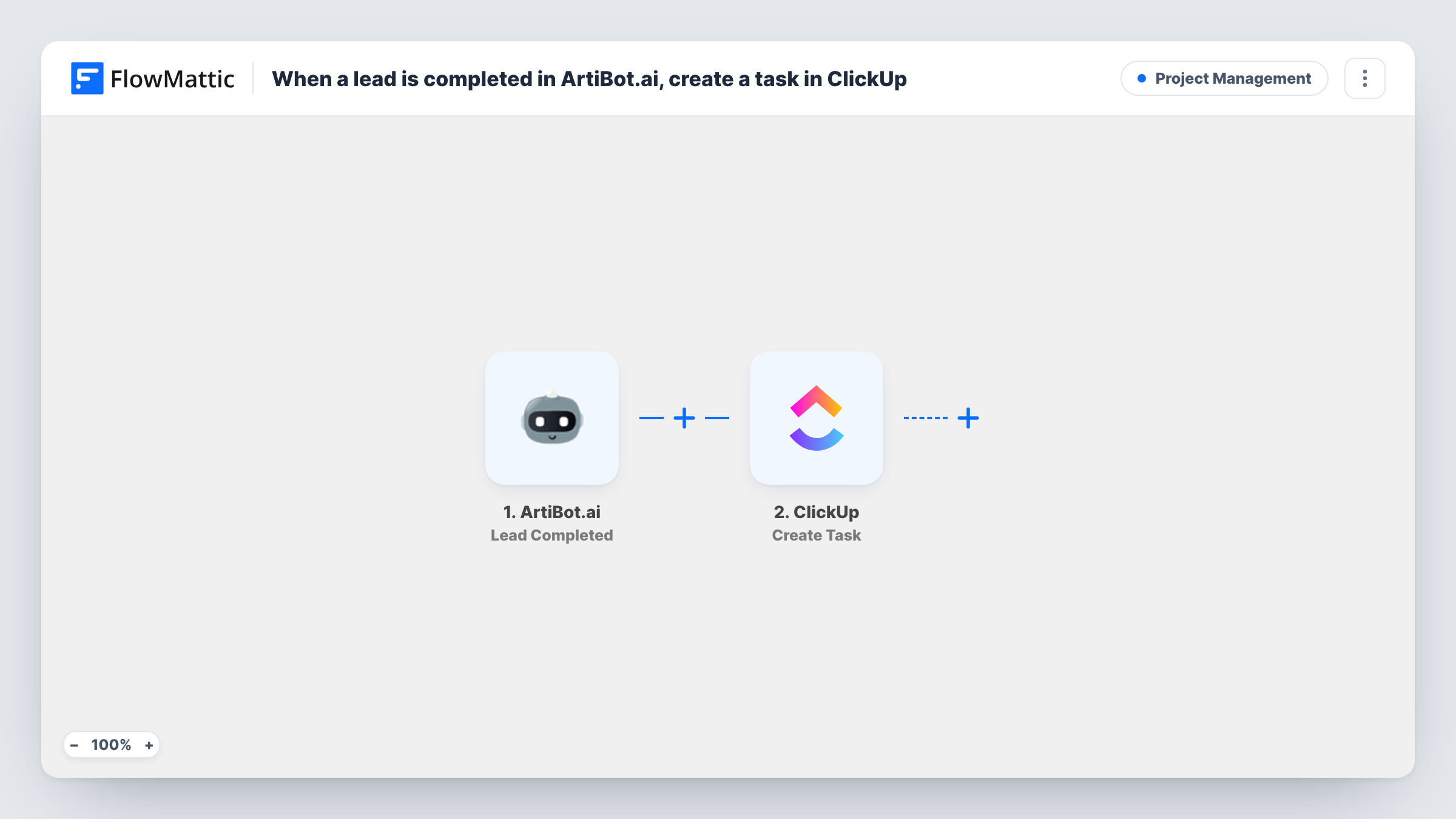
When a lead finishes your ArtiBot.ai chatbot conversation, this workflow creates a task in ClickUp with the lead’s details, so following up becomes a tracked piece of work for your team.
 ArtiBot.ai
 ClickUp
2 steps Setup ~5 min Used on 398 sites Productivity Free to import
What this workflow does
A chatbot that collects leads is only half the job. Someone still has to call, email or quote, and without a task to track it, follow-ups get missed. This workflow turns each finished ArtiBot.ai lead into a ClickUp task that can be assigned and tracked like any other work.
The ArtiBot.ai trigger is Lead Completed, which fires when a lead is finished. Leads that start the conversation but don't finish it don't start a run. FlowMattic passes the lead's answers to the ClickUp step, which runs Create Task. You map the answers into the new task so whoever picks it up knows who to contact and why.
One finished lead creates one task. The workflow doesn't check ClickUp for an earlier task about the same person. Task History records each run, so you can trace a task back to the lead data that created it.
Quote requests for a trades business
A plumber's ArtiBot.ai bot collects job details and contact info. Each finished conversation becomes a ClickUp task for the office to price and call back.
Agency discovery calls
Prospects who complete the qualifying chat get a ClickUp task in the sales list, where a team member books the discovery call.
Appointment follow-ups
When a visitor completes a booking conversation with the bot, a ClickUp task reminds staff to confirm the details with them.
How this workflow runs
What happens at each step once the workflow is on, and what you need before you import it.
 ArtiBot.ai Lead Completed
Fires when a lead is finished in ArtiBot.ai, meaning the visitor has completed the conversation. The collected answers are passed to the ClickUp step.
- ClickUp Create Task
Creates a new task in ClickUp from the lead. Map the ArtiBot.ai answers into the new task so the person who follows up has the lead's details in front of them.
What you need
- FlowMatticCore
- ArtiBot.ai AccountAccount
- ClickUp AccountAccount
After importing, map your own data. To keep the template universal, not every step is pre-filled. Open each step in the builder and connect your accounts and fields (channels, lists, sheets, recipients) before you switch the workflow on.
Make it yours
Changes worth making after you import it.
- Map a clear task name, such as the lead's name plus the service they asked about, so tasks are easy to scan in a busy ClickUp list.
- Add a Filter after the trigger if only some leads need a task, for example continue only when the lead's answer to a budget question is not empty.
- Finish one test conversation with your ArtiBot.ai bot after import so FlowMattic captures the lead data, then map it in the ClickUp step.
Questions about this workflow
Do half-finished ArtiBot.ai conversations create ClickUp tasks?
No. The trigger is Lead Completed, so only leads that are finished start a run. ArtiBot.ai's Lead Created trigger would catch them earlier, if you prefer.
Which ClickUp list do the ArtiBot.ai tasks go into?
You set where tasks land when you configure the Create Task step after import. Run a test lead and confirm the task appears where your team works.
What if the same person completes the ArtiBot.ai chat twice?
Each completed lead starts its own run, so ClickUp gets a second task. Merge or close the duplicate by hand.
More Project Management workflows
Other ready-to-import templates from the same category.




Import this workflow into your WordPress site
Download the JSON, import it from the Workflows screen and connect your accounts. Every run stays on your server, with no per-task fees.
30-day money-back guarantee Unlimited workflows and runs Self-hosted