

When a new booking is created in TuCalendi, create a subscriber user account in WordPress
When someone books with you in TuCalendi, this workflow creates a WordPress user for them from the booking details, so clients get an account on your site for members-only content or resources.
 TuCalendi
 WordPress
2 steps Setup ~5 min Used on 2.8k sites Free to import
What this workflow does
If your site has resources for clients, such as session notes, worksheets or a members area, each person who books needs a WordPress account. Creating those accounts by hand after every booking is tedious and easy to forget. This workflow creates the user when the booking is made.
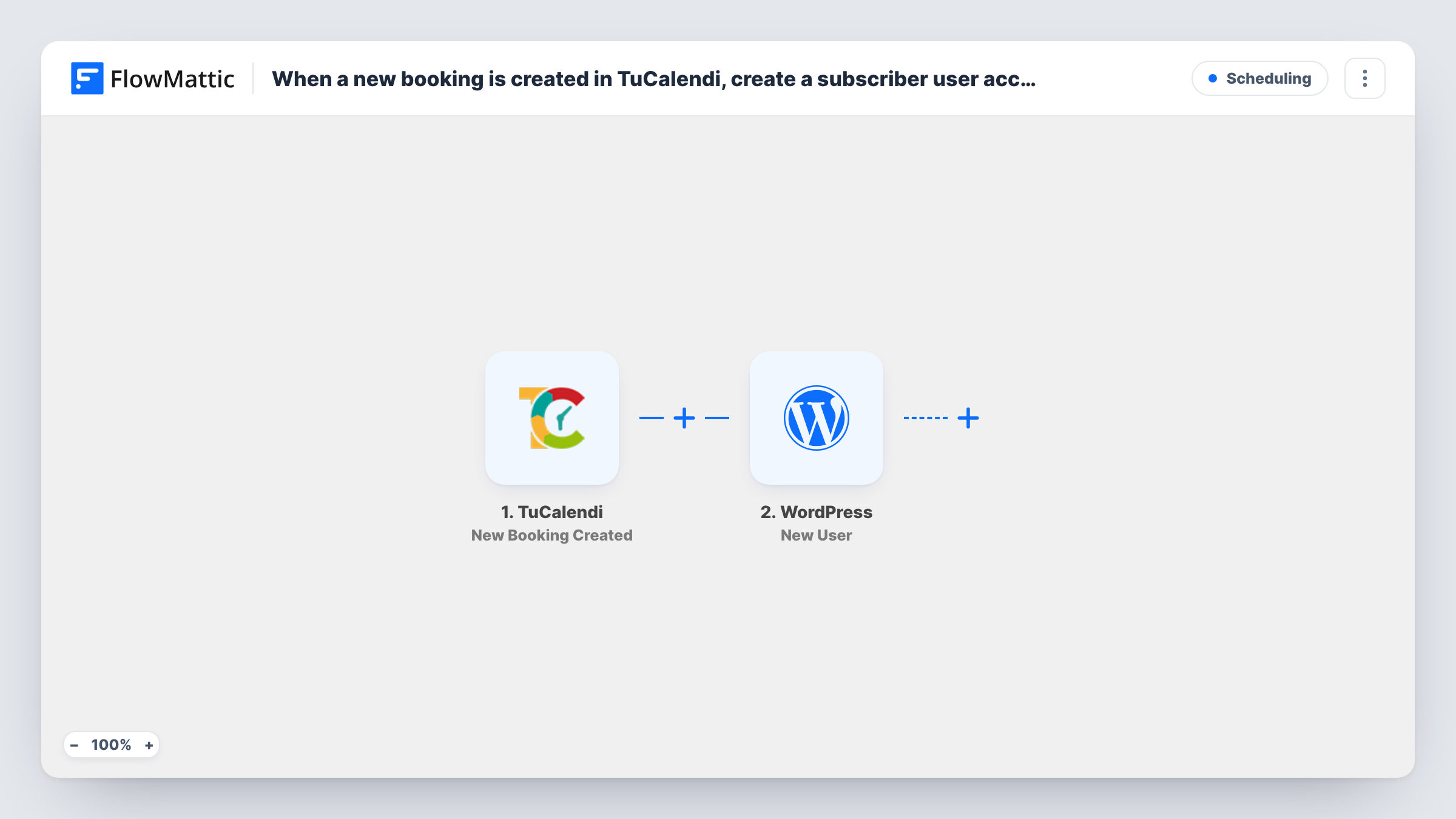
The TuCalendi trigger fires on New Booking Created and passes the booking data, such as the client's name and email, to FlowMattic. The New User action in WordPress then creates a user on the site where FlowMattic runs, using the values you map.
The title promises a subscriber account. Run a test booking after import and check that the new user gets the Subscriber role and the login details you expect. A client who books again keeps a single account: the step finds the user already registered with that email and returns their ID, which Task History shows.
Coaching clients with a resource library
A coach shares worksheets in a members area. Each person who books a session through TuCalendi gets a WordPress account to reach them.
Consultants sharing reports after calls
A consultant posts private reports on their site. The client's account exists from the moment they book the first call.
Workshop participants
People book a workshop slot in TuCalendi. Their WordPress account lets them sign in to download the materials.
How this workflow runs
What happens at each step once the workflow is on, and what you need before you import it.
 TuCalendi New Booking Created
Starts the moment a client books a slot through TuCalendi. The booking data, including the client's name and email, is handed to the WordPress step for mapping.
- WordPress New User
Creates a WordPress user on your site from the booking. Map the client's email and name, then confirm in a test run that the user gets the Subscriber role.
What you need
- FlowMatticCore
- TuCalendi AccountAccount
After importing, map your own data. To keep the template universal, not every step is pre-filled. Open each step in the builder and connect your accounts and fields (channels, lists, sheets, recipients) before you switch the workflow on.
Make it yours
Changes worth making after you import it.
- Make a test booking with an email that has no WordPress account yet, then check Users in your dashboard to see how the new account looks.
- Add an email step after the user is created to send the client a welcome note with the link to your members area.
- If only some booking types should create accounts, add a Filter between the TuCalendi trigger and the WordPress step on a TuCalendi value seen in your test data, such as the event name.
Questions about this workflow
What happens when a returning TuCalendi client books again?
They don't get a second account. WordPress won't create another user for an email it already has, so the step returns the returning client's existing user ID instead. If the step's role is set to Subscriber, that role is added to their account.
Does the client get a password or a login email from WordPress?
That depends on what you map in the New User step and on your site's settings. Run a test booking and check what the new user receives.
Does cancelling a TuCalendi booking delete the WordPress user?
No. Only New Booking Created starts this workflow. Cancellations do not run it, and the account stays until you remove it in WordPress.
More Scheduling workflows
Other ready-to-import templates from the same category.





Import this workflow into your WordPress site
Download the JSON, import it from the Workflows screen and connect your accounts. Every run stays on your server, with no per-task fees.
30-day money-back guarantee Unlimited workflows and runs Self-hosted