

When a learner enrolls in LearnDash, create a Google contact and send a WhatsApp template
When someone is enrolled in a LearnDash course, they are saved as a Google contact and sent an approved WhatsApp template message through the WhatsApp Cloud API, using the details you map.
 LearnDash
 Google Contacts
 WhatsApp Cloud API
3 steps Setup ~5 min Used on 3.1k sites Free to import
What this workflow does
Course creators who support students by phone or chat need two things for each new learner: their details in the address book they already use, and a first message that actually reaches them. This workflow handles both at enrolment, so you don't copy names out of LearnDash by hand.
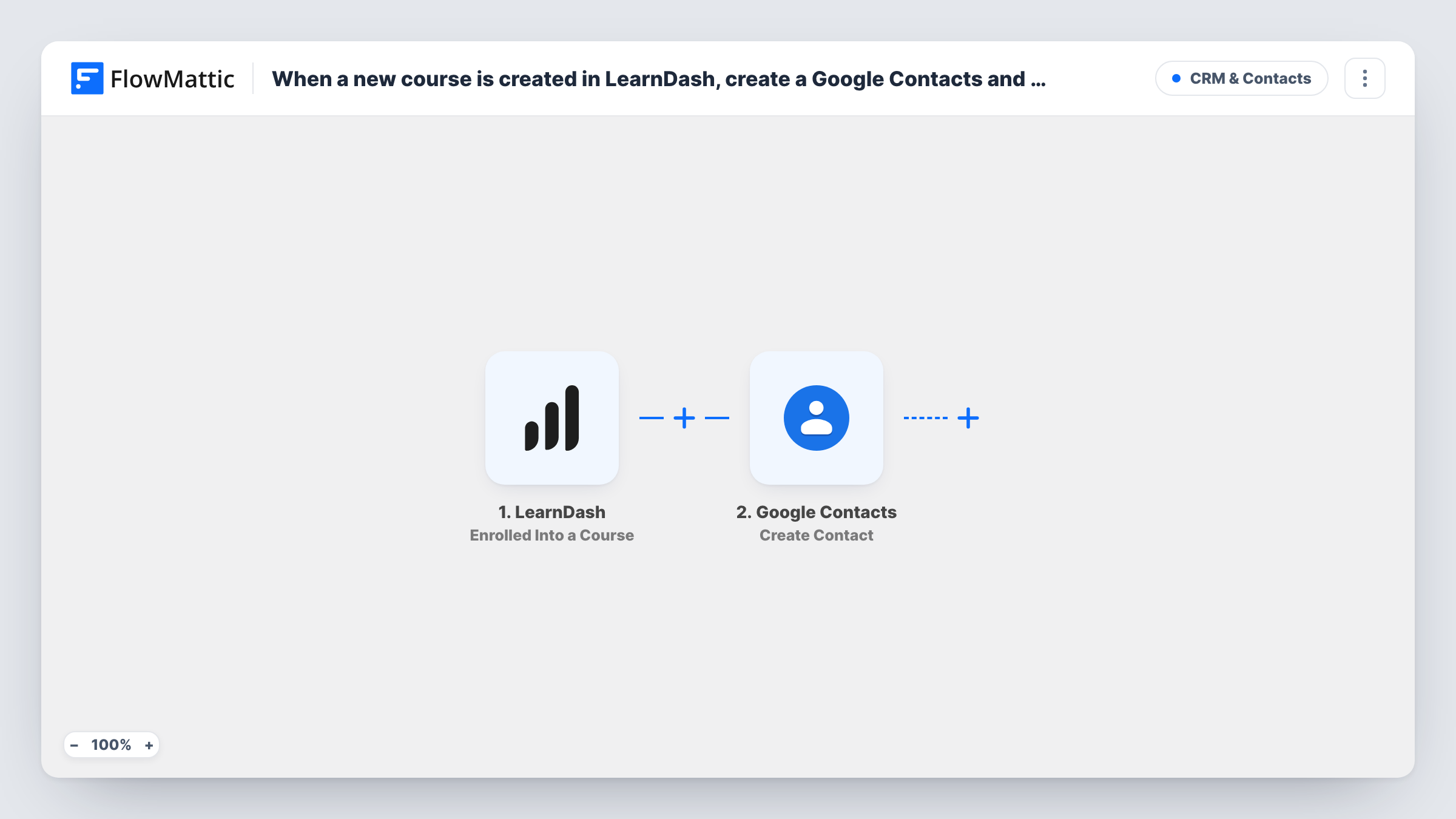
The LearnDash trigger starts a run each time a user gains enrolment in one of your courses. The learner's user and course details are passed on. The Google Contacts step then creates a contact in the Google account you connect, with whichever fields you map, such as name, email and the course title in a note.
The last step sends a template message through WhatsApp Cloud API. Template messages are approved by WhatsApp in advance, so they can reach learners who have never messaged your business number. You pick your approved template after import and map the learner's phone into it. None of the three steps has its fields mapped yet.
WordPress accounts don't hold a phone number by default, so the learner's number has to come from somewhere your site stores it, such as a checkout or profile field. Enrol a test user and check Task History to see which details the trigger provides.
Welcome message for paid course buyers
An online fitness coach sends every newly enrolled student an approved WhatsApp welcome with the course name, and keeps their contact on the phone used for support.
Onboarding for corporate trainees
A training company enrols a client's staff into a LearnDash course, and each learner is saved to Google Contacts and gets a WhatsApp note on how to log in.
Tutor address book that stays current
A language school's tutors see every new student in their shared Google Contacts, with the course in the notes, without exporting lists from WordPress.
How this workflow runs
What happens at each step once the workflow is on, and what you need before you import it.
 LearnDash Enrolled Into a Course
Starts the workflow as soon as LearnDash enrols a user into any of your courses. The learner's user details and the course are available to map into the next two steps.
- Google Contacts Create Contact
Creates a new contact in Google Contacts. Nothing is mapped in the template, so connect your Google account and map the learner's name, email and any phone or course details you want saved.
- WhatsApp Cloud API Send Template Message
Sends an approved WhatsApp template message to the learner. Choose your template after import and map the learner's phone number and any template variables, such as their first name or course.
What you need
- FlowMatticCore
- LearnDash PluginPlugin
- Google Contacts AccountAccount
- WhatsApp Cloud API AccountAccount
After importing, map your own data. To keep the template universal, not every step is pre-filled. Open each step in the builder and connect your accounts and fields (channels, lists, sheets, recipients) before you switch the workflow on.
Make it yours
Changes worth making after you import it.
- Collect a phone number with country code at checkout or registration and save it to the user, so the WhatsApp step has a number to map.
- Put a Filter between the Google Contacts step and the WhatsApp step that continues only when the phone value is not empty, so every learner is still saved as a contact.
- Get your welcome template approved in WhatsApp Manager before you turn the workflow on, since only approved templates can be selected and sent.
- Add the course title to the contact's notes, which lets you search Google Contacts by course later.
Questions about this workflow
Does this run for every LearnDash course on my site?
Yes, as imported every enrolment into any course starts a run. To limit it, put a Filter on the course title or ID between the LearnDash trigger and the Google Contacts step.
Where does the learner's phone number come from?
From wherever your site stores it. WordPress users have no phone field by default, so check a test run to see whether the trigger includes one from your checkout or profile fields.
What if the learner is already in Google Contacts?
The step creates a new contact each run, so an existing person may end up listed twice. Google Contacts lets you merge duplicates, or you can add a Search Contacts step first.
Why a WhatsApp template message rather than plain text?
New learners usually haven't messaged your business number, and WhatsApp only delivers free-form text within 24 hours of the person writing to you. Approved templates don't have that limit.
More CRM & Contacts workflows
Other ready-to-import templates from the same category.





Import this workflow into your WordPress site
Download the JSON, import it from the Workflows screen and connect your accounts. Every run stays on your server, with no per-task fees.
30-day money-back guarantee Unlimited workflows and runs Self-hosted