

When a new email is parsed (per row) in Mailparser, create a contact in FluentCRM
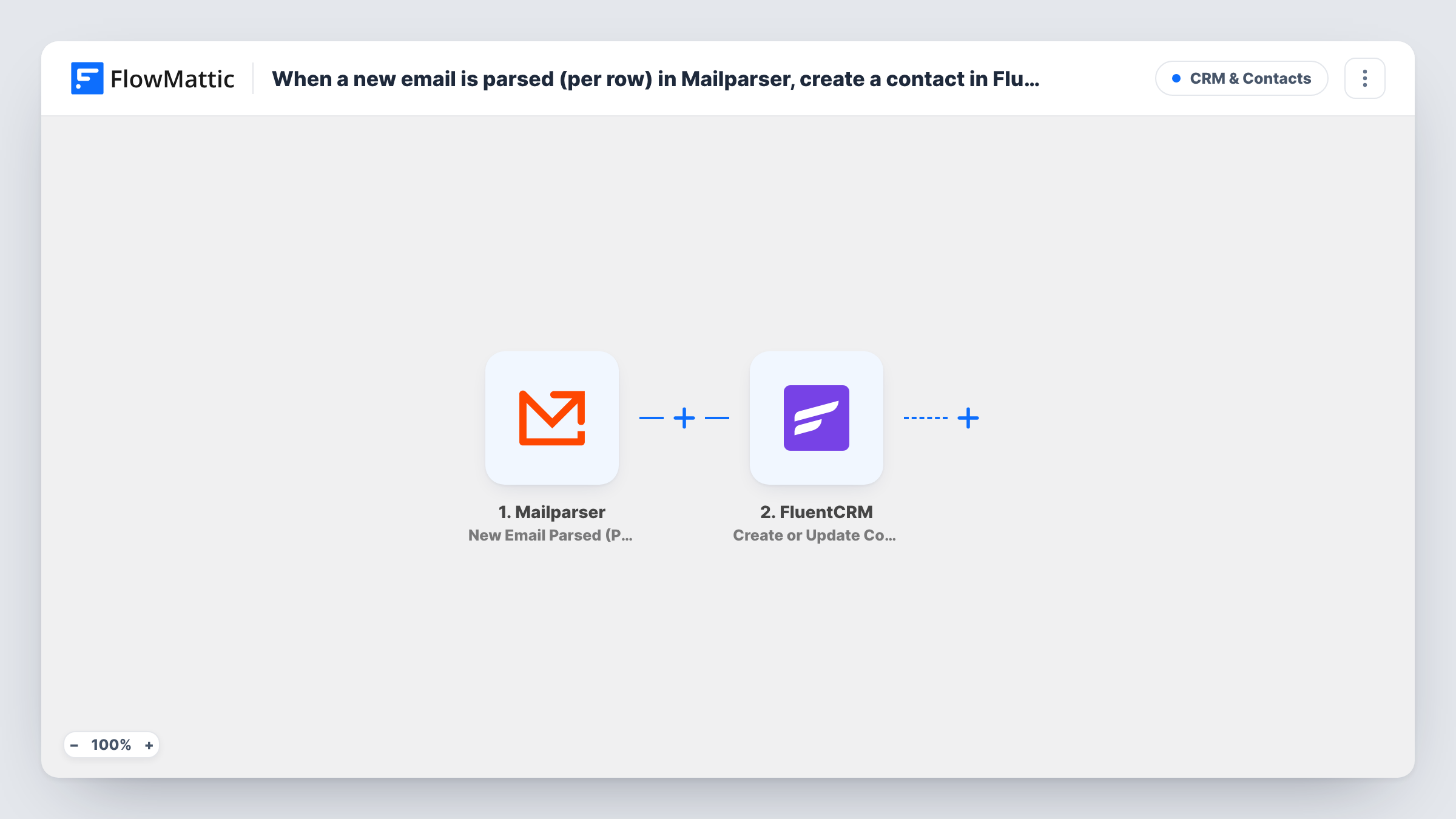
When Mailparser parses an email, this workflow sends each row of the extracted data to FluentCRM, which creates a contact or updates the one with the same email address.
 Mailparser
 FluentCRM
2 steps Setup ~5 min Used on 1.6k sites Free to import
What this workflow does
Lead details often arrive by email: notifications from a directory listing, booking confirmations, or lists of contacts sent by a partner. Mailparser can pull those details out of the message, but they still need to reach your CRM. This workflow puts them into FluentCRM on your WordPress site.
The Mailparser trigger fires when a new email is parsed in your inbox. If the parsed result holds a table, Mailparser sends a separate request for each row, and each one starts its own run. FlowMattic passes the row's values to FluentCRM, which creates a contact or updates the existing one based on email address.
That means an email listing five people can produce five contacts, as long as each row includes an email address. Rows without one have nothing for FluentCRM to match on. Task History lists every run, so you can see which rows went through.
Partner lead lists by email
A referral partner emails a table of new leads each week. Mailparser reads the table and every row becomes or updates a FluentCRM contact.
Event attendee exports
An external booking tool emails an attendee list after each event. Each attendee row is added to FluentCRM so you can send follow-up emails.
Directory enquiry notifications
A business directory forwards enquiries by email. Mailparser extracts the sender's details and FluentCRM keeps one contact per address, updated with each new enquiry.
How this workflow runs
What happens at each step once the workflow is on, and what you need before you import it.
 Mailparser New Email Parsed (Per Row)
Fires when Mailparser parses a new email in your inbox. When the result contains tabular data, it sends one request per row, and each row runs the workflow on its own.
- FluentCRM Create or Update Contact
Creates a contact in FluentCRM from the parsed row, or updates the existing contact with the same email address. Map the row's email value and any other details you extract.
What you need
- FlowMatticCore
- Mailparser AccountAccount
- FluentCRM PluginPlugin
After importing, map your own data. To keep the template universal, not every step is pre-filled. Open each step in the builder and connect your accounts and fields (channels, lists, sheets, recipients) before you switch the workflow on.
Make it yours
Changes worth making after you import it.
- Set up your Mailparser parsing rules first, then forward a sample email so FlowMattic receives a real row to map into FluentCRM.
- If the emails you parse never contain tables, consider Mailparser's New Email Parsed (Per Email) trigger instead, which sends one request per email.
- Add a Filter after the trigger that continues only when the parsed email value is not empty, so rows with no address stop before FluentCRM.
Questions about this workflow
What happens if a parsed person is already in FluentCRM?
FluentCRM matches on email address and updates that contact instead of creating a second one. Blank values in a parsed row may overwrite details already on the contact, so check your mapping on a test email.
How many FluentCRM contacts does one Mailparser email create?
One per row of tabular data in the parsed result. An email whose result has no table produces a single run.
Does this workflow read my inbox directly?
No. Mailparser receives and parses the emails. FlowMattic only gets the parsed data Mailparser sends after each email is processed.
More CRM & Contacts workflows
Other ready-to-import templates from the same category.





Import this workflow into your WordPress site
Download the JSON, import it from the Workflows screen and connect your accounts. Every run stays on your server, with no per-task fees.
30-day money-back guarantee Unlimited workflows and runs Self-hosted