

When a new event is created in Google Calendar, render image from studio template in Orshot
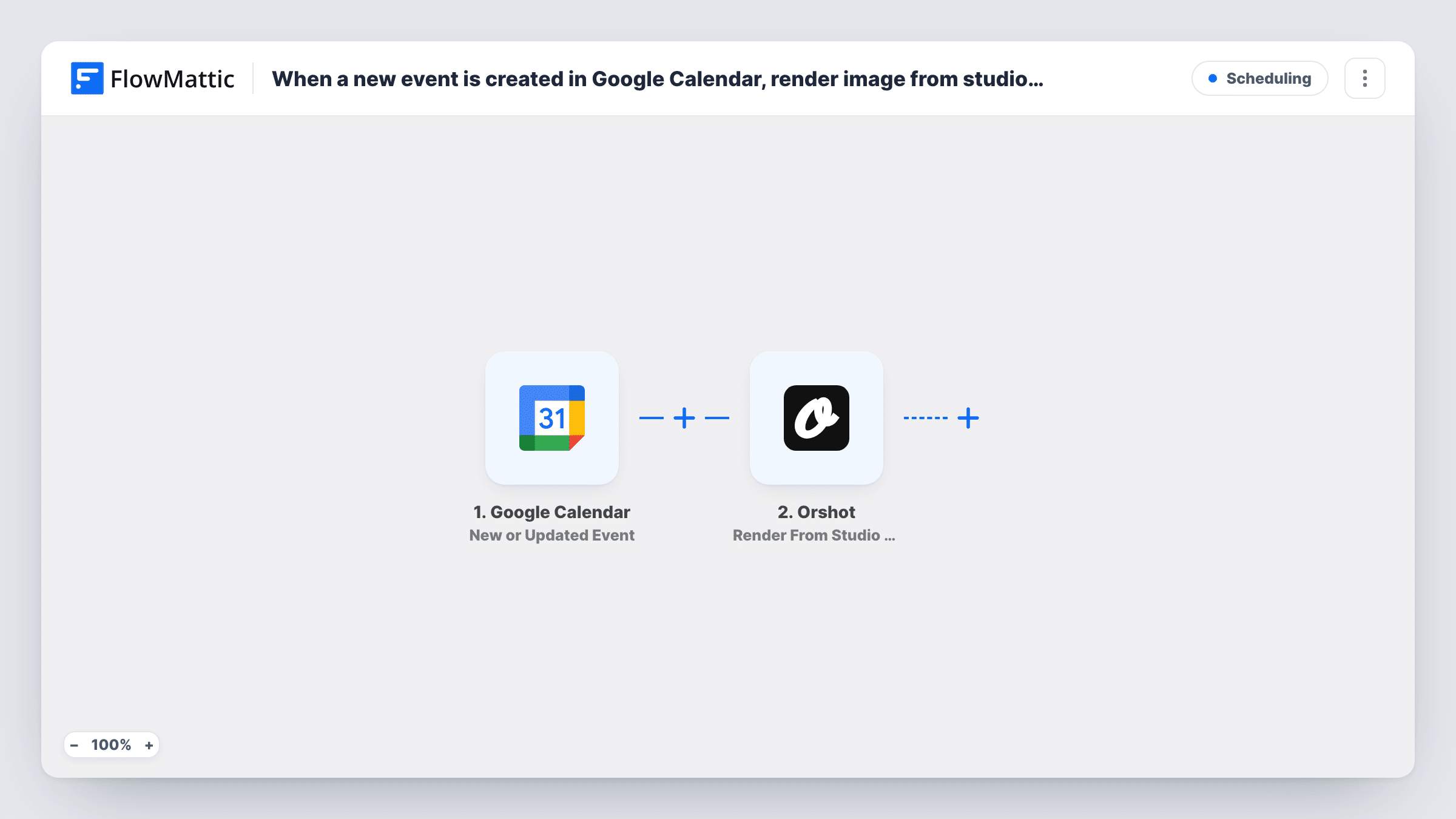
When an event is added to Google Calendar, or an existing one is changed, this workflow renders an image from your Orshot studio template using the event details you map, such as the title and date.
 Google Calendar
 Orshot
2 steps Setup ~5 min Used on 3.0k sites Free to import
What this workflow does
Webinars, classes and meetups often need a graphic with the event's name and date for social posts or a newsletter. Making each one by hand in a design tool is slow when the schedule changes every week. This workflow builds the image from an Orshot template whenever your calendar gets an event.
The Google Calendar trigger uses the New or Updated Event event. It fires for new events and also when an existing event is edited, so a changed time renders a fresh image. The event data then goes to Orshot, where Render From Studio Template fills your template with the values you map.
The template stops after rendering. The result comes back as data in the Orshot step, and no later step posts or saves the image. Run a test to see what Orshot returns, then add a step to send it where you need it. Task History shows each event that started a render.
Weekly class graphics for a yoga studio
Each class on the studio calendar gets an image with the class name and time, ready to share on social media once you add a posting step.
Webinar announcement images
A marketing team schedules webinars in Google Calendar. Orshot renders a branded banner for each one from the same studio template.
Updated graphics after a reschedule
When a meetup moves to a new date, editing the calendar event renders a new image with the corrected date.
How this workflow runs
What happens at each step once the workflow is on, and what you need before you import it.
 Google Calendar New or Updated Event
Starts when an event is created or updated in the Google Calendar you connect. The event data, such as its title and start time, is passed on for mapping.
- Orshot Render From Studio Template
Renders an image in Orshot from your studio template. Connect your Orshot account, pick the template, and map Google Calendar event values into it, then test to see the result.
What you need
- FlowMatticCore
- Google Calendar AccountAccount
- Orshot AccountAccount
After importing, map your own data. To keep the template universal, not every step is pre-filled. Open each step in the builder and connect your accounts and fields (channels, lists, sheets, recipients) before you switch the workflow on.
Make it yours
Changes worth making after you import it.
- Add a step after Orshot that sends the rendered image on, such as a Slack message or a Google Drive upload, so the graphic reaches the people who use it.
- Add a Filter after the trigger that continues only when the event title contains a word like Webinar, so private meetings do not produce graphics.
- Map the event location into the Orshot template as well, if your design has room for it, so in-person sessions show where they take place.
Questions about this workflow
Does changing a Google Calendar event render a new Orshot image?
Yes. The trigger is New or Updated Event, so edits start a run as well as new events, and each run renders a new image.
After a calendar event is rendered, is the Orshot graphic posted anywhere?
Not as imported. The template ends at the Orshot step and the render result sits in that step's output. Add a step after it that posts, emails or stores the image.
Do I need a template ready in Orshot Studio before importing?
Yes. The step renders from a studio template, so create one in Orshot first with the text areas you want to fill from the calendar.
Do I need an Orshot account to use this Google Calendar workflow?
Yes. The render step runs through your Orshot account and your own studio template. You connect Orshot and Google Calendar when you import the workflow.
More Scheduling workflows
Other ready-to-import templates from the same category.





Import this workflow into your WordPress site
Download the JSON, import it from the Workflows screen and connect your accounts. Every run stays on your server, with no per-task fees.
30-day money-back guarantee Unlimited workflows and runs Self-hosted