

When a new form submission is received in Gravity Forms, Add New Row Value to Repeater Field in Post
Each Gravity Forms submission adds a new row to an existing Advanced Custom Fields Repeater or Flexible Content field on a post, so form entries build up as structured content on that post.
 Gravity Forms
 Advanced Custom Fields
2 steps Setup ~5 min Used on 2.3k sites Free to import
What this workflow does
Some pages are made of repeated pieces: testimonials, an attendee list, a changelog, a set of reviews. With Advanced Custom Fields these usually live in a Repeater field that you fill by hand in the editor. This workflow lets a Gravity Forms form add those pieces for you.
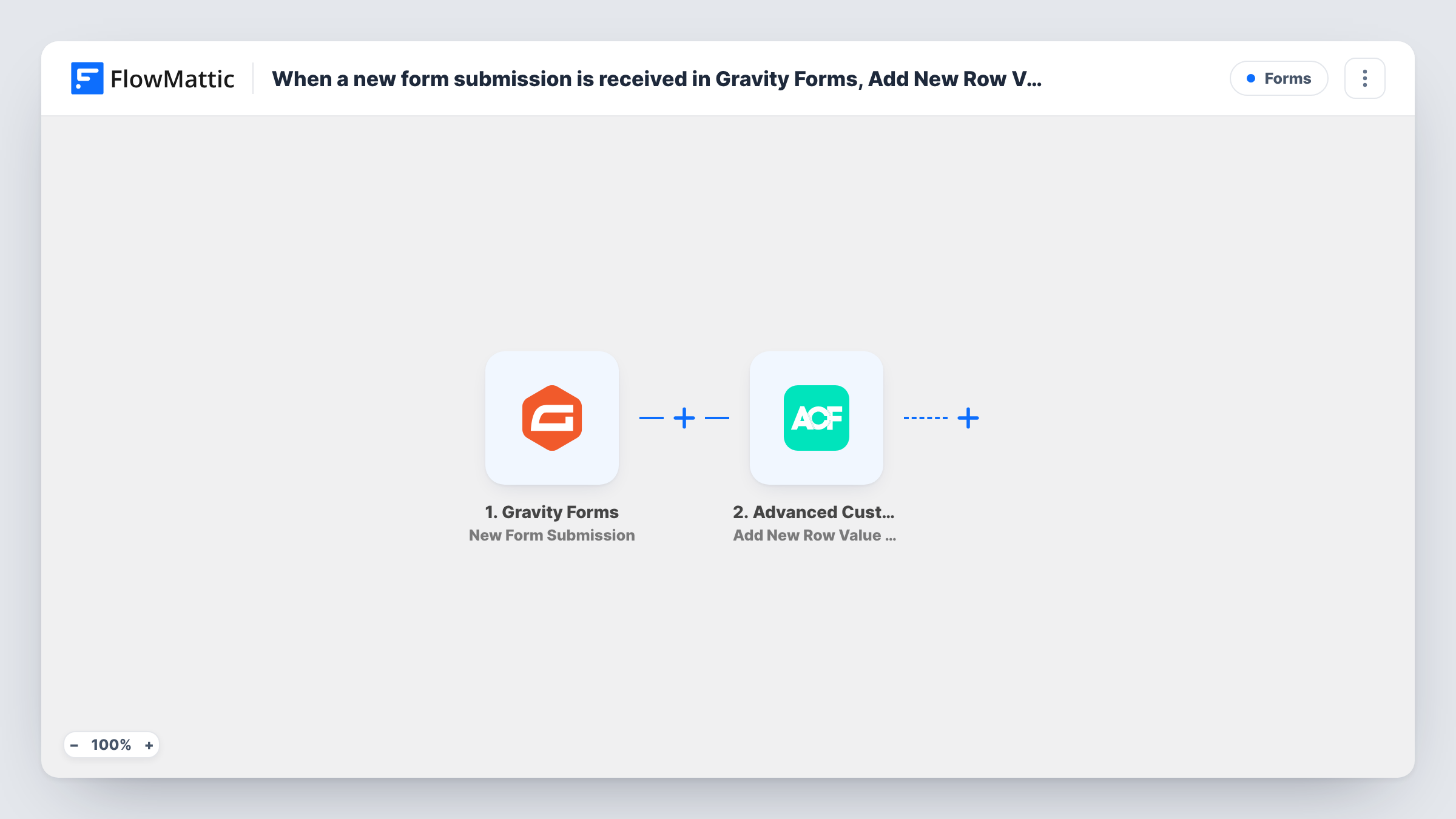
The Gravity Forms trigger, New Form Submission, fires when a form is submitted on your site and passes on every field. The Advanced Custom Fields step, Add New Row Value to Repeater Field in Post, then adds a row of data to an existing Repeater or Flexible Content field on a post. You map form answers into the row's sub fields.
The step needs to know which post and which field to add to, and the field must already exist on that post. Give it one post's ID if every entry belongs on a single page, or map an ID from the form, such as a hidden field, and confirm with a test run. Every submission adds a row, so nothing is reviewed first unless you add a Filter. Each submission's run, and what ACF received, is listed in Task History.
Customer testimonials on a single page
A testimonial form adds each customer's name and quote as a new Repeater row on your testimonials page.
Speaker or attendee lists for an event post
Registrations through Gravity Forms append rows to an attendee Repeater on the event's post, which your theme can show as a list.
Product feedback collected on a post
A feedback form on a product page writes each reply into a Repeater on that product's post, using a hidden field that holds the post ID.
How this workflow runs
What happens at each step once the workflow is on, and what you need before you import it.
 Gravity Forms New Form Submission
Runs when a Gravity Forms form is submitted on your site. Every form field, including hidden ones, is available to map into the ACF row.
- Advanced Custom Fields Add New Row Value to Repeater Field in Post
Adds a new row of data to an existing Repeater or Flexible Content field on a post. Point the step at the post and field to use, then map Gravity Forms answers into the row's sub fields.
What you need
- FlowMatticCore
- Gravity Forms PluginPlugin
- Advanced Custom Fields PluginPlugin
After importing, map your own data. To keep the template universal, not every step is pre-filled. Open each step in the builder and connect your accounts and fields (channels, lists, sheets, recipients) before you switch the workflow on.
Make it yours
Changes worth making after you import it.
- Add a consent checkbox to the form and a Filter after the trigger that continues only when it is ticked, so only entries that agreed to be shown reach the post.
- When the form sits on many posts, add a hidden field in Gravity Forms that captures the current post's ID and map it in the ACF step, so each entry lands on the right post.
- Submit one test entry after import and open the post in the editor to check that the new Repeater row has the values in the right sub fields.
Questions about this workflow
Does the ACF Repeater field need to exist already?
Yes. The action adds a row to an existing Repeater or Flexible Content field on a post. Create the field group in Advanced Custom Fields and assign it to the post before you test.
Which post receives the Gravity Forms entry?
The post you give the ACF step: one fixed post ID for a single page, or an ID mapped from the form when the form appears on several posts.
Will the new Repeater row show on the page right away?
The row is saved to the post's field when the run finishes. Whether visitors see it depends on your theme or page builder displaying that Repeater field.
Do Gravity Forms and ACF need to be on the same site as FlowMattic?
Yes. Both are WordPress plugins, and this workflow reads the submission and writes the field on the WordPress site where FlowMattic runs.
More Forms workflows
Other ready-to-import templates from the same category.






Import this workflow into your WordPress site
Download the JSON, import it from the Workflows screen and connect your accounts. Every run stays on your server, with no per-task fees.
30-day money-back guarantee Unlimited workflows and runs Self-hosted