

When a new form submission received in Jotform, check if a field contains a string, and create a new post in WordPress
Each Jotform submission is checked by a Filter for a string in a field you choose, and entries that match become new WordPress posts. You add the Filter’s condition after import.
 Jotform
 Filter
 WordPress
3 steps Setup ~5 min Used on 3.0k sites Free to import
What this workflow does
Jotform is a handy way to collect content from other people: testimonials, event listings, community news, job ads. Turning the good ones into WordPress posts usually means copying text between browser tabs. This workflow creates the post for you, but only for entries that contain the text you look for.
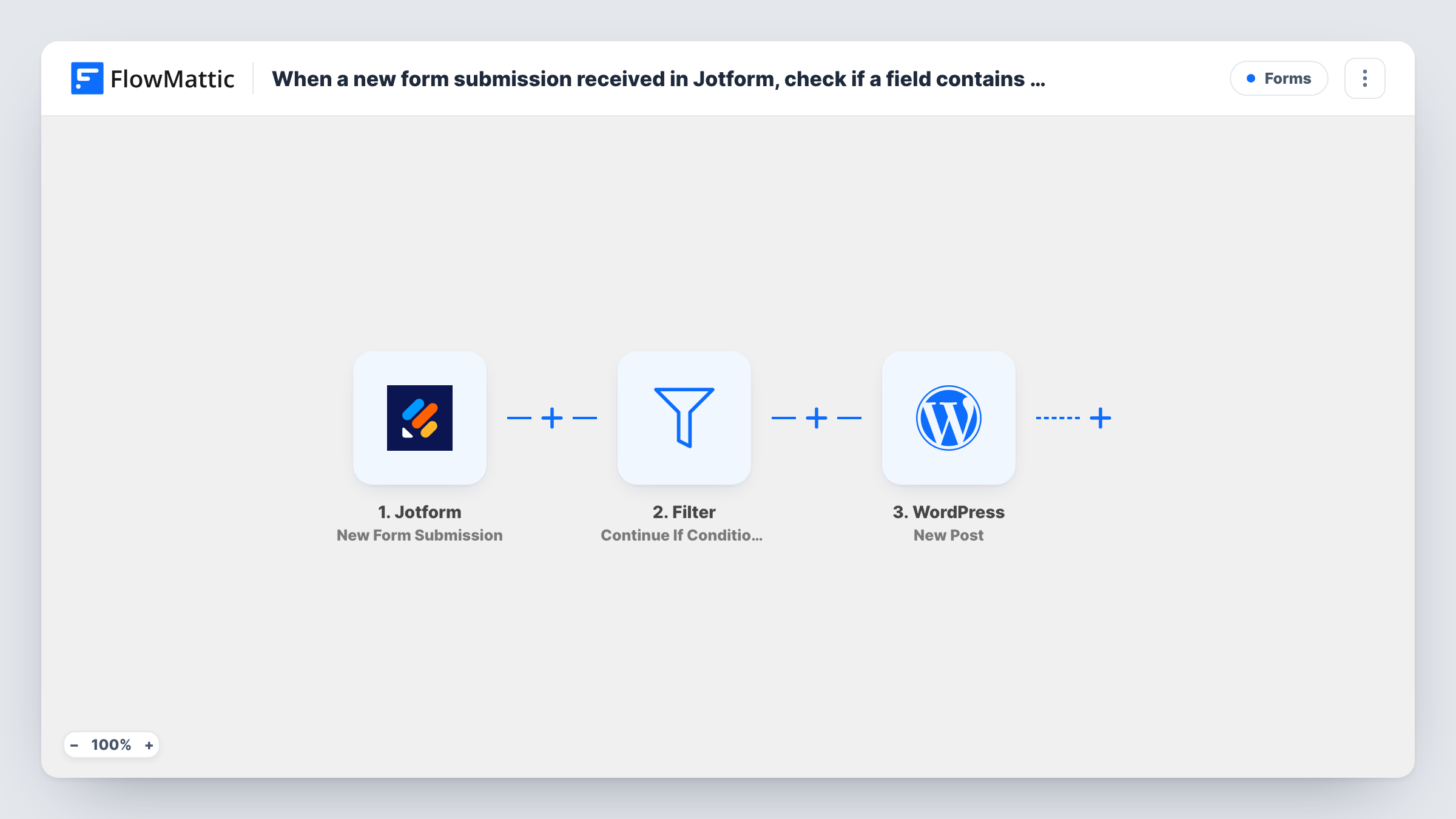
The Jotform trigger fires on each new submission to your form. The answers then reach a Filter step. When its condition matches, the run continues to WordPress, where the New Post action creates a post on your site from the answers you map. When it doesn't match, the run ends and no post is made.
The template's Filter has no condition yet. As imported, it stops every run, so no posts are created until you add one, such as a category field containing Event. Set it before you switch the workflow on.
Community event listings
Visitors submit events through Jotform. Only entries whose type field contains Event become WordPress posts, while general questions stay in Jotform.
Customer stories that gave permission
A testimonial form asks whether you may publish the story. The Filter checks that the answer contains Yes before a post is created.
Job board for a local network
Members post openings through a Jotform form. Entries marked as a job listing turn into posts on the network's WordPress site.
How this workflow runs
What happens at each step once the workflow is on, and what you need before you import it.
 Jotform New Form Submission
Runs each time someone submits your Jotform form. The submitted answers are passed to the Filter and are available to map into the WordPress post.
- Filter Continue If Condition Meet
Lets the run continue only when your condition matches, for example a field containing a set string. It ships empty, so as imported it stops every run until you add the condition.
- WordPress New Post
Creates a new post on your WordPress site from the Jotform answers that passed the Filter. Map the answers into the post, then open a test post in WordPress to check the result.
What you need
- FlowMatticCore
- Jotform AccountAccount
After importing, map your own data. To keep the template universal, not every step is pre-filled. Open each step in the builder and connect your accounts and fields (channels, lists, sheets, recipients) before you switch the workflow on.
Make it yours
Changes worth making after you import it.
- Run a test submission that should pass and open the new post in WordPress before real entries arrive, so you see exactly how it was created.
- Submissions come from the public and can include spam or unwanted links, so look over each new post in WordPress before you promote it.
- Add a second condition to the Filter, such as the email field not being empty, if you only want posts from people who left a way to contact them.
Questions about this workflow
Why doesn't my Jotform submission create a WordPress post?
As imported, the Filter has no condition and stops every run. Add the field and the string it should contain, then submit a test entry.
What happens to Jotform entries that don't contain the string?
Their run ends at the Filter, so no WordPress post is made. The submission still stays in your Jotform account.
Does every matching Jotform entry make its own WordPress post?
Yes. Each submission that passes the Filter creates one new post. Two matching entries mean two posts.
More Forms workflows
Other ready-to-import templates from the same category.






Import this workflow into your WordPress site
Download the JSON, import it from the Workflows screen and connect your accounts. Every run stays on your server, with no per-task fees.
30-day money-back guarantee Unlimited workflows and runs Self-hosted