

When a new lead is generated in Marquiz, create an item and post an update in Monday.com
Each new Marquiz lead becomes an item on a Monday.com board, and FlowMattic posts an update on that item, such as the person’s quiz answers, so your team has the context in one place.
 Marquiz
 Monday.com
3 steps Setup ~5 min Used on 3.3k sites Productivity Free to import
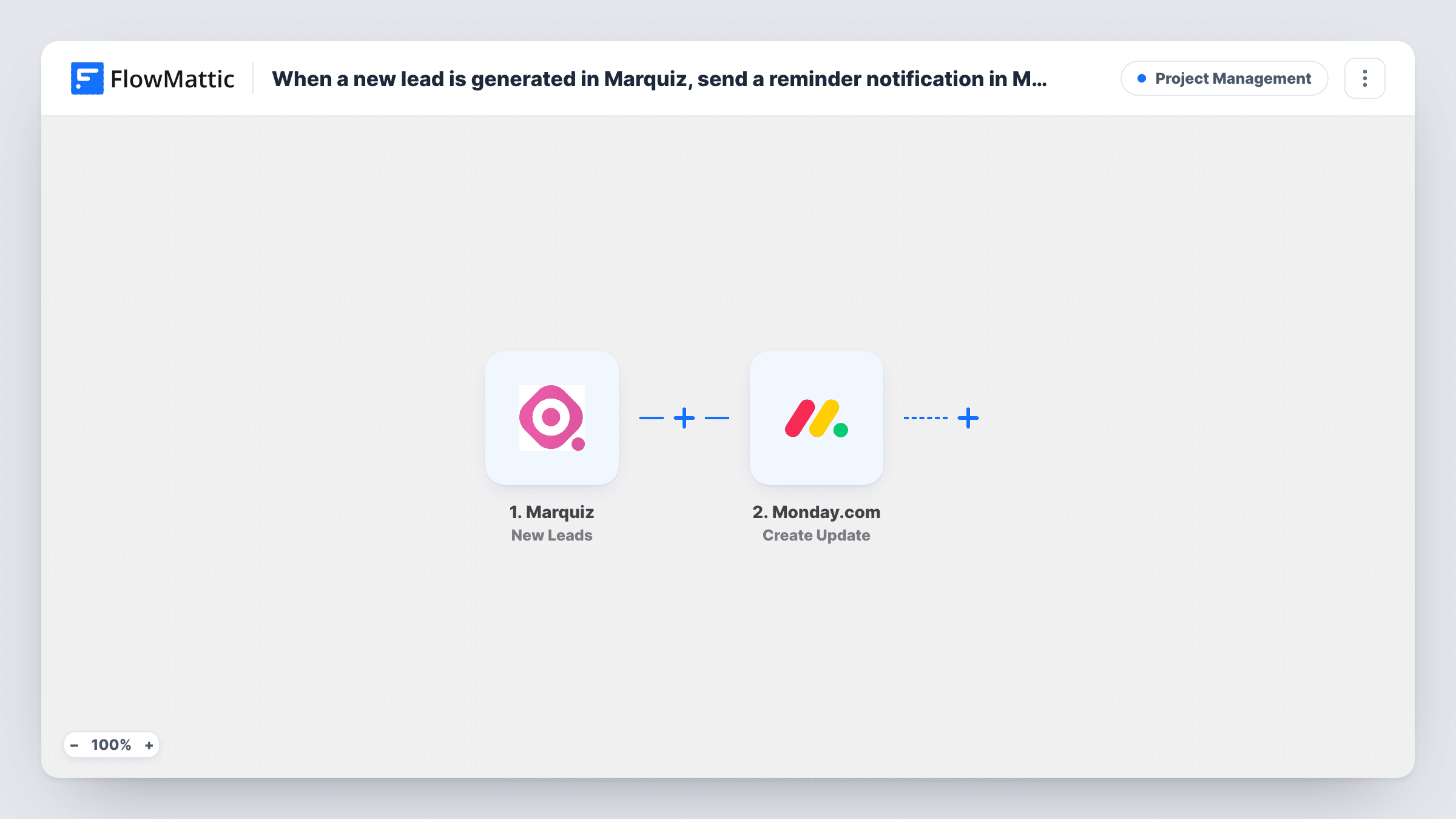
What this workflow does
Quiz funnels built in Marquiz collect more than a name and email: they capture what the person answered, which often tells you what they want to buy. Copying that into your project board by hand loses detail. This workflow creates a Monday.com item for each lead and adds an update so the answers sit right on the item.
The Marquiz New Leads trigger fires when a quiz is submitted or a lead is generated, and passes the lead's contact details and answers to FlowMattic. The first Monday.com step, Create Item, adds an item to the board you choose. The second, Create Update, posts an update, which shows in the item's updates section where teammates can reply.
Both Monday.com steps ship unmapped. After import, pick the board and map the lead's name into the item. In Create Update, map the new item's ID from the Create Item step so the update lands on it, then write the update text with the quiz answers you want to keep. Submit a test quiz and check Task History for the values Marquiz sent.
Every new lead creates a new item, including repeat submissions from the same person.
Product-finder quiz for a furniture store
A store's style quiz creates a Monday.com item per lead, and the update lists the room, budget and style the person picked so a designer can call with suggestions.
Cost calculator for a renovation firm
A renovation company's Marquiz estimate quiz puts each request on the sales board, with the answers in an update the estimator reads before the site visit.
Course-match quiz for a school
A language school logs every quiz lead in Monday.com and keeps the level and goals in the item's update for the admissions team.
How this workflow runs
What happens at each step once the workflow is on, and what you need before you import it.
 Marquiz New Leads
Fires when a new quiz is submitted or a lead is generated in Marquiz. The lead's contact details and quiz answers are passed to the Monday.com steps.
- Monday.com Create Item
Creates an item for the lead on your chosen Monday.com board. The step ships unmapped: connect Monday.com, pick the board and map the lead's name and any details you want as columns.
- Monday.com Create Update
Posts an update on a Monday.com item. Map the item ID returned by the Create Item step so the update attaches to the new lead, then write the text, for example the quiz answers.
What you need
- FlowMatticCore
- Marquiz AccountAccount
- Monday.com AccountAccount
After importing, map your own data. To keep the template universal, not every step is pre-filled. Open each step in the builder and connect your accounts and fields (channels, lists, sheets, recipients) before you switch the workflow on.
Make it yours
Changes worth making after you import it.
- Put the lead's contact details in board columns and the full quiz answers in the update, so the board stays tidy while the detail is one click away.
- To alert someone about each lead, set up a notification automation on the Monday.com board itself, triggered when an item is created.
- If you run several quizzes, add a Filter between the Marquiz trigger and the Create Item step that continues only for the quiz this board is for. The value it checks is an example to set.
Questions about this workflow
How does the Monday.com update find the new item?
You map it. In the Create Update step, choose the item ID from the Create Item step's output, so the update is posted on the item this run just made.
Which Marquiz quiz answers can I add to the update?
Whatever Marquiz sends with the lead. Submit a test quiz, then look at the trigger's data in FlowMattic and map the answers you need into the update text.
Will the same Marquiz lead create two Monday.com items?
If the person submits the quiz twice, yes. The workflow always creates a new item and doesn't search the board for an existing one.
More Project Management workflows
Other ready-to-import templates from the same category.






Import this workflow into your WordPress site
Download the JSON, import it from the Workflows screen and connect your accounts. Every run stays on your server, with no per-task fees.
30-day money-back guarantee Unlimited workflows and runs Self-hosted