

When a new response is created in Heyflow, create a new contact in FluentCRM
Each new Heyflow response is sent to FluentCRM, which creates a contact from it or updates the existing contact with that email, so leads from your funnels land in your WordPress CRM.
 Heyflow
 FluentCRM
2 steps Setup ~5 min Used on 775 sites Free to import
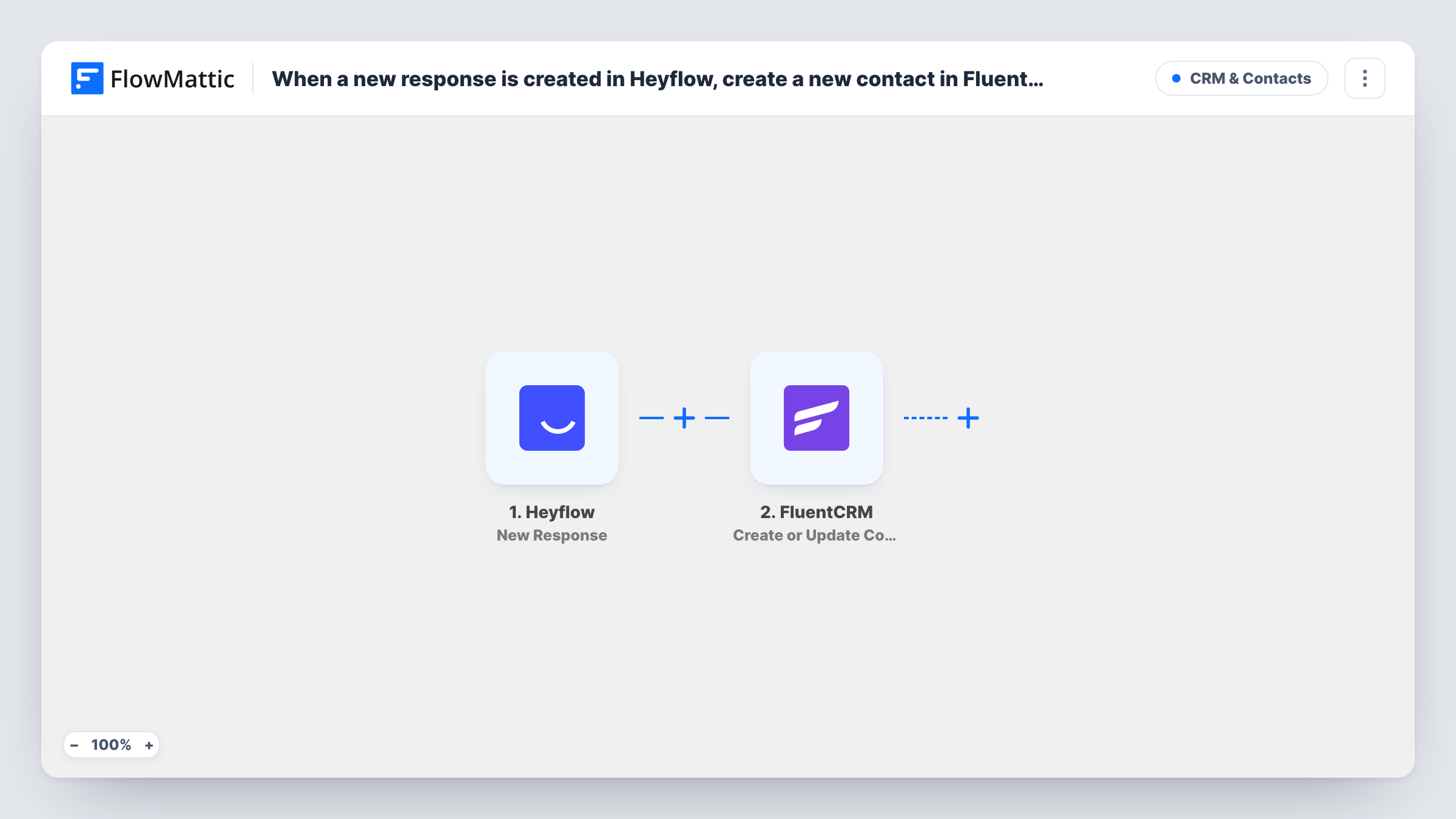
What this workflow does
Heyflow is good at collecting answers through interactive funnels, but the leads it gathers still need to reach the place where you email them. If that place is FluentCRM, copying responses across by hand is slow and easy to forget. This workflow moves each response into FluentCRM as it arrives.
The Heyflow trigger fires when a new response is created in your flow. The answers in that response are passed to FlowMattic, where you can map them. The FluentCRM step then uses Create or Update Contact, which matches on email address: a new address becomes a new contact, and an address already in FluentCRM gets its contact updated.
Because the match is by email, your Heyflow flow needs to ask for one. The contact is saved in the FluentCRM plugin on your own site, not in an outside service. Task History keeps a record of each run, which helps when a response doesn't show up as a contact.
Quiz funnel for a coaching business
Visitors answer a few questions in a Heyflow quiz and leave their email. Each one becomes a FluentCRM contact you can follow up with by email.
Quote request flow for a service company
A Heyflow flow collects the job type, address and email. The workflow puts each requester into FluentCRM so your team can reply from one list.
Returning visitors who answer again
Someone who already exists in FluentCRM completes a second flow. Their contact is updated with the new answers instead of being added twice.
How this workflow runs
What happens at each step once the workflow is on, and what you need before you import it.
 Heyflow New Response
Fires when a new response is created in your Heyflow flow. The answers in the response become data you can map in the FluentCRM step. Submit a test response first so the fields appear.
- FluentCRM Create or Update Contact
Adds the Heyflow respondent to FluentCRM as a contact, or refreshes the contact whose email matches. Map the Heyflow email answer to the contact email, and add names or other answers where you want them.
What you need
- FlowMatticCore
- Heyflow AccountAccount
- FluentCRM PluginPlugin
After importing, map your own data. To keep the template universal, not every step is pre-filled. Open each step in the builder and connect your accounts and fields (channels, lists, sheets, recipients) before you switch the workflow on.
Make it yours
Changes worth making after you import it.
- Make the email question required in your Heyflow flow. FluentCRM matches contacts by email, so a response without one can't become a contact.
- Add a Filter after the trigger that continues only when a consent answer in the response is yes, so only people who agreed to hear from you reach FluentCRM.
- If you run several Heyflow funnels, map a fixed value naming the funnel into a FluentCRM field so you can tell later where each contact came from.
Questions about this workflow
What happens if the Heyflow respondent is already in FluentCRM?
The step matches on email address, so the existing contact is updated rather than duplicated. Values you map from a later response can replace what the contact held, including with blanks if an answer was skipped.
Must FluentCRM be installed where FlowMattic runs to receive Heyflow leads?
Yes. FluentCRM is a WordPress plugin, and FlowMattic adds the contact to the copy installed on your site. You also connect your Heyflow account for the trigger.
Will past Heyflow responses be imported?
No. The trigger fires on new responses, so only responses created after you turn the workflow on are sent to FluentCRM.
More CRM & Contacts workflows
Other ready-to-import templates from the same category.




Import this workflow into your WordPress site
Download the JSON, import it from the Workflows screen and connect your accounts. Every run stays on your server, with no per-task fees.
30-day money-back guarantee Unlimited workflows and runs Self-hosted