

When a new subscriber is added in Mailchimp, create a registrant for a webinar in WebinarKit
Every new subscriber on your Mailchimp list is registered for a WebinarKit webinar you choose, so people who join your list get a seat at your next session.
 Mailchimp
 WebinarKit
2 steps Setup ~5 min Used on 2.7k sites Free to import
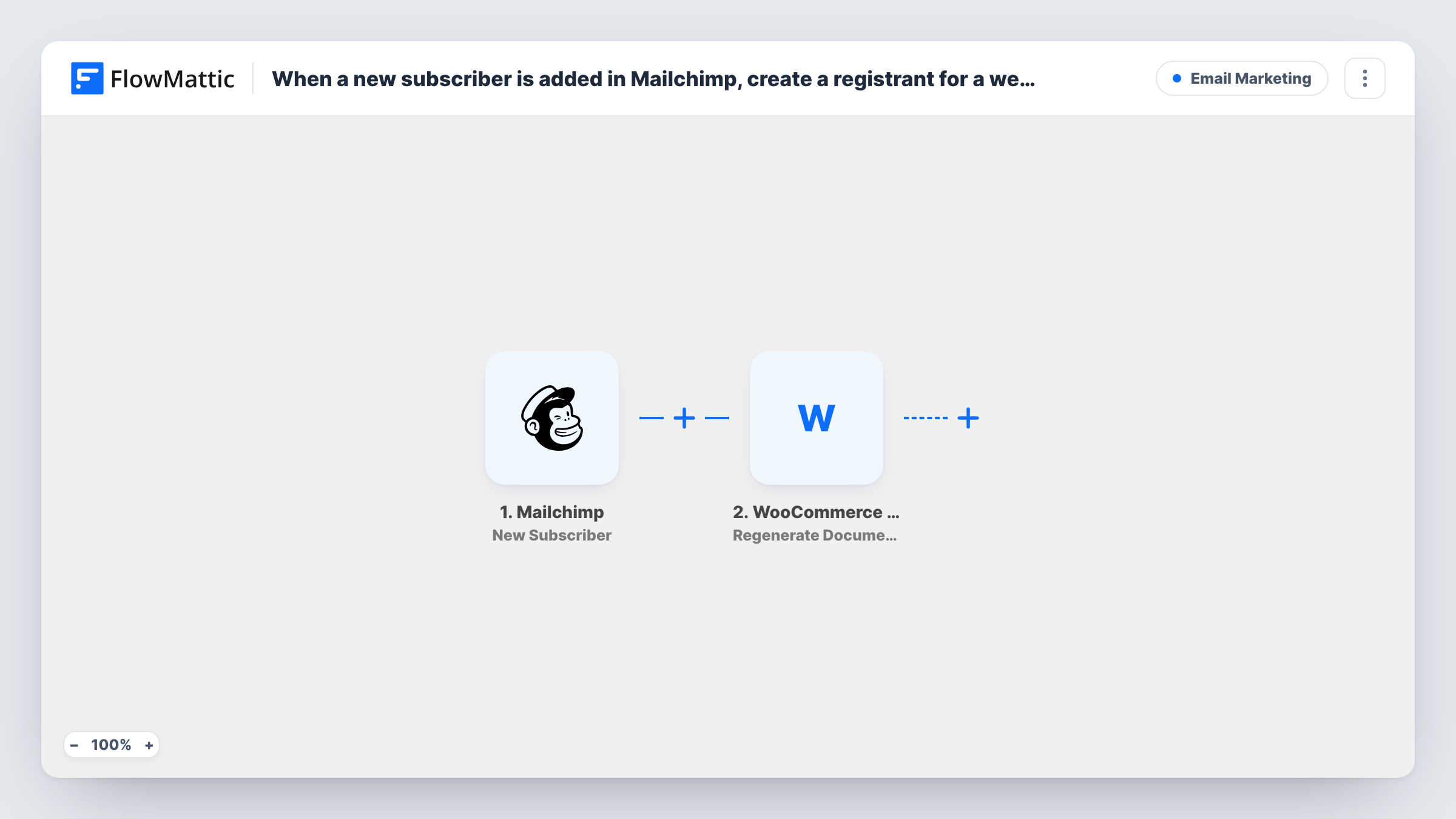
What this workflow does
A webinar is a common first step for new subscribers: an onboarding session, a product demo or an evergreen training. Asking people to register separately after they join your list loses some of them. This workflow registers each new Mailchimp subscriber for your WebinarKit webinar directly.
The Mailchimp New Subscriber trigger fires when a new subscriber is added to your list and passes their email and name on. The WebinarKit step then creates a registrant for a webinar, using those details.
The WebinarKit step ships unmapped. After import you connect WebinarKit, choose the webinar and map the subscriber's email and name from Mailchimp into the registration. Any confirmation or reminder emails the registrant gets come from the webinar's own settings in WebinarKit.
Every new subscriber is registered, with no filter. If people join your list for reasons that have nothing to do with the webinar, they will be registered too, so consider a dedicated list, or a Filter between the Mailchimp trigger and the WebinarKit step. Subscribe a test address to your list and check Task History for WebinarKit's response.
Evergreen onboarding webinar
A SaaS company registers every new Mailchimp subscriber for its recorded onboarding webinar in WebinarKit, so each one is invited to a walk-through.
Lead magnet list into a live training
A coach's Mailchimp list for a free checklist feeds straight into the next WebinarKit training session.
Course launch warm-up
A course creator uses a dedicated launch list in Mailchimp and registers each sign-up for the pre-launch webinar.
How this workflow runs
What happens at each step once the workflow is on, and what you need before you import it.
 Mailchimp New Subscriber
Starts the workflow when a new subscriber is added to your Mailchimp list. Their email address and name are passed on to the WebinarKit registration.
- WebinarKit New Webinar Registration
Registers the subscriber for a WebinarKit webinar. Connect WebinarKit, pick the webinar after import and map the subscriber's email and name from the Mailchimp trigger into the registrant.
What you need
- FlowMatticCore
- Mailchimp AccountAccount
- WebinarKit AccountAccount
After importing, map your own data. To keep the template universal, not every step is pre-filled. Open each step in the builder and connect your accounts and fields (channels, lists, sheets, recipients) before you switch the workflow on.
Make it yours
Changes worth making after you import it.
- Keep a separate Mailchimp list for webinar interest, so only people who signed up for that reason are registered.
- If your Mailchimp signup form has an interest field, put a Filter between the Mailchimp trigger and the WebinarKit step that continues only when that field shows webinar interest. The field is an example for you to set.
- To run more than one webinar, duplicate the workflow and point each copy at a different Mailchimp list and WebinarKit webinar.
Questions about this workflow
Do existing Mailchimp subscribers get registered for the WebinarKit webinar?
No. Only people added after the workflow is turned on start a run. Add current subscribers in WebinarKit directly if you want them registered.
Who sends the webinar confirmation email?
WebinarKit, based on the webinar's own settings. The workflow only creates the registrant; Mailchimp doesn't send anything extra.
Does a subscriber who joins my Mailchimp list twice get registered twice?
Each new subscriber event starts a run. WebinarKit decides what to do with an email already registered, so test with one and check the response in Task History.
Can I choose a different webinar later?
Yes. Open the WebinarKit step, set it to the other webinar and save. New subscribers from then on are registered for it.
More Email Marketing workflows
Other ready-to-import templates from the same category.





Import this workflow into your WordPress site
Download the JSON, import it from the Workflows screen and connect your accounts. Every run stays on your server, with no per-task fees.
30-day money-back guarantee Unlimited workflows and runs Self-hosted