

When a new user is registered in WordPress, send welcome template message to their WhatsApp using WhatsApp Cloud API
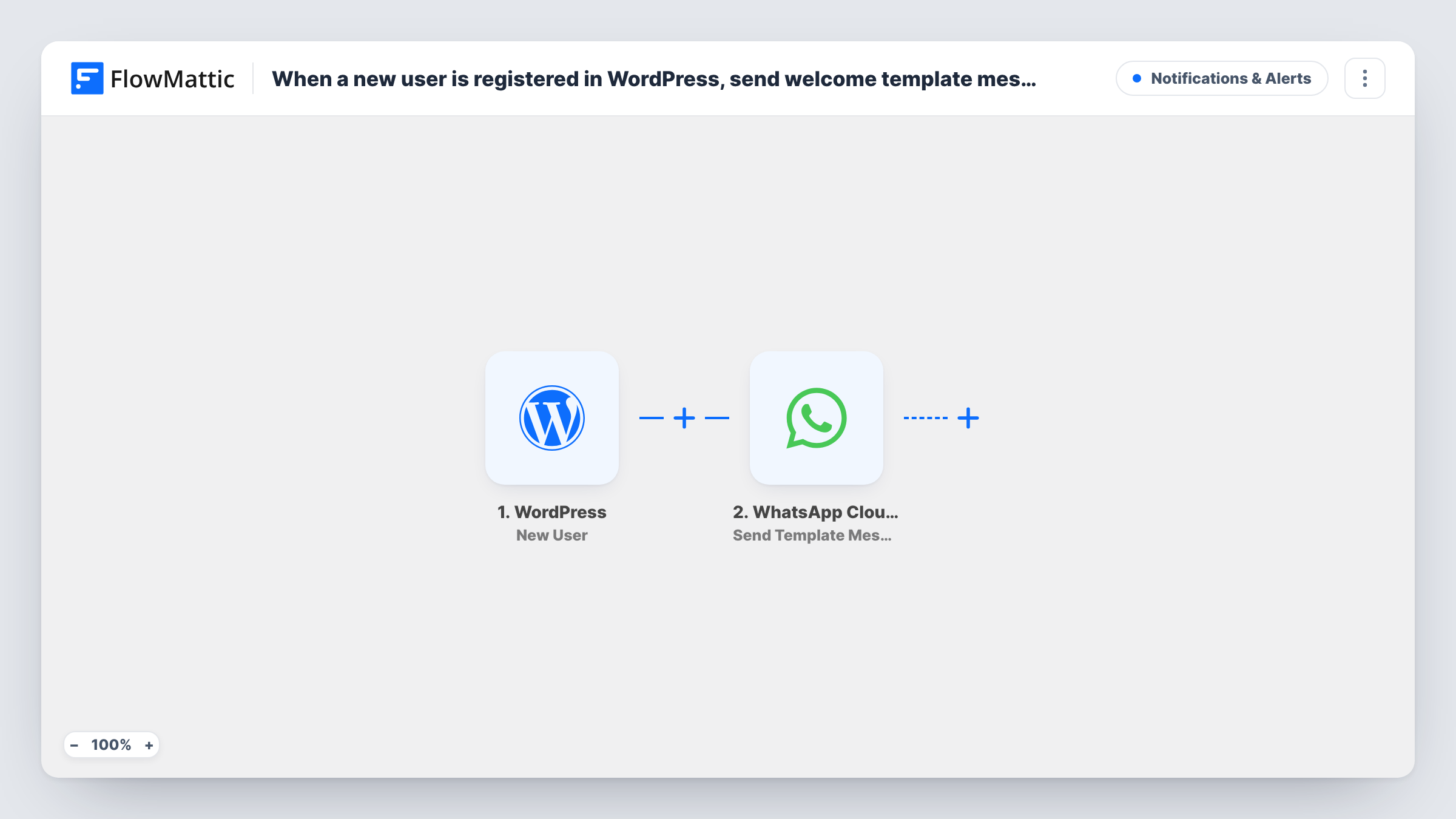
When a new user registers on your WordPress site, FlowMattic sends them an approved WhatsApp welcome template through WhatsApp Cloud API, using a phone number stored with their account.
 WordPress
 WhatsApp Cloud API
2 steps Setup ~5 min Used on 1.4k sites Free to import
What this workflow does
A welcome on WhatsApp reaches new members where they already chat, and an approved template is the kind of WhatsApp message a business can send to someone who hasn't written to it yet. This workflow sends that welcome as soon as an account is created.
The WordPress New User trigger fires for every new account: a front-end sign-up, an account an admin adds, or one a plugin or import creates. It passes the user's details on.
WordPress itself has no phone field on user accounts, so the number has to come from somewhere your site stores it, such as a registration form field saved to the user's profile or a store's billing phone. Make a test registration and check the trigger data to find it.
The WhatsApp Cloud API Send Template Message step then sends the welcome. It ships unmapped: pick your approved template, map the phone number in international format and fill any template variables, such as the first name. Task History shows WhatsApp's response, including errors for numbers it can't reach.
Welcome for new community members
A paid community collects a WhatsApp number on its registration form and greets each new member with a template that links to the getting-started page.
Store account confirmation
A shop whose customers create accounts at checkout sends a WhatsApp welcome with a note on how to track orders.
Course platform onboarding
An online school sends new students a WhatsApp template with the login link and the date of the first live class.
How this workflow runs
What happens at each step once the workflow is on, and what you need before you import it.
 WordPress New User
Fires when a new user account is registered in WordPress, by sign-up, admin or import. The user's details, plus any profile data your site saves with the account, are passed on.
- WhatsApp Cloud API Send Template Message
Sends an approved WhatsApp template to the new user. The template sets nothing, so choose your welcome template, map the phone number with country code and fill its variables.
What you need
- FlowMatticCore
- WhatsApp Cloud API AccountAccount
After importing, map your own data. To keep the template universal, not every step is pre-filled. Open each step in the builder and connect your accounts and fields (channels, lists, sheets, recipients) before you switch the workflow on.
Make it yours
Changes worth making after you import it.
- Add a phone field to your registration form that saves to the user's profile, and make it required, so every new account carries a number to message.
- Put a Filter between the New User trigger and the WhatsApp step that continues only when the phone value is not empty, so accounts without a number stop before WhatsApp.
- If admins create staff accounts, add a role condition to that same Filter between the trigger and the WhatsApp step, so only customer or member roles get the welcome.
Questions about this workflow
Where does the WhatsApp number for a WordPress user come from?
From data your site stores with the account, such as a registration form field or a billing phone. WordPress has no phone field by default, so check a test registration for the value to map.
Do I need an approved WhatsApp template for the welcome?
Yes. Send Template Message sends templates that WhatsApp has approved for your business number. Create the welcome template in your WhatsApp Business account and wait for approval first.
Will users that an admin creates get the WhatsApp welcome?
Yes, if a phone number is mapped. The New User trigger fires for every new account, including ones created in the dashboard or by an import. Use a Filter on the role between the trigger and the WhatsApp step to leave some out.
More Notifications & Alerts workflows
Other ready-to-import templates from the same category.




Import this workflow into your WordPress site
Download the JSON, import it from the Workflows screen and connect your accounts. Every run stays on your server, with no per-task fees.
30-day money-back guarantee Unlimited workflows and runs Self-hosted