

When a new user registers in WordPress, create field index in Qdrant for faster queries
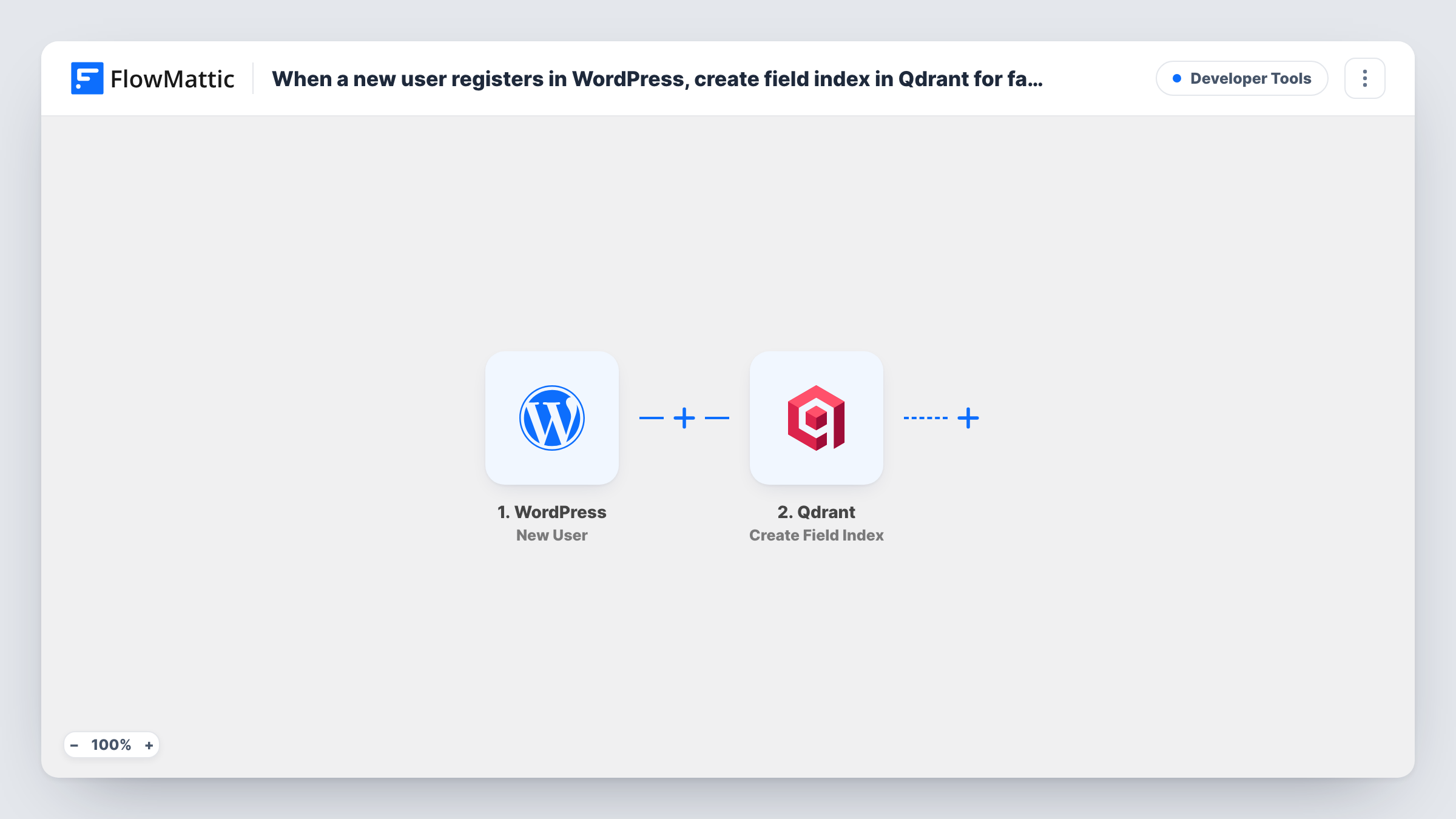
Each new WordPress user registration sends a Create Field Index request to Qdrant for the collection and field you set. As imported, nothing about the user is stored in Qdrant.
 WordPress
 Qdrant
2 steps Setup ~5 min Used on 1.1k sites Free to import
What this workflow does
Qdrant is a vector database. A field index on a payload field lets Qdrant filter by that field when you query a collection. Teams that store WordPress member data in Qdrant, for search or recommendations, may want an index on a field such as a user role or signup date.
This template ties that request to registrations. Every signup on your site starts a run through the WordPress New User trigger. FlowMattic then calls Qdrant with its Create Field Index action, which creates an index for a field. That is all the workflow does.
Be clear about what that means before you import it. The user's details are not written to Qdrant, because the template has no step that adds data. Each registration repeats the same index request for the field you configured. An index is usually set up once per field, so for most sites the useful version of this flow adds an Upsert Points step that stores the new user, with the index created once by hand or in a separate run.
Starting point for a member search feature
You plan to store members in Qdrant. Import this flow, add an Upsert Points step for the new user, and keep the index step so the field you filter on is indexed.
Testing a Qdrant connection from WordPress
Register a test user and check in Task History that FlowMattic reached your Qdrant instance and what it answered to the index request.
Learning the Qdrant actions in FlowMattic
A small two-step flow to see how a WordPress event maps into a Qdrant call before you build a fuller pipeline for user data.
How this workflow runs
What happens at each step once the workflow is on, and what you need before you import it.
 WordPress New User
Fires when a new user registers on your WordPress site. The user's details are available to later steps, though the Qdrant step as imported only creates an index.
- Qdrant Create Field Index
Asks Qdrant to create an index for a field. Connect your Qdrant instance, set up which field to index, and confirm it with a test run. Every registration repeats the same request.
What you need
- FlowMatticCore
- Qdrant AccountAccount
After importing, map your own data. To keep the template universal, not every step is pre-filled. Open each step in the builder and connect your accounts and fields (channels, lists, sheets, recipients) before you switch the workflow on.
Make it yours
Changes worth making after you import it.
- Add Qdrant's Upsert Points action to store each new user in your collection. Without it, no user data reaches Qdrant.
- Once the index exists, consider removing the Create Field Index step or moving it to a workflow you run once, since the field only needs indexing a single time.
- Check Task History after the first registration to read Qdrant's response to the index request and confirm the collection and field names are right.
Questions about this workflow
Does this workflow add the WordPress user to Qdrant?
No. It only sends a Create Field Index request. Add an Upsert Points step if you want the user's details stored as a point in your collection.
What happens on the second WordPress registration?
The same index request is sent to Qdrant again for the same field. Look at the response in Task History to see how your Qdrant instance answers a repeat request.
Do I need my own Qdrant instance?
Yes. You connect a Qdrant instance in the action step, and the collection you index must exist there.
Which other Qdrant actions can I add after the WordPress trigger?
FlowMattic's Qdrant app also has actions such as Upsert Points, Set Payload, Query Points and Create Collection, so you can build on this flow.
More Developer Tools workflows
Other ready-to-import templates from the same category.







Import this workflow into your WordPress site
Download the JSON, import it from the Workflows screen and connect your accounts. Every run stays on your server, with no per-task fees.
30-day money-back guarantee Unlimited workflows and runs Self-hosted