

When a payment is successful in Formaloo, check if the amount is greater than amount using Filters, and add contact in FluentCRM
When a Formaloo payment succeeds, a Filter checks whether the amount is above the threshold you set, and buyers who pass are created or updated as contacts in FluentCRM. You set the threshold after import.
 Formaloo
 Filter
 FluentCRM
3 steps Setup ~5 min Used on 2.7k sites Free to import
What this workflow does
Not every payer belongs in the same follow-up. You might send a thank-you series only to people who bought your higher-priced option, or keep small one-off payments out of your CRM. This workflow puts a check on the amount between a Formaloo payment and FluentCRM.
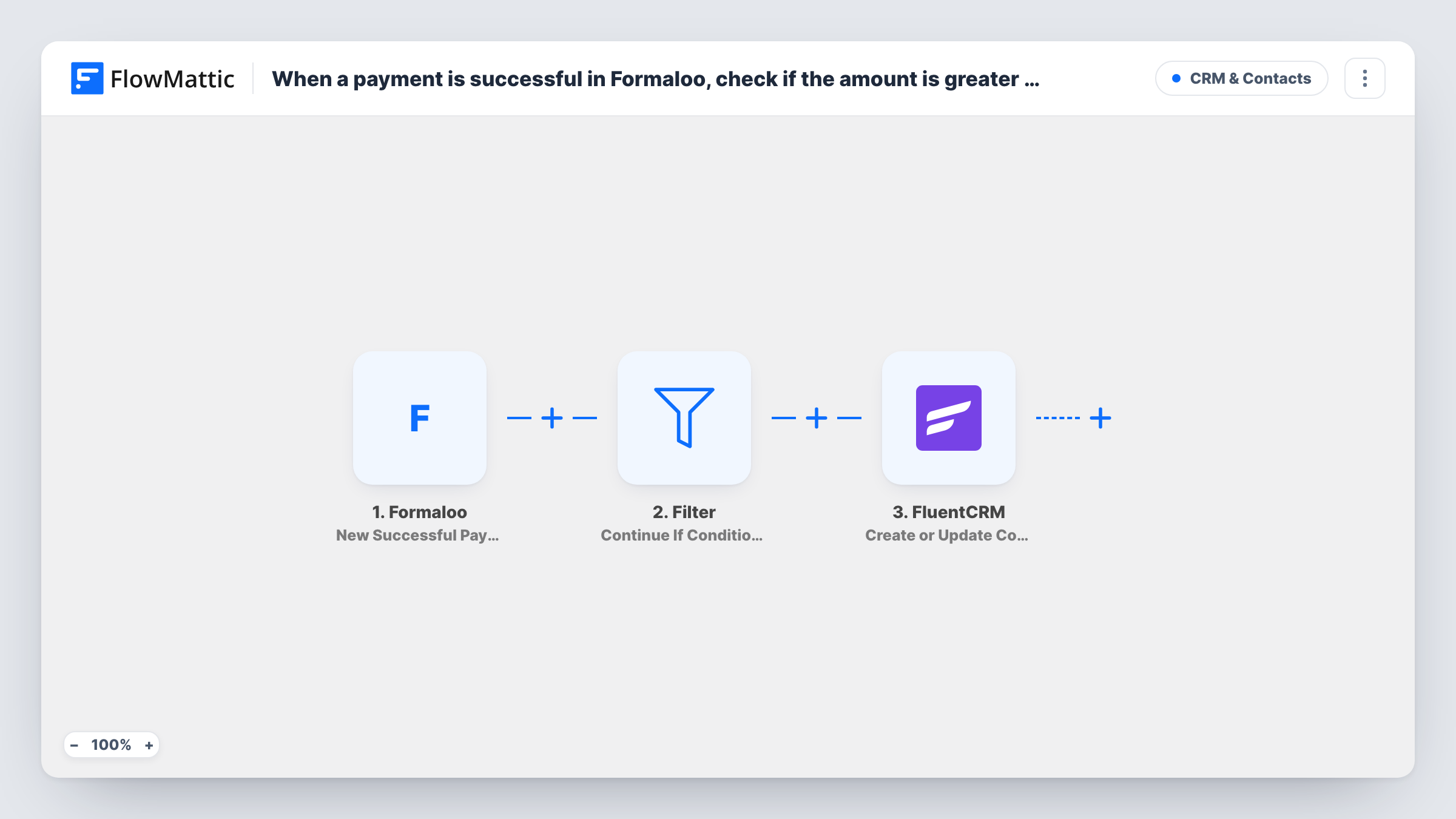
The Formaloo trigger fires when a new payment is successful. Next, a Filter continues only if its condition is met. The template ships with that condition empty, so before you turn the workflow on, set it to compare the payment amount with your minimum using greater than. An empty Filter stops every run, so no contact reaches FluentCRM until the condition is set. When the check passes, FluentCRM creates a contact, or updates the one with the same email.
Keep in mind how numbers are compared. The Filter compares whole numbers, so 49.99 counts as 49, and a blank amount counts as 0 and fails a greater-than check. Task History shows where each run stopped.
Premium package buyers
A coach sells two packages through a Formaloo payment form. Only buyers of the larger package become FluentCRM contacts for a one-to-one onboarding series.
Donations above a level
A charity adds donors who give above a set amount to FluentCRM so they receive a personal thank-you sequence.
Keeping test payments out of the CRM
Small test charges you make while building the form stay below the threshold and never create a contact.
How this workflow runs
What happens at each step once the workflow is on, and what you need before you import it.
 Formaloo New Successful Payment
Runs when a new payment succeeds in Formaloo. The payment amount and payer details are available to the Filter and to FluentCRM.
- Filter Continue If
Ships with no condition. Set it to continue when the payment amount is greater than your minimum. Runs that fail the check end here and FluentCRM isn't touched.
- FluentCRM Create or Update Contact
Creates a FluentCRM contact for the payer, or updates the existing contact with the same email. Map the email and name from the Formaloo payment.
What you need
- FlowMatticCore
- Formaloo AccountAccount
- FluentCRM PluginPlugin
After importing, map your own data. To keep the template universal, not every step is pre-filled. Open each step in the builder and connect your accounts and fields (channels, lists, sheets, recipients) before you switch the workflow on.
Make it yours
Changes worth making after you import it.
- Set the threshold one below the price you mean: since 49.99 is compared as 49, use greater than 48 if every 49.99 payment should pass.
- Add a FluentCRM step after the contact step to tag these payers, so you can tell high-value buyers apart in segments.
- Use a Router instead of the Filter if lower payments should go somewhere too, with route conditions that can't both match the same amount.
Questions about this workflow
Is the Formaloo amount threshold set when I import the workflow?
No. The Filter ships empty. Set the condition to the amount you want before turning the workflow on; until then the Filter stops every payment, large or small.
How does the Filter treat a Formaloo amount with decimals?
Greater-than checks compare whole numbers, so the decimals are dropped. A payment of 100.50 is compared as 100.
What if the payer is already a FluentCRM contact?
FluentCRM looks the payer up by email, so a known contact gets the new details instead of a second record.
Do Formaloo form submissions without payment reach FluentCRM?
No. The trigger is New Successful Payment. Formaloo's New Form Submission trigger is separate and isn't used here.
More CRM & Contacts workflows
Other ready-to-import templates from the same category.





Import this workflow into your WordPress site
Download the JSON, import it from the Workflows screen and connect your accounts. Every run stays on your server, with no per-task fees.
30-day money-back guarantee Unlimited workflows and runs Self-hosted