

When a shipment status updates, create an entry in Monday.com for tracking
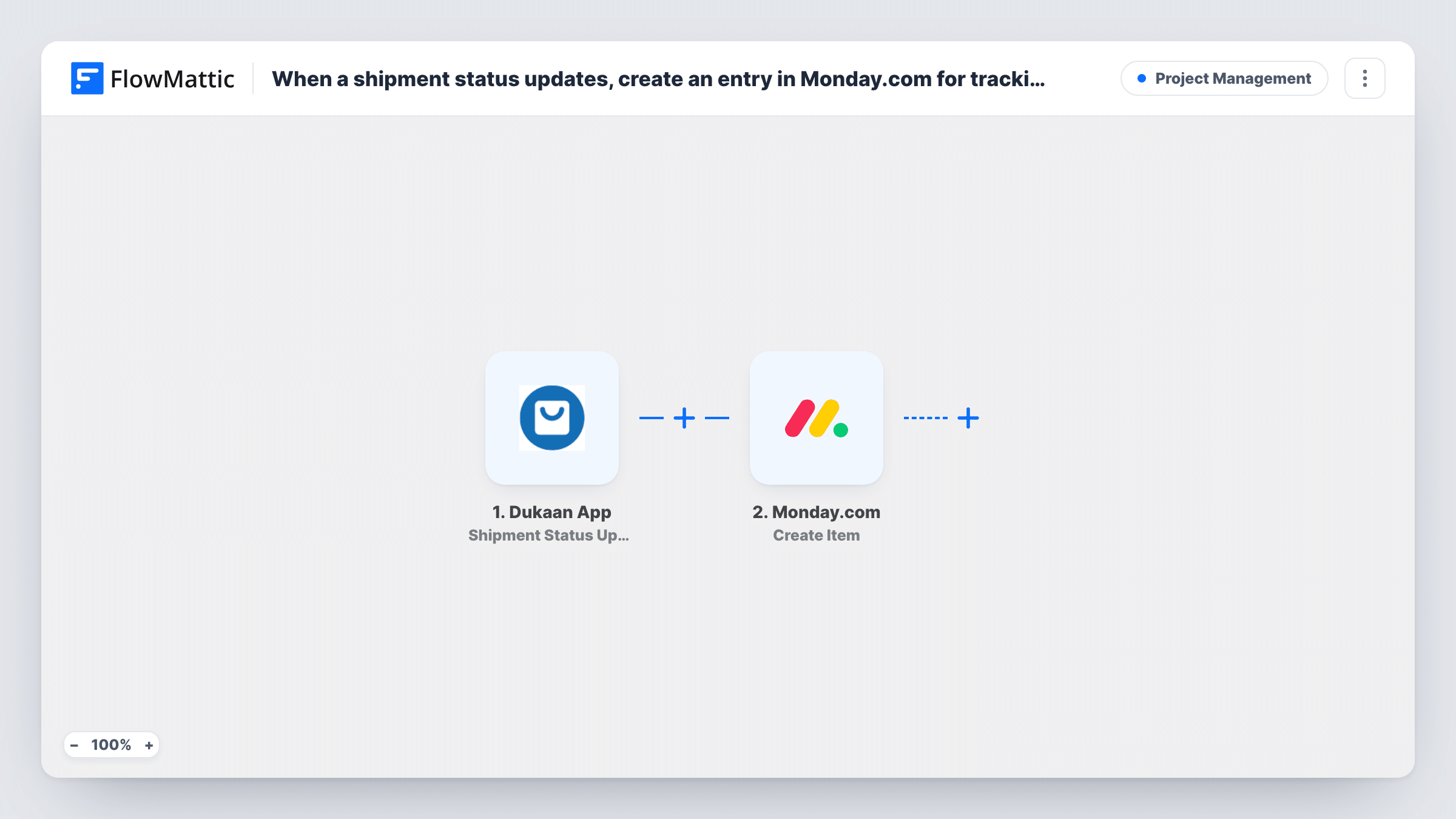
Each time a shipment’s status changes in your Dukaan store, this workflow creates an item on a Monday.com board, so your team has a running record of delivery updates in the tool they plan work in.
 Dukaan App
 Monday.com
2 steps Setup ~5 min Used on 1.3k sites Productivity Free to import
What this workflow does
Shipping updates in Dukaan matter to more people than the person running the store. Customer support needs to know when a parcel is out for delivery, and operations wants to spot stuck orders. This workflow puts each update on a Monday.com board where the whole team can see it.
The Dukaan trigger fires when a shipment status is updated in your store. The shipment and order data it receives is passed on. The Monday.com step then creates a new item on the board you choose, holding the shipment details you map into it.
Each status change creates its own item. An order that moves from packed to shipped to delivered gives three items, which works as a log of every change. It does not update one item per order. Task History records each run.
Support team answering where-is-my-order questions
Agents search the Monday.com board for an order and see every shipment update it has had, without logging in to Dukaan.
Operations review of delivery delays
A manager groups the board's items by order to see how long shipments sit at each status.
Small store with a part-time helper
The helper who handles returns works from Monday.com and sees delivery updates there as they happen.
How this workflow runs
What happens at each step once the workflow is on, and what you need before you import it.
 Dukaan App Shipment Status Updated
Runs when a shipment status is updated in your Dukaan store. The shipment and order details are passed to the Monday.com step for mapping. Connect your Dukaan account on import.
- Monday.com Create Item
Creates a new item on your chosen Monday.com board for this status update. Map the shipment details you want to see into it, and connect your Monday.com account.
What you need
- FlowMatticCore
- Dukaan App AccountAccount
- Monday.com AccountAccount
After importing, map your own data. To keep the template universal, not every step is pre-filled. Open each step in the builder and connect your accounts and fields (channels, lists, sheets, recipients) before you switch the workflow on.
Make it yours
Changes worth making after you import it.
- Put an order reference and the status in the item name, if the Dukaan data includes them, so the board reads as a timeline for each order.
- Add a Filter after the trigger if you only want certain statuses on the board, for example failed or returned shipments.
- Update a test shipment after import, so FlowMattic captures the Dukaan fields you can map into the item.
Questions about this workflow
Does the workflow update one Monday.com item per Dukaan order?
No. Each status update creates a new item. If you want one item per order, the workflow would need a step that finds and updates the existing item.
Which Dukaan shipment details can go on the item?
Whatever the Dukaan shipment event includes. Run a test update and look at the captured data to choose what to map.
Are past shipment updates added to Monday.com?
No. Only status changes after you turn the workflow on start a run.
Do I need a board ready in Monday.com?
Yes. Create the board first, then pick it in the Create Item step.
More Project Management workflows
Other ready-to-import templates from the same category.






Import this workflow into your WordPress site
Download the JSON, import it from the Workflows screen and connect your accounts. Every run stays on your server, with no per-task fees.
30-day money-back guarantee Unlimited workflows and runs Self-hosted