

When a successful payment is received in PayForm, create a new contact in FluentCRM
When PayForm processes a successful payment, this workflow creates a FluentCRM contact for the payer, or updates the one that already has that email, so paying customers are in your WordPress CRM.
 PayForm
 FluentCRM
2 steps Setup ~5 min Used on 961 sites Free to import
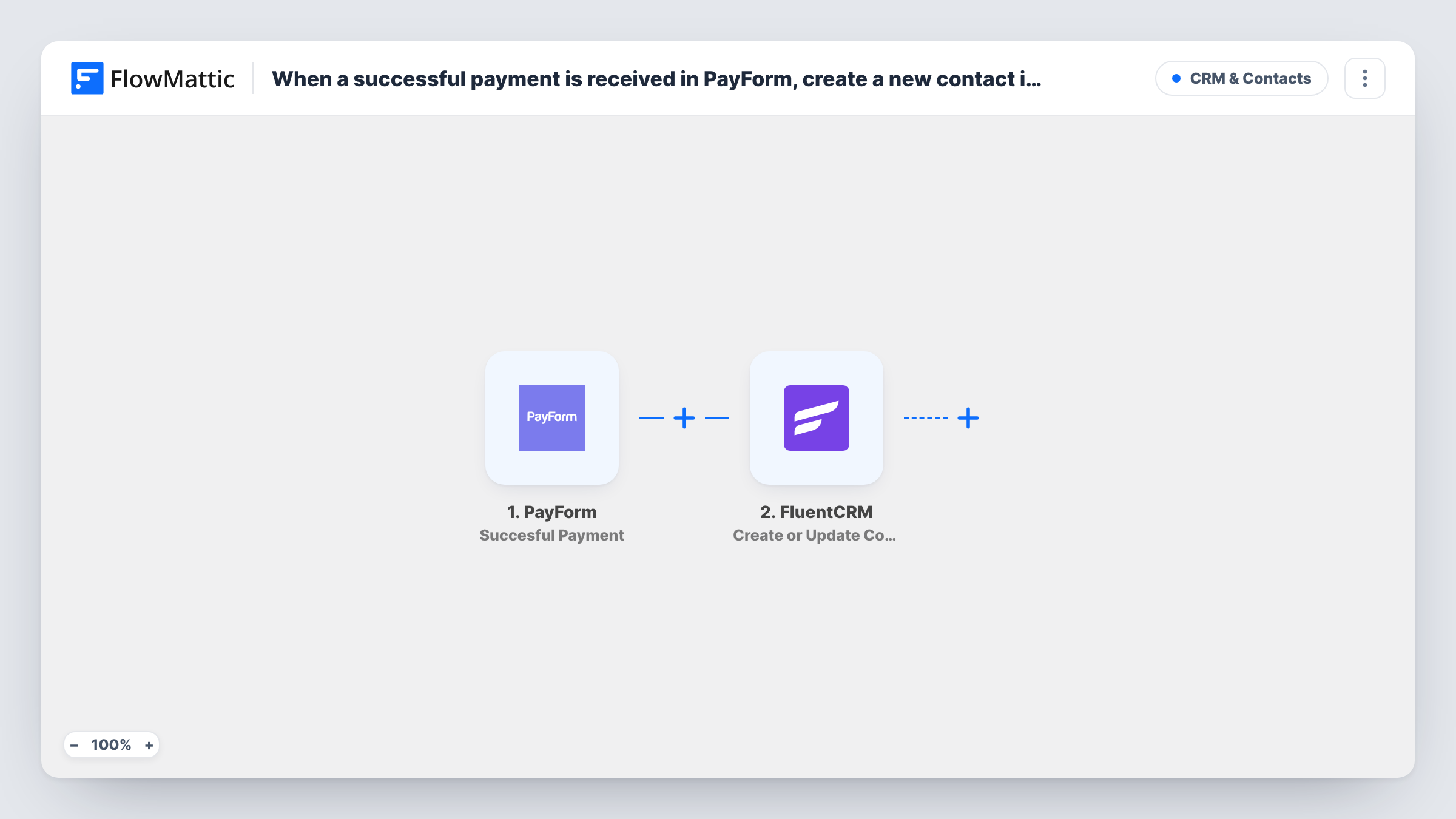
What this workflow does
PayForm collects the money, but your email marketing runs from FluentCRM. Without a link between them, someone has to copy each payer into the CRM before they can get a receipt follow-up, a welcome email or a customer-only newsletter. This workflow adds them for you after each successful payment.
The PayForm trigger starts a run for each payment PayForm reports as successful. The payer and payment details it returns become data you can map. The FluentCRM step then runs Create or Update Contact, which matches on email address: a new payer becomes a new contact, and an email already in FluentCRM gets its record updated instead of a duplicate.
Every successful payment runs the workflow, including a second purchase or a recurring charge from the same customer. With FluentCRM matching on email, those repeat runs update one contact. FluentCRM sits on your own WordPress site, so the contact data stays there. Task History shows each run and what was sent to FluentCRM.
Customer list for a consultant
Clients pay for a session through a PayForm form, and each payer lands in FluentCRM so you can send preparation notes and later check-ins from one place.
Donors for a small charity
Each successful donation through PayForm adds or updates the donor in FluentCRM, ready for a thank-you email and future appeal campaigns.
Paid workshop sign-ups
Attendees who pay for a workshop become FluentCRM contacts, so you can email joining details and the follow-up material to everyone who paid.
How this workflow runs
What happens at each step once the workflow is on, and what you need before you import it.
 PayForm Succesful Payment
Runs when PayForm successfully processes a payment. The payer's details and the payment data from that transaction are passed on for mapping into FluentCRM.
- FluentCRM Create or Update Contact
Creates a FluentCRM contact from the payment, or updates the existing contact with the same email address. Map the payer's email and name from PayForm, then make a test payment to check the contact.
What you need
- FlowMatticCore
- PayForm AccountAccount
- FluentCRM PluginPlugin
After importing, map your own data. To keep the template universal, not every step is pre-filled. Open each step in the builder and connect your accounts and fields (channels, lists, sheets, recipients) before you switch the workflow on.
Make it yours
Changes worth making after you import it.
- Add a Filter after the PayForm trigger that continues only for one form or product, if just some of your payments should create CRM contacts.
- Make a small test payment after import so FlowMattic captures PayForm's real payment data, then map the email field before turning the workflow on.
- Add a FluentCRM Add Tags to Contact or Add Lists to Contact step after this one, so your paid customers are easy to separate from free sign-ups.
Questions about this workflow
What if the PayForm payer is already a FluentCRM contact?
Create or Update Contact matches by email address, so the existing FluentCRM contact is updated instead of a second one being created.
Do failed or abandoned PayForm payments reach FluentCRM?
No. The trigger fires only when a payment is successfully processed, so payments that fail or are never completed do not run the workflow.
Does every recurring PayForm charge run the workflow again?
The trigger fires for each successful payment it reports. If your recurring charges come through as successful payments, each one runs the workflow and updates the same FluentCRM contact. Check Task History after a renewal to confirm.
Must FluentCRM be installed where FlowMattic runs to receive PayForm payers?
Yes. FluentCRM is a WordPress plugin, and the step writes to the FluentCRM installed alongside FlowMattic.
More CRM & Contacts workflows
Other ready-to-import templates from the same category.





Import this workflow into your WordPress site
Download the JSON, import it from the Workflows screen and connect your accounts. Every run stays on your server, with no per-task fees.
30-day money-back guarantee Unlimited workflows and runs Self-hosted