

When a work report is created in Freelo, send a summary email using MailerLite
Each new work report logged in Freelo makes MailerLite send a new campaign, so a client or stakeholder group on your MailerLite list hears about the logged work without you writing an update.
 Freelo
 MailerLite
2 steps Setup ~5 min Used on 1.7k sites Free to import
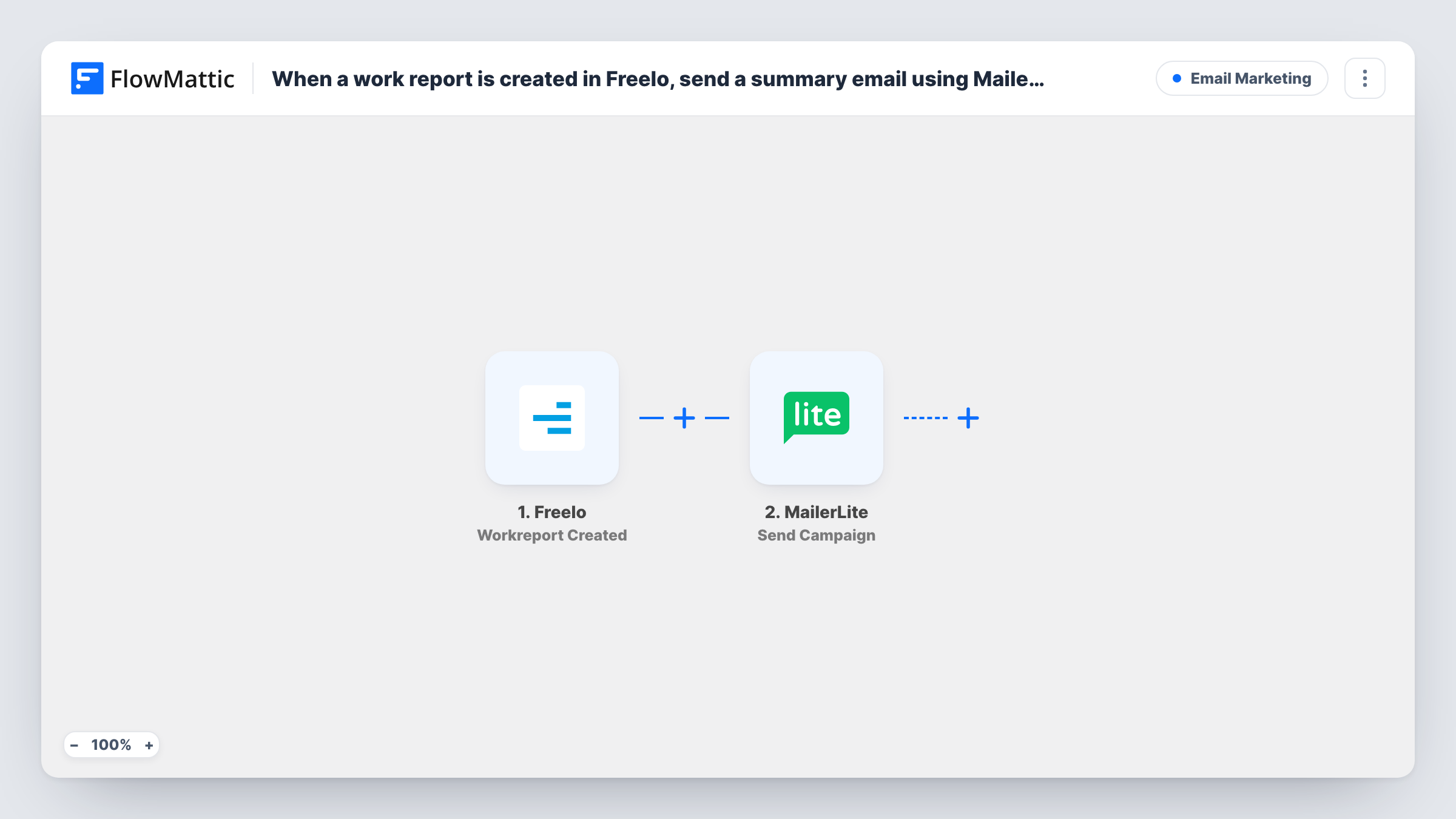
What this workflow does
Freelo work reports record the time and work your team puts into tasks. Clients and managers often want to hear about that work, but writing an update after every entry takes time. This workflow sends a MailerLite campaign whenever a work report is created, built from the details of that report.
The Freelo trigger fires when a new work report is created. Its details become values that the next step can use wherever it accepts mapped data. MailerLite then runs Send Campaign, which sends a new campaign through your account to the recipients the step is set to.
This is one email per work report, not a daily or weekly digest. A team that logs many reports a day sends many campaigns, and each one reaches real subscribers, including during testing. Check which subscribers the step sends to before you go live, and keep your main newsletter list out of it. Task History shows each run and MailerLite's reply.
Retainer clients who want proof of work
An agency keeps one MailerLite group per retainer client, and each Freelo work report on that client's project emails the client contacts.
Updates for a project sponsor
A sponsor who never opens Freelo is on a small MailerLite group and receives an email each time the team logs a work report.
Internal log of billable work
A finance contact on a MailerLite group gets an email per work report, giving them a running record to check against invoices.
How this workflow runs
What happens at each step once the workflow is on, and what you need before you import it.
 Freelo Workreport Created
Fires when a new work report is created in Freelo. The report's details are passed on as values for the MailerLite step.
- MailerLite Send Campaign
Sends a new MailerLite campaign each time it runs. Connect MailerLite on import, then check in the step who receives it and what it contains before turning the workflow on.
What you need
- FlowMatticCore
- Freelo AccountAccount
- MailerLite AccountAccount
After importing, map your own data. To keep the template universal, not every step is pre-filled. Open each step in the builder and connect your accounts and fields (channels, lists, sheets, recipients) before you switch the workflow on.
Make it yours
Changes worth making after you import it.
- Keep these updates away from your newsletter list. If the step sends to a group, make a MailerLite group just for work report recipients.
- If only some projects should send updates, add a Filter after the trigger that continues only when the Freelo report belongs to those projects.
Questions about this workflow
Does every Freelo work report send a MailerLite email?
Yes. Nothing in the template filters reports, so each one starts a run and sends a new campaign. Add a Filter after the trigger to limit which reports send.
Is this a digest of the day's Freelo work?
No. Each work report sends its own campaign as it is created. A digest would need a different setup, such as logging reports and sending on a schedule.
Will a test run send a real MailerLite campaign?
Yes. Send Campaign sends through your account, so run your first test while the step's recipients are limited to your own address.
More Email Marketing workflows
Other ready-to-import templates from the same category.







Import this workflow into your WordPress site
Download the JSON, import it from the Workflows screen and connect your accounts. Every run stays on your server, with no per-task fees.
30-day money-back guarantee Unlimited workflows and runs Self-hosted