

When Attendee Approved in Appointlet, create a contact in FluentCRM
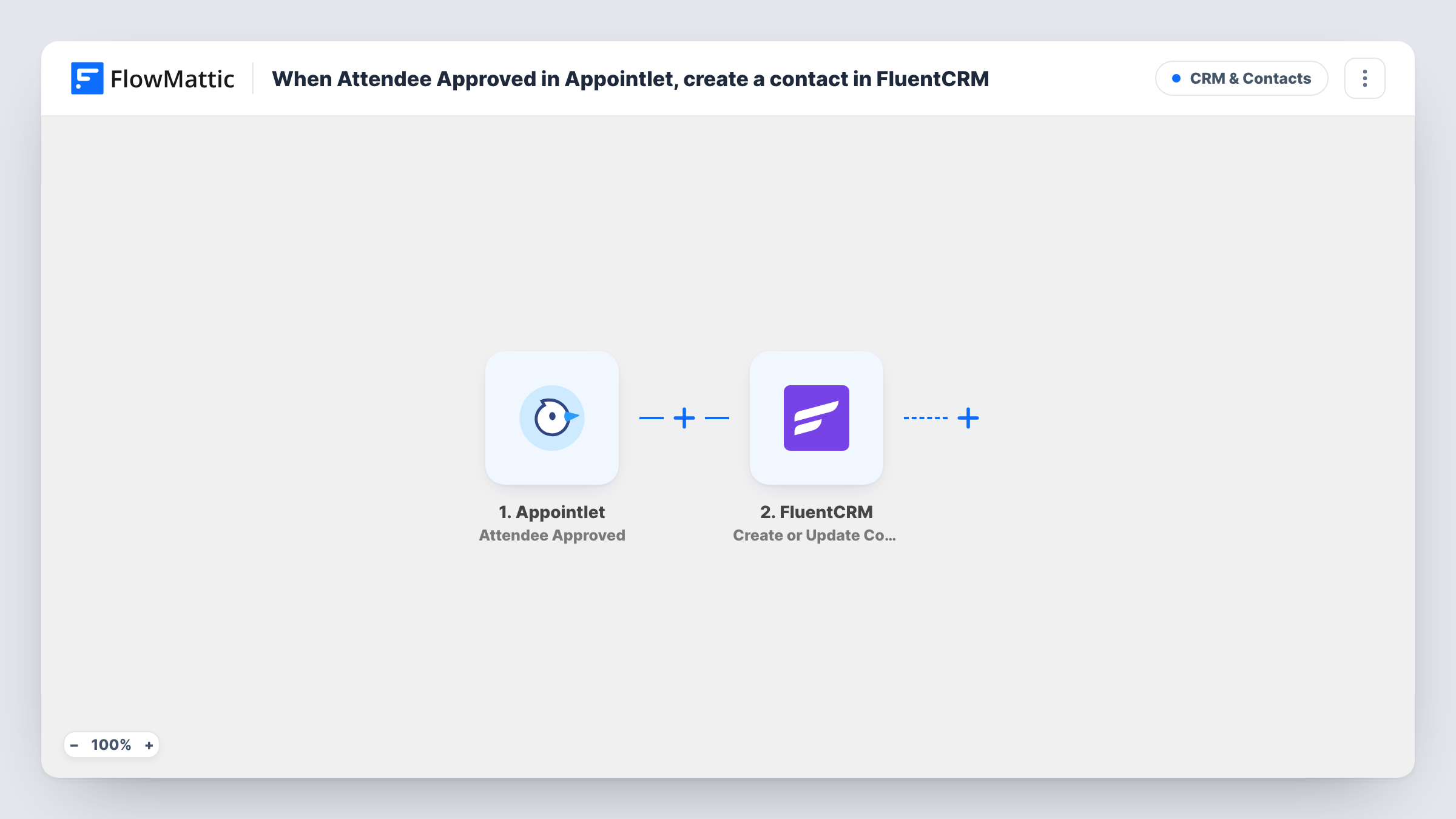
When you approve an attendee’s scheduling request in Appointlet, this workflow creates that person as a FluentCRM contact, or updates them if their email is already in your CRM.
 Appointlet
 FluentCRM
2 steps Setup ~5 min Used on 2.6k sites Free to import
What this workflow does
An approved Appointlet booking means you have agreed to meet someone. That is usually the point where you want them in your CRM, ready for reminders, follow-up emails or a sales sequence. Copying each attendee into FluentCRM by hand is easy to forget. This workflow adds them when you approve the request.
The Appointlet trigger is Attendee Approved, which fires when an attendee's scheduling request is approved. Requests that are never approved do not start a run. FlowMattic passes the attendee data to FluentCRM, where Create or Update Contact matches by email address: a new email becomes a new contact, and a known one updates the existing contact.
FluentCRM runs on your WordPress site, so the contact lives in your own database. Task History records each run with the data Appointlet sent and the FluentCRM result.
Consultants who screen bookings
You approve discovery calls by hand in Appointlet. Each approved attendee lands in FluentCRM, ready for your pre-call email.
Coaching programmes with an intake step
Applicants book an intake slot and you approve the ones that fit. Approved people become FluentCRM contacts you can add to your programme emails.
Repeat clients
A returning client books again and you approve the request. FluentCRM updates their existing contact instead of creating a second one.
How this workflow runs
What happens at each step once the workflow is on, and what you need before you import it.
 Appointlet Attendee Approved
Fires when an attendee scheduling request is approved in Appointlet. The attendee's details become available to map into FluentCRM. Connect your Appointlet account on import.
- FluentCRM Create or Update Contact
Creates a FluentCRM contact from the attendee, or updates the existing contact with the same email address. Map the attendee's email and name from Appointlet into the step.
What you need
- FlowMatticCore
- Appointlet AccountAccount
- FluentCRM PluginPlugin
After importing, map your own data. To keep the template universal, not every step is pre-filled. Open each step in the builder and connect your accounts and fields (channels, lists, sheets, recipients) before you switch the workflow on.
Make it yours
Changes worth making after you import it.
- After the FluentCRM step, add Add Tags to Contact to mark these people as approved Appointlet attendees, so you can segment them later.
- Approve one test booking after import so FlowMattic captures the attendee fields, then map the email and name before turning the workflow on.
- Add a Delay before a follow-up step if you later attach an email to this flow and want it sent some time after approval.
Questions about this workflow
Do pending Appointlet requests create contacts?
No. The trigger fires only when a request is approved, so pending or declined requests never reach FluentCRM.
What if the attendee is already a FluentCRM contact?
The step creates or updates by email address, so the existing contact is updated with the attendee data instead of being duplicated.
Where do the Appointlet attendees end up in FluentCRM?
In the FluentCRM install on the WordPress site where FlowMattic runs, as regular contacts you can open, tag and email from there.
Are past approved Appointlet attendees imported?
No. Only approvals made after you turn the workflow on start a run.
More CRM & Contacts workflows
Other ready-to-import templates from the same category.




Import this workflow into your WordPress site
Download the JSON, import it from the Workflows screen and connect your accounts. Every run stays on your server, with no per-task fees.
30-day money-back guarantee Unlimited workflows and runs Self-hosted