

When new booking is received in ProBooking, send meeting document to user's WhatsApp using WhatsApp Cloud API
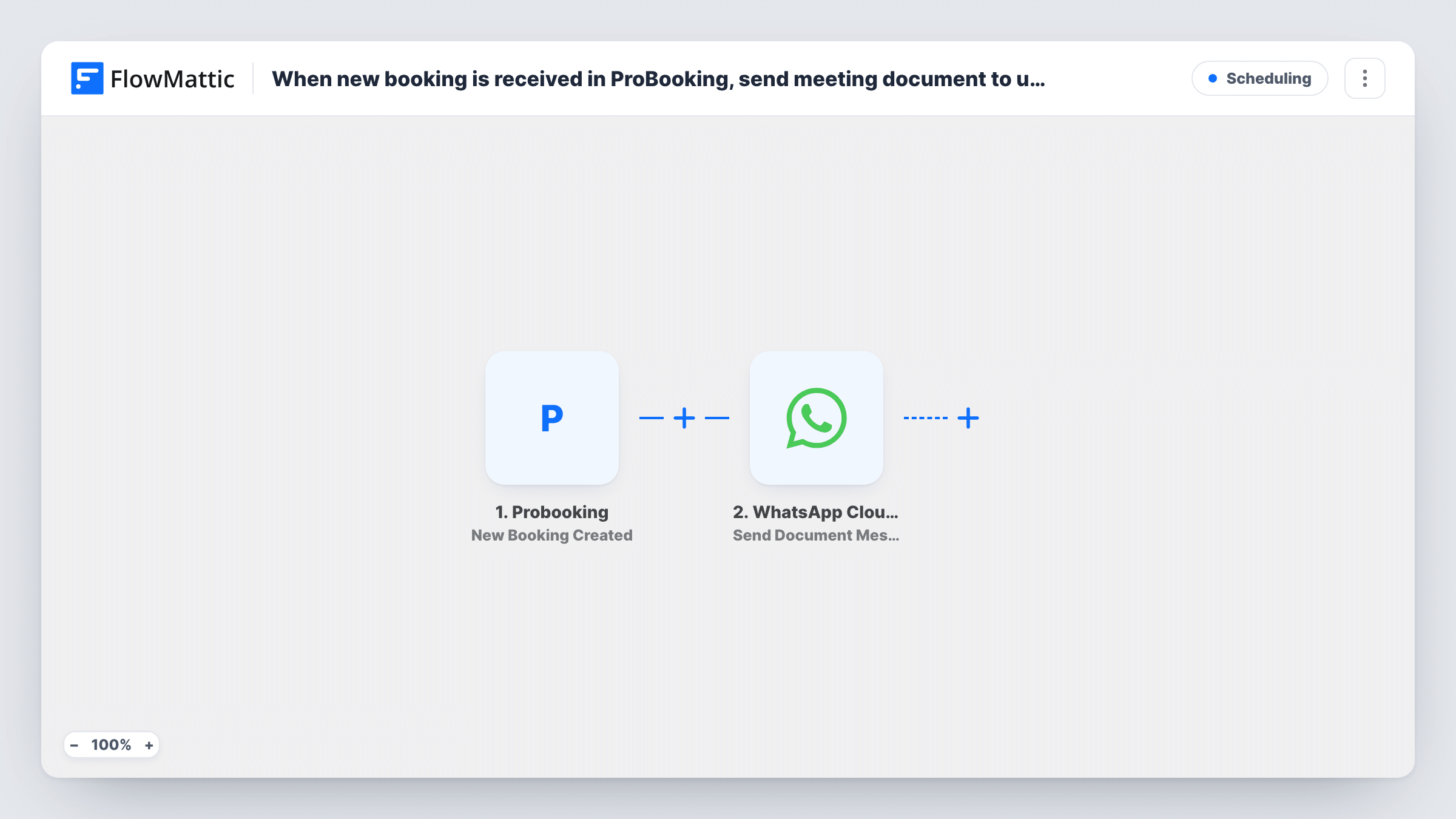
When a new booking is created in ProBooking, FlowMattic sends the client a document on WhatsApp through WhatsApp Cloud API, such as your meeting agenda or intake guide.
 Probooking
 WhatsApp Cloud API
2 steps Setup ~5 min Used on 2.1k sites Free to import
What this workflow does
Plenty of service businesses share meeting notes, an agenda or an intake form ahead of each appointment. This workflow sends that document to their WhatsApp as soon as they book in ProBooking, so nobody on your team has to forward it after each booking.
The Probooking trigger starts a run each time a client books an appointment. The booking details ProBooking sends, such as the client's name and phone number, are passed to the WhatsApp step. Make a test booking after import to see exactly which fields arrive.
The WhatsApp Cloud API step sends a document message. It ships unmapped: after import you set the link to the document you want every client to receive, for example a PDF in your Media Library, and map the client's phone number from the booking as the recipient. The workflow sends the same file to everyone; it doesn't create a new document per booking.
Remember that WhatsApp delivers messages outside an approved template only to people who have written to your business number in the last 24 hours. New clients who haven't messaged you may not get the file, so check Task History after your first bookings.
Pre-appointment forms for a clinic
A physiotherapy practice sends each newly booked patient the intake questionnaire PDF on WhatsApp so they can fill it in before the visit.
Agenda for consulting sessions
A business coach shares a one-page agenda for the first session with every client who books a strategy call.
Venue directions for workshops
A craft studio sends a PDF with the address, parking notes and what to bring to each person who books a class slot.
How this workflow runs
What happens at each step once the workflow is on, and what you need before you import it.
 Probooking New Booking Created
Runs for every appointment a client books through ProBooking. The client's booking details become available, so you can map their phone number into the WhatsApp step.
- WhatsApp Cloud API Send Document Message
Sends a WhatsApp document message to the client. Nothing is set in the template, so add the link to your meeting document and map the client's phone number, with country code, from the booking.
What you need
- FlowMatticCore
- Probooking AccountAccount
- WhatsApp Cloud API AccountAccount
After importing, map your own data. To keep the template universal, not every step is pre-filled. Open each step in the builder and connect your accounts and fields (channels, lists, sheets, recipients) before you switch the workflow on.
Make it yours
Changes worth making after you import it.
- Host the document in your WordPress Media Library and paste its file URL into the WhatsApp step, so the file lives on your own site next to the rest of your content.
- If you need to reach clients who never messaged your business, switch to the Send Template Message action with an approved WhatsApp template.
- Pair this with a second workflow on ProBooking's Reschedule trigger if clients should get an updated document when they move their booking.
Questions about this workflow
Which document does the ProBooking client receive?
The one you link in the WhatsApp step. The template leaves it empty, so set the file once after import, and every new booking sends that same document.
Can the WhatsApp document change per booking?
Not as imported. To send a document built from the booking details, add a document-generation step, such as PDF Builder, between the ProBooking trigger and the WhatsApp step and map its file link.
Will clients who have never messaged us on WhatsApp get the file?
Often not. WhatsApp only delivers messages outside an approved template within 24 hours of the client writing to you. Open Task History to read what WhatsApp answered for a given booking.
More Scheduling workflows
Other ready-to-import templates from the same category.







Import this workflow into your WordPress site
Download the JSON, import it from the Workflows screen and connect your accounts. Every run stays on your server, with no per-task fees.
30-day money-back guarantee Unlimited workflows and runs Self-hosted