

When New Campaign Entries in Sociamonials, Send Template Message in WhatsApp Cloud API
Each new campaign entry in Sociamonials triggers a WhatsApp template message from your business number, so entrants who gave a phone number hear from you on WhatsApp as soon as their entry is recorded.
 Sociamonials
 WhatsApp Cloud API
2 steps Setup ~5 min Used on 2.2k sites Free to import
What this workflow does
When someone enters a Sociamonials campaign, the quickest place to reach them is often their phone. Sending each one a WhatsApp message by hand doesn't scale once entries pile up. This workflow does it for every entry, using an approved WhatsApp template.
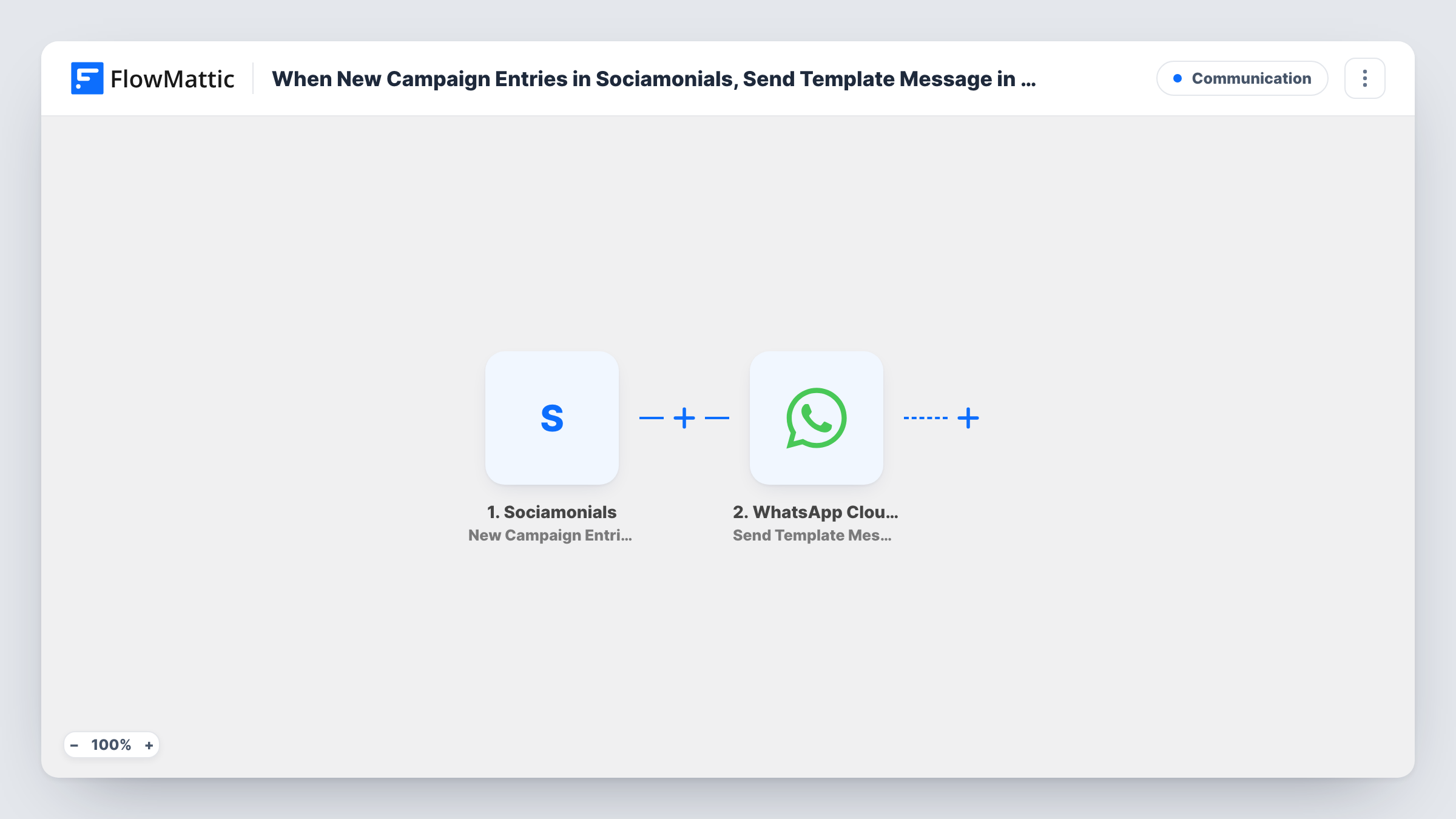
The Sociamonials trigger fires on new campaign entries. The entry data, such as the entrant's name and phone number if your campaign collects them, becomes available for mapping. The WhatsApp Cloud API step then sends a template message to the number you map.
Template messages are the right choice here. WhatsApp lets a business start a conversation with a template that Meta has approved, while free-form text only reaches people who messaged you in the last 24 hours. Create and get the template approved in your WhatsApp Business account first, then pick it in the step and fill its variables with entry data. The campaign must ask for a phone number, ideally with the country code, or the message has nowhere to go. Task History shows each run and the reply WhatsApp returned.
Contest entry confirmation
A giveaway run in Sociamonials sends every entrant a WhatsApp template confirming their entry and the draw date.
Event sign-up reminder channel
Entries to an event campaign get a WhatsApp template with the venue and time, so attendees have the details on their phone.
Coupon delivery for a promo campaign
A shop running a promo through Sociamonials sends each entrant a template that includes the discount code as a variable.
How this workflow runs
What happens at each step once the workflow is on, and what you need before you import it.
 Sociamonials New Campaign Entries
Fires on each new entry to your Sociamonials campaigns. The entrant's details become available to map into the WhatsApp message, so make sure the campaign collects a phone number.
- WhatsApp Cloud API Send Template Message
Sends an approved WhatsApp template from your business number to the phone number you map from the entry. Pick the template and fill its variables with entry data such as the name.
What you need
- FlowMatticCore
- Sociamonials AccountAccount
- WhatsApp Cloud API AccountAccount
After importing, map your own data. To keep the template universal, not every step is pre-filled. Open each step in the builder and connect your accounts and fields (channels, lists, sheets, recipients) before you switch the workflow on.
Make it yours
Changes worth making after you import it.
- Ask for the phone number with its country code on the campaign form. Add a Filter after the trigger that continues only when the phone field is not empty.
- Add a Google Sheets Add New Row step after the WhatsApp step to keep a list of everyone who received the message.
- Run one test entry after import, then map the phone number and any template variables before you turn the workflow on.
Questions about this workflow
Why does this Sociamonials workflow use a template rather than plain text?
WhatsApp only delivers free-form text within 24 hours of the person messaging your number. A new entrant usually hasn't, so an approved template is the message type that reaches them.
Do I need a WhatsApp Business account with Meta?
Yes. The WhatsApp Cloud API step sends from a business number set up through Meta, and the template you choose must be approved there before you can use it.
What happens if a Sociamonials entry has no phone number?
The WhatsApp step has no recipient and returns an error, which you can see in Task History for that run. A Filter on the phone field stops those runs earlier.
Will older Sociamonials campaign entries get a message?
No. The trigger fires on new entries, so only people who enter after you turn the workflow on are messaged.
More Communication workflows
Other ready-to-import templates from the same category.





Import this workflow into your WordPress site
Download the JSON, import it from the Workflows screen and connect your accounts. Every run stays on your server, with no per-task fees.
30-day money-back guarantee Unlimited workflows and runs Self-hosted