

When new form submission is received in Avada Form, create a new coupon in WooCommerce
Each time someone submits your Avada form, FlowMattic creates a new WooCommerce coupon from the values you map, ready to reward sign-ups, survey answers or enquiries with a discount.
 Avada Forms
 WooCommerce
2 steps Setup ~5 min Used on 2.4k sites Free to import
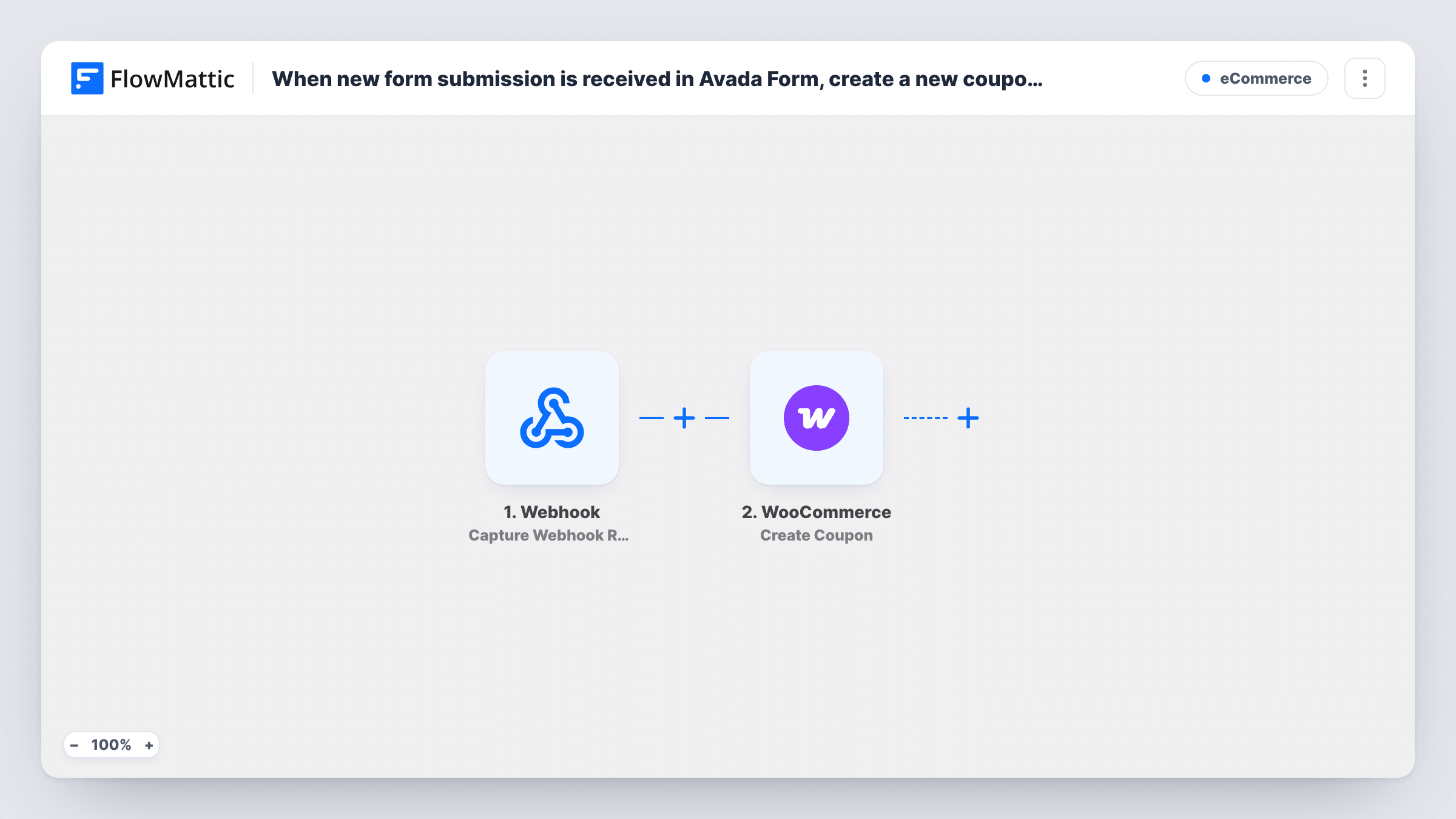
What this workflow does
Offering a discount in return for filling in a form is common: join the list, answer a survey, register interest. Making each coupon by hand in WooCommerce doesn't scale. This workflow creates one in your store for every Avada form submission.
The Avada Forms trigger fires when a new submission is received on a form built with the Avada theme. The answers in that entry are passed on to WooCommerce.
The WooCommerce step is Create Coupon. It ships unmapped, so after import you set up the coupon the way you want it: the code, the discount and any other coupon details the step offers. WooCommerce coupon codes have to be unique in your store, so build the code from something that differs per entry, such as part of the email address plus a fixed prefix, rather than typing one fixed code.
The workflow creates the coupon and stops there. It doesn't send the code to the person who filled in the form. Add an email step after Create Coupon and map the code into the message if they should receive it. Task History shows the coupon WooCommerce created for each run.
Discount for joining the newsletter
A clothing store's Avada sign-up form creates a coupon for each new subscriber, and a follow-up email step sends them the code.
Thank-you code for a customer survey
A coffee roaster rewards everyone who completes its Avada feedback form with a coupon for their next bag.
Pre-launch interest list
A shop collects interest in a new product line and gives each person who registers a launch-day coupon.
How this workflow runs
What happens at each step once the workflow is on, and what you need before you import it.
 Avada Forms New Form Submission
Starts a run whenever a visitor sends your Avada form. The answers, such as name and email, are passed on for building the coupon.
- WooCommerce Create Coupon
Creates a new WooCommerce coupon. The step ships unmapped: set the coupon code, discount and other details after import, building the code from form values so it is unique per entry.
What you need
- FlowMatticCore
- Avada Forms PluginPlugin
- WooCommerce PluginPlugin
After importing, map your own data. To keep the template universal, not every step is pre-filled. Open each step in the builder and connect your accounts and fields (channels, lists, sheets, recipients) before you switch the workflow on.
Make it yours
Changes worth making after you import it.
- Add an Email or Gmail step after Create Coupon and map the person's email and the coupon code, so they receive the discount they asked for.
- Add WooCommerce's Add Email(s) to Coupon step after Create Coupon and map the form's email, so only that person can use the code.
- Put a Filter between the Avada Forms trigger and Create Coupon that checks the email isn't empty, so entries without an address don't produce coupons nobody receives.
Questions about this workflow
Does the person who filled in the Avada form get the coupon code?
Not as imported. The coupon is made in your store, and nothing passes the code on. Add an email step after it and map the code into the message to send it.
Can every WooCommerce coupon use the same code?
No. WooCommerce needs each coupon code to be unique, so a fixed code would clash after the first entry. Build the code from form values and check Task History for WooCommerce's response.
What if the same person submits the Avada form twice?
Each submission starts a run and tries to create another coupon, since nothing in the template looks for earlier entries. If the code is built from the email, the second attempt reuses an existing code, and Task History shows how WooCommerce responded.
More E-Commerce workflows
Other ready-to-import templates from the same category.





Import this workflow into your WordPress site
Download the JSON, import it from the Workflows screen and connect your accounts. Every run stays on your server, with no per-task fees.
30-day money-back guarantee Unlimited workflows and runs Self-hosted