

When new form submission is received in Bricks Form, add a new contact in FluentCRM
Each Bricks Builder form submission on your WordPress site creates a FluentCRM contact, or updates the existing one with the same email, so form leads go straight into your email lists.
 Bricks Forms
 FluentCRM
2 steps Setup ~5 min Used on 879 sites Free to import
What this workflow does
Bricks Builder forms collect leads on your site, but FluentCRM is where you email and segment them. Moving entries across by hand means some never make it. This workflow keeps the two in step on your own WordPress site.
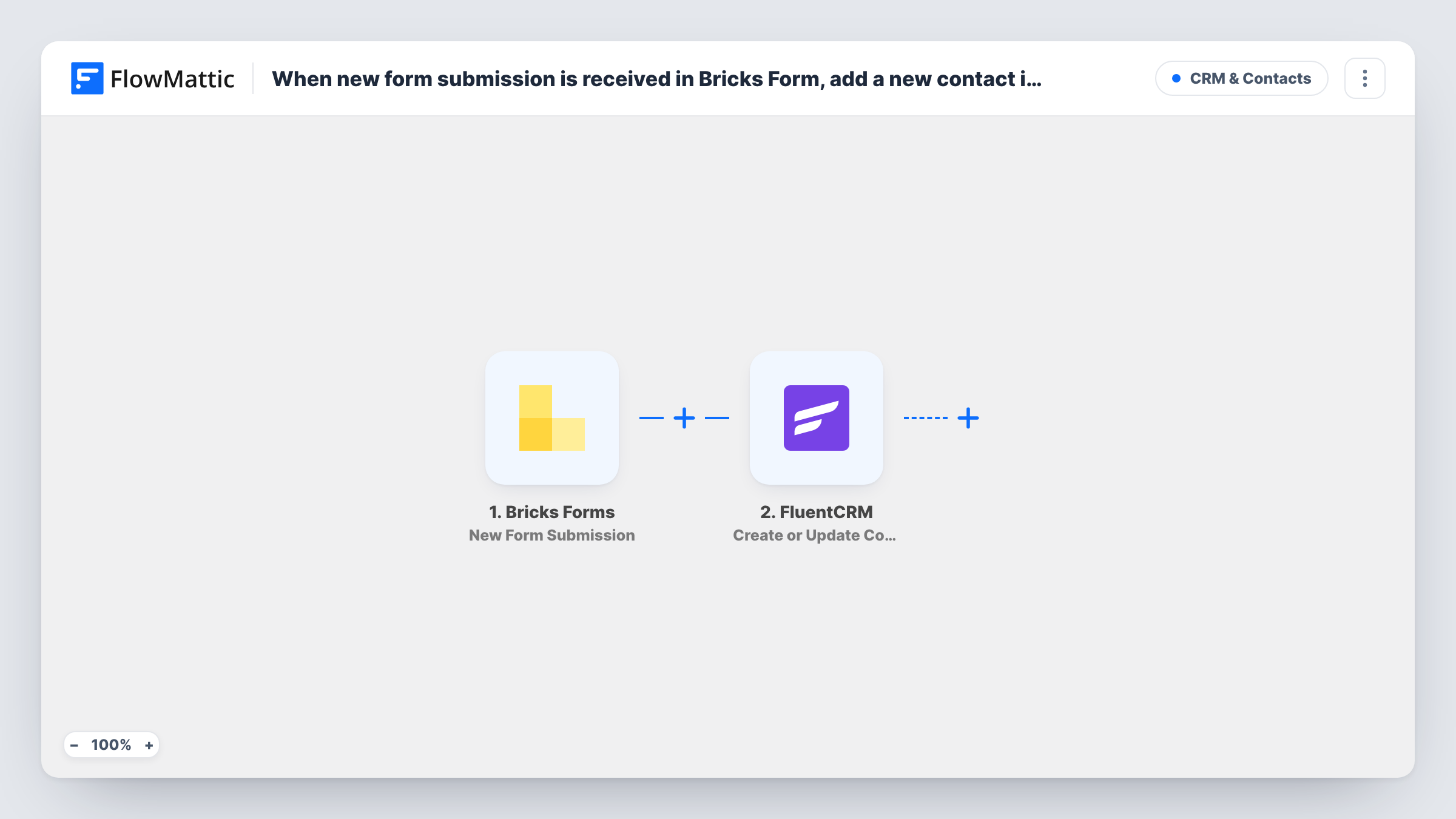
The Bricks Forms trigger fires when a new submission is received. FlowMattic sends the submitted fields to FluentCRM, which looks for a contact with the same email address. If there is none, it creates one. If there is, it updates that contact with the new details.
Bricks and FluentCRM both live on your own site, so no submission leaves WordPress. You choose which form fields fill which contact fields when you map the FluentCRM step, and Task History records every run.
Free guide downloads
A Bricks form asks for an email in exchange for a PDF guide. Each person becomes a FluentCRM contact you can email when the next guide is ready.
Local service enquiries
A plumber's or electrician's Bricks site sends quote requests into FluentCRM, so the business can send a seasonal service reminder later.
Returning visitors who submit twice
Someone who fills in your contact form again isn't added twice. FluentCRM updates their existing record with the newer details instead.
How this workflow runs
What happens at each step once the workflow is on, and what you need before you import it.
 Bricks Forms New Form Submission
Fires when a new submission is received from a form built with Bricks Builder on your site. Every submitted field becomes available to the FluentCRM step.
- FluentCRM Create or Update Contact
Creates a FluentCRM contact from the submission, or updates the contact whose email matches. Map the form's email field, plus any name or phone fields you collect.
What you need
- FlowMatticCore
- Bricks Forms PluginPlugin
- FluentCRM PluginPlugin
After importing, map your own data. To keep the template universal, not every step is pre-filled. Open each step in the builder and connect your accounts and fields (channels, lists, sheets, recipients) before you switch the workflow on.
Make it yours
Changes worth making after you import it.
- Make the email field required in your Bricks form, since FluentCRM matches and creates contacts by email address.
- After the contact step, add FluentCRM's Add Tags to Contact action to tag everyone from this form. Placed there, it always finds the contact the previous step just saved.
- If you use several Bricks forms, add a Filter after the trigger so only the forms you want feed FluentCRM.
Questions about this workflow
What if the Bricks form submitter is already a FluentCRM contact?
FluentCRM matches on email and updates the existing contact. Blank values in a later submission can overwrite fields you already hold, so map only fields the form always fills in.
Are past Bricks form entries added to FluentCRM?
No. Only submissions made after you turn the workflow on reach FluentCRM. Older entries would need a separate import.
Do I need anything outside WordPress for this Bricks to FluentCRM flow?
No. Bricks Builder, FluentCRM and FlowMattic all run on your WordPress site, so no outside accounts are required.
More CRM & Contacts workflows
Other ready-to-import templates from the same category.




Import this workflow into your WordPress site
Download the JSON, import it from the Workflows screen and connect your accounts. Every run stays on your server, with no per-task fees.
30-day money-back guarantee Unlimited workflows and runs Self-hosted