

When new form submission is received in FormCrafts, add a new contact in FluentCRM
Every FormCrafts submission becomes a FluentCRM contact on your WordPress site, or updates the matching one by email, so your form leads are ready for FluentCRM lists, tags and emails.
 FormCrafts
 FluentCRM
2 steps Setup ~5 min Used on 979 sites Free to import
What this workflow does
FormCrafts hosts your forms, but the people who fill them in belong in your email marketing. Exporting entries and importing them into FluentCRM by hand means a delay and the chance of missing someone. This workflow carries each submission straight across.
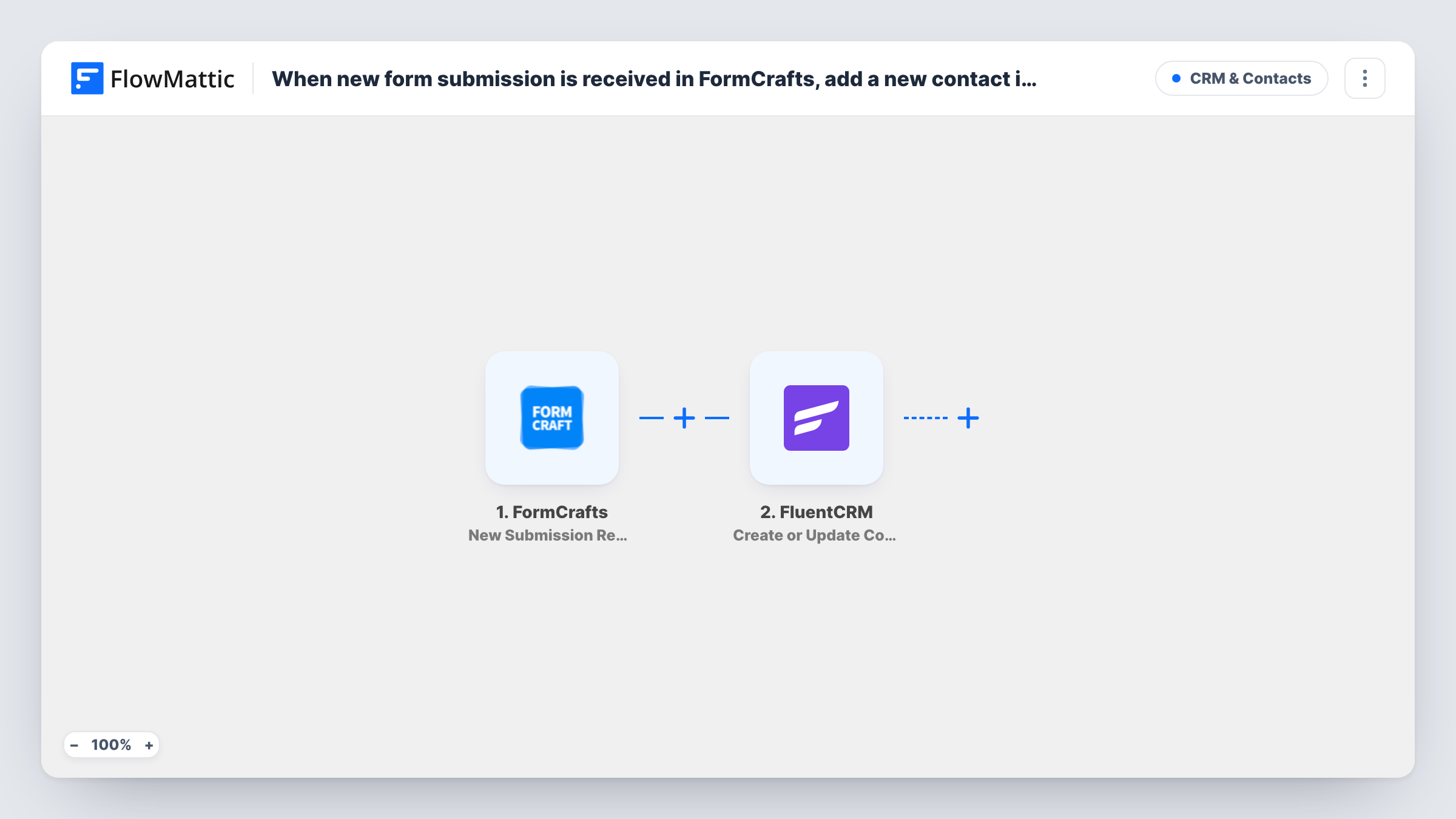
The FormCrafts trigger, New Submission Received, fires when a form gets a new entry. FlowMattic passes the answers to FluentCRM, where Create or Update Contact looks for the email address. If the address is unknown, FluentCRM makes a contact for it. An address that is already there has its contact updated with the fields you mapped.
The template has a single action, so it adds no list or tag on its own. Most people pick a list or tag for these contacts so FluentCRM can treat them differently from other sign-ups; see the tips. FluentCRM runs on your WordPress site, so the contact stays on your own server.
Hosted landing page forms
A FormCrafts form embedded on a campaign landing page sends each sign-up to FluentCRM, ready for the welcome emails you set up there.
Event interest lists
People register interest in a workshop through FormCrafts, and FluentCRM holds them as contacts you can email when dates are set.
Consultation requests
Each request form becomes a FluentCRM contact, so your follow-up emails and notes sit with the rest of your customer records.
How this workflow runs
What happens at each step once the workflow is on, and what you need before you import it.
 FormCrafts New Submission Received
Fires when a FormCrafts form receives a new submission. Each answer from the entry is passed on to map into the FluentCRM contact.
- FluentCRM Create or Update Contact
Adds the person to FluentCRM, or refreshes the contact that already uses that email. Map the FormCrafts email answer plus any name or phone fields you collect.
What you need
- FlowMatticCore
- FormCrafts AccountAccount
- FluentCRM PluginPlugin
After importing, map your own data. To keep the template universal, not every step is pre-filled. Open each step in the builder and connect your accounts and fields (channels, lists, sheets, recipients) before you switch the workflow on.
Make it yours
Changes worth making after you import it.
- Assign a FluentCRM list or tag in the contact step if it offers one after import; otherwise add FluentCRM's list or tag action after it, so FormCrafts leads are easy to segment.
- Make the email question required in FormCrafts, since FluentCRM matches contacts by email and needs one to create or update a record.
- Map only fields your form always fills. A blank answer in a later submission can overwrite a value the contact already has.
Questions about this workflow
What if a FormCrafts respondent is already in FluentCRM?
Create or Update Contact matches by email, so that contact is updated with the newly mapped fields instead of being duplicated.
Does every FormCrafts form start the workflow?
It depends on the form you connect in the trigger. Submit a test entry after import to confirm which form's submissions reach FluentCRM.
Is FluentCRM needed on the same site as FlowMattic?
Yes. FluentCRM is a WordPress plugin, so it must be installed where FlowMattic runs. FormCrafts is connected as an outside account.
More CRM & Contacts workflows
Other ready-to-import templates from the same category.






Import this workflow into your WordPress site
Download the JSON, import it from the Workflows screen and connect your accounts. Every run stays on your server, with no per-task fees.
30-day money-back guarantee Unlimited workflows and runs Self-hosted