

When new form submission is received in Formidable Forms, upload new media to WordPress
When someone submits a Formidable Forms form, this workflow creates a new item in your WordPress media library from the submission, so files people send through the form sit with the rest of your media.
 Formidable Forms
 WordPress
2 steps Setup ~5 min Used on 1.2k sites Free to import
What this workflow does
Formidable Forms can collect files, such as photos, logos or documents, but those uploads stay tied to the form entry. If you want them in the WordPress media library, ready to place in posts or pages, you normally download and re-upload each one. This workflow creates the media item for you.
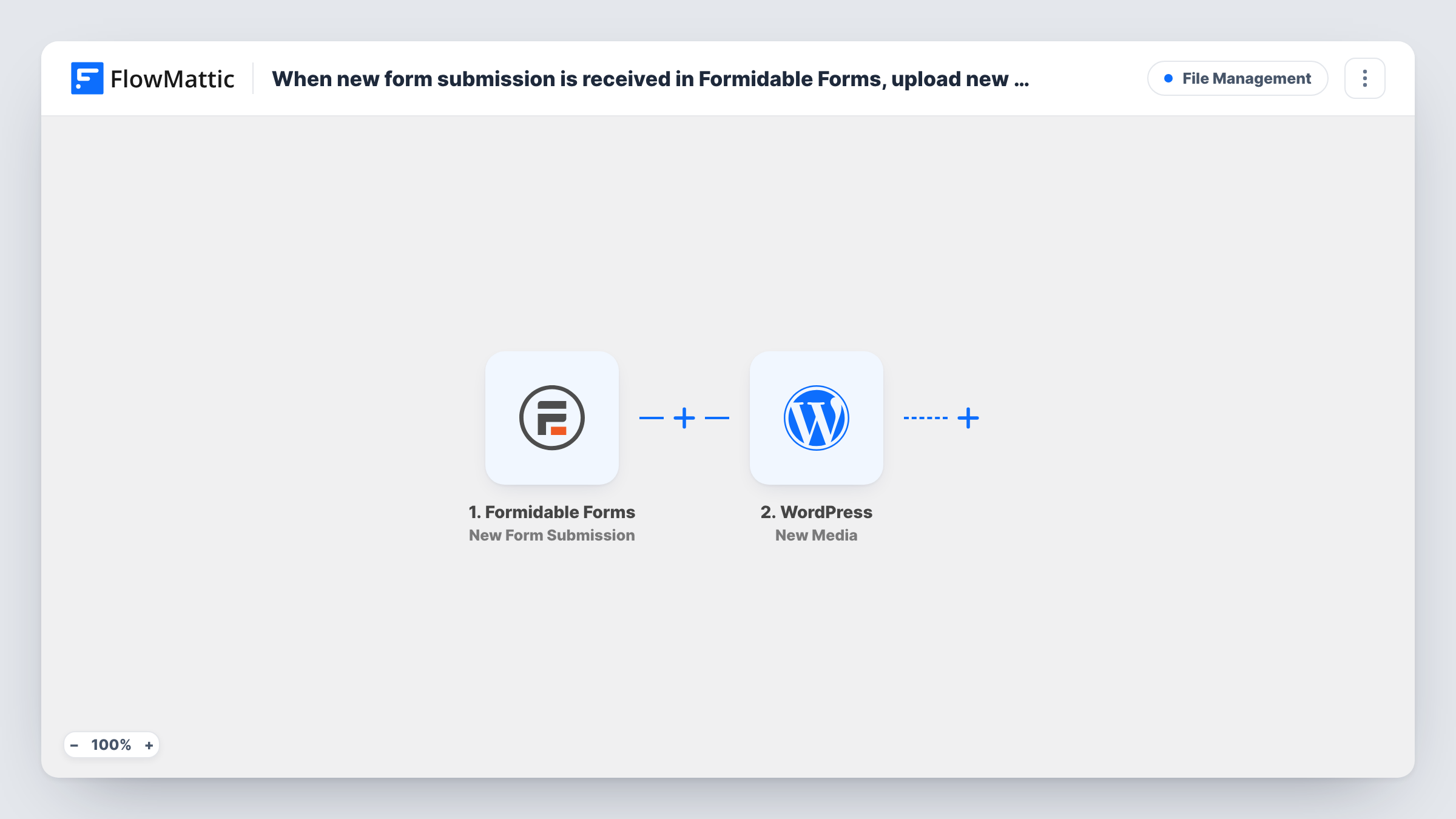
The Formidable Forms trigger runs on every new submission. FlowMattic receives the entry's fields, including any file link the form provides. The WordPress New Media action then creates a media item on your site from the data you map, typically the link to the uploaded file.
Each submission runs the media step once. If the form has no file, or the file field is empty, there is nothing useful to create, so add a Filter for that case. Check the result in your media library after a test entry, and use Task History to see what was sent for each run.
Customer photo submissions
Customers send photos of their finished projects through a Formidable form. Each image becomes a media item you can use in a gallery or testimonial page.
Partner logos for a sponsors page
Sponsors upload their logo with their details. The logo lands in the media library, ready to add to the sponsors section of your site.
Contributor images for guest posts
Guest writers attach a header image to their submission, and editors find it in the media library when they build the post.
How this workflow runs
What happens at each step once the workflow is on, and what you need before you import it.
 Formidable Forms New Form Submission
Runs when a visitor submits a Formidable Forms form on your site. The entry's fields, including any file upload, are passed on for mapping.
- WordPress New Media
Creates a new media item in your WordPress media library. Map the Formidable file field into the step, then submit a test entry and open the media library to check.
What you need
- FlowMatticCore
- Formidable Forms PluginPlugin
After importing, map your own data. To keep the template universal, not every step is pre-filled. Open each step in the builder and connect your accounts and fields (channels, lists, sheets, recipients) before you switch the workflow on.
Make it yours
Changes worth making after you import it.
- Add a Filter after the trigger that continues only when the file upload field is not empty, so entries without a file don't reach the media step.
- Ask for a short file description in the Formidable form. Where the media step offers a matching option, mapping it makes uploads easier to find later.
- If several Formidable forms are on the site, filter on the form ID so only the form that collects files runs the media step.
Questions about this workflow
Does the Formidable Forms entry keep its own copy of the file?
Yes. The workflow does not change the entry. It creates a separate media item from the data you map.
What about a Formidable form that allows several files in one field?
The media step runs once per submission. If a field holds several files, check a test run to see how they arrive; you may need an Iterator to create one media item per file.
Do I need any app besides WordPress and Formidable Forms?
No. Both run on your WordPress site with FlowMattic, so there is no outside account to connect.
Are files from past Formidable submissions added?
No. Only submissions made after you switch the workflow on create media items.
More File Management workflows
Other ready-to-import templates from the same category.






Import this workflow into your WordPress site
Download the JSON, import it from the Workflows screen and connect your accounts. Every run stays on your server, with no per-task fees.
30-day money-back guarantee Unlimited workflows and runs Self-hosted