

When new submission is received in Formidable Forms, create a new order in WooCommerce
Every Formidable Forms submission creates a new WooCommerce order from the answers you map, so requests taken through a custom form show up in the store’s order list.
 Formidable Forms
 WooCommerce
2 steps Setup ~5 min Used on 2.8k sites Free to import
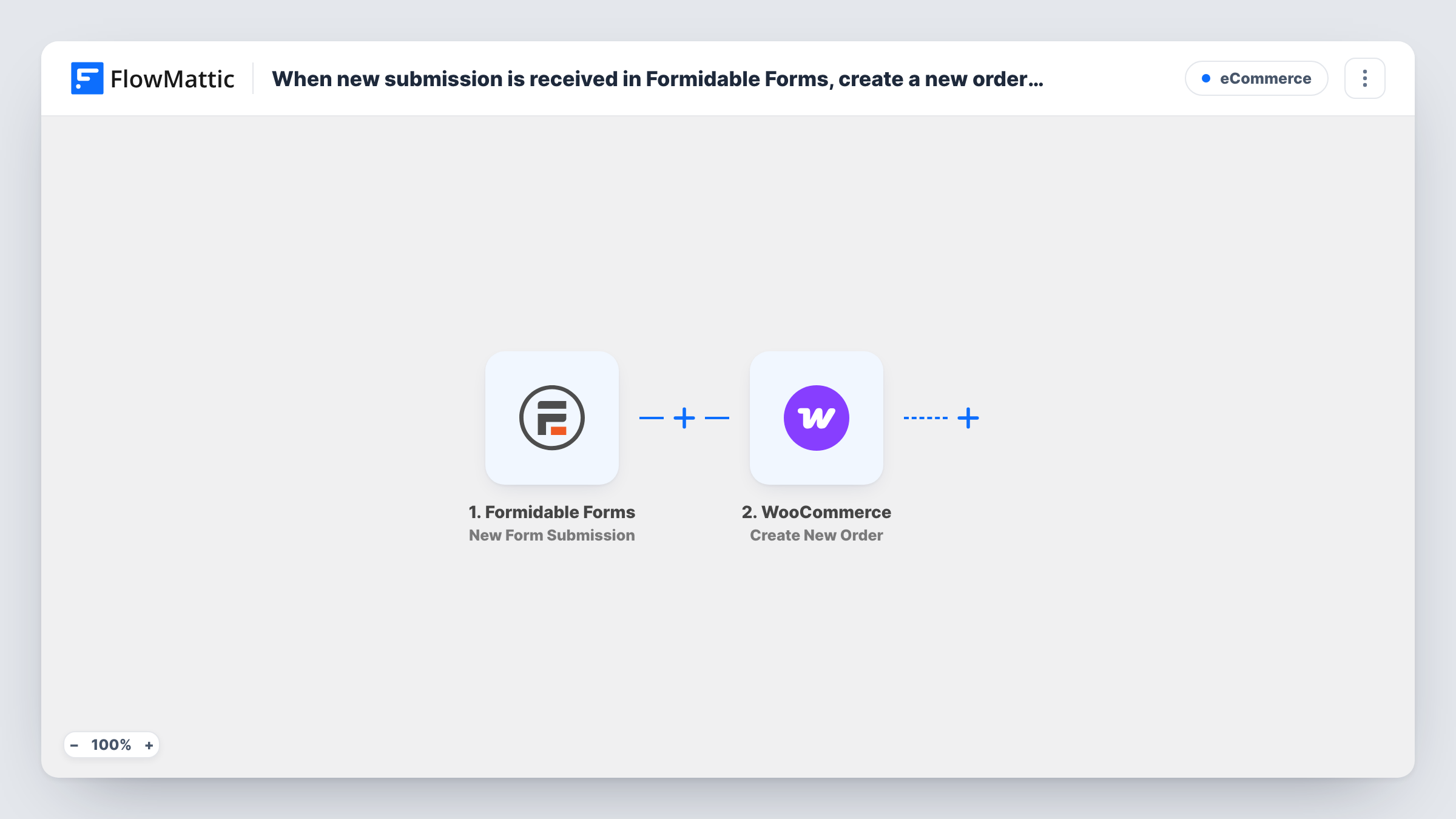
What this workflow does
A Formidable form can ask exactly the questions a custom order needs, while WooCommerce is where orders get processed. Without a link between them, staff copy each form entry into a manual order. This workflow creates the order from the entry instead.
Each new Formidable Forms submission starts a run, and FlowMattic receives all of its fields. The WooCommerce Create New Order step then adds an order to your store. You map the entry's details, such as the buyer's contact information and the item requested, into that step. A test entry shows you how the finished order looks.
The workflow runs for every submission, with no check in between, and it does not take payment. Plan how payment and order status are handled before you go live. Task History logs each run and WooCommerce's response, which is useful while you refine the mapping.
Custom furniture or print quotes accepted by form
Buyers confirm a configured item through a Formidable form with sizes and options. A WooCommerce order is created so the workshop sees it alongside regular orders.
School or club uniform orders
Parents fill in a Formidable order form with sizes, and each submission becomes a WooCommerce order the club processes in one place.
Catering orders from a menu form
Customers pick dishes and a delivery date on a form. Each request turns into an order in WooCommerce for the kitchen to prepare.
How this workflow runs
What happens at each step once the workflow is on, and what you need before you import it.
 Formidable Forms New Form Submission
Starts a run whenever a Formidable Forms form on your site is submitted. The entry's fields are passed to WooCommerce for mapping.
- WooCommerce Create New Order
Adds a new order to WooCommerce using the Formidable entry. Map the buyer and item details, then send a test submission and review the order in the WooCommerce admin.
What you need
- FlowMatticCore
- Formidable Forms PluginPlugin
- WooCommerce PluginPlugin
After importing, map your own data. To keep the template universal, not every step is pre-filled. Open each step in the builder and connect your accounts and fields (channels, lists, sheets, recipients) before you switch the workflow on.
Make it yours
Changes worth making after you import it.
- Filter on the Formidable form ID so contact or survey forms on the same site never create WooCommerce orders.
- Make the email field required in the Formidable form, so every order created has a way to reach the buyer.
- Add an email or Slack step after the order is created if staff should be told about form orders separately from web checkouts.
Questions about this workflow
Does the Formidable Forms order form collect payment?
No payment step is included here. The workflow creates the order record, so collect payment another way and update the order once it is paid.
What happens with duplicate Formidable submissions?
Each one creates its own WooCommerce order. Check new form orders before you ship anything.
Can the Formidable form total become the order total?
Only if the order step lets you map it. Run a test and inspect the order to see how WooCommerce calculates the total.
Is any outside account needed for this Formidable Forms to WooCommerce workflow?
No. Both plugins run on the WordPress site where FlowMattic is installed.
More E-Commerce workflows
Other ready-to-import templates from the same category.




Import this workflow into your WordPress site
Download the JSON, import it from the Workflows screen and connect your accounts. Every run stays on your server, with no per-task fees.
30-day money-back guarantee Unlimited workflows and runs Self-hosted