

Share newly published blog posts to your Discord community
When you publish a new WordPress post, share the title and link to your community Discord.
 WordPress
 Discord
2 steps Setup ~5 min Used on 2.5k sites Ops Free to import
What this workflow does
Many site owners run a Discord server for readers, customers or members. Each time a new article goes live, someone has to copy the link into the right channel, and on busy weeks it doesn't happen. This workflow posts the announcement for you.
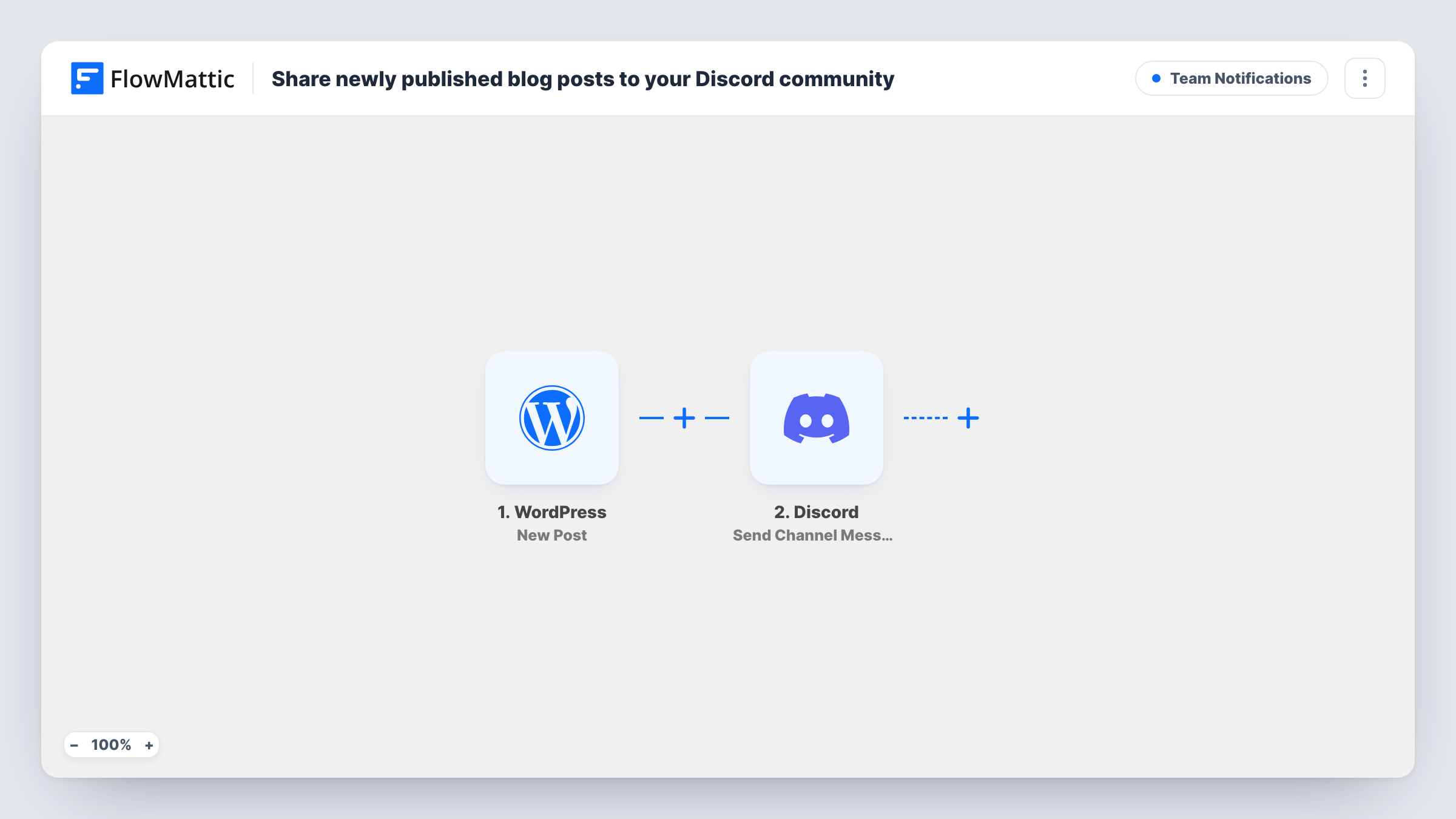
The WordPress trigger fires on the New Post event on your site. Next, FlowMattic sends a channel message through Discord. The message starts with New post and the post title in bold, using Discord's double-asterisk formatting, and puts the post URL on the next line.
Discord usually turns a bare link into a preview card, so readers see the article before they click. Nothing filters the posts, so every one that starts the trigger is announced. Before you switch the workflow on, save a draft and publish a test post, then look in Task History to see which of them started a run.
Tutorial blog with a reader server
You publish coding tutorials and run a Discord server for readers. Each new tutorial title and link appears in the announcements channel.
Podcast show notes
Every episode gets a WordPress post with show notes. The Discord message lets listeners in your server know the new episode page is up.
Membership site updates
A membership site posts news and lessons as WordPress posts. Members in the Discord server see each new one with a direct link.
How this workflow runs
What happens at each step once the workflow is on, and what you need before you import it.
 WordPress New Post
The workflow starts automatically when a new post is published in WordPress. FlowMattic captures that data for the steps below.
- Discord Send Channel Message
Discord — post a new message to a specific #channel you choose. Data is mapped from earlier steps; connect your Discord account on import.
What you need
- FlowMatticCore
- Discord AccountAccount
After importing, map your own data. To keep the template universal, not every step is pre-filled. Open each step in the builder and connect your accounts and fields (channels, lists, sheets, recipients) before you switch the workflow on.
Make it yours
Changes worth making after you import it.
- Publish one test post after import and check Task History. If drafts or other post types also start runs, add a Filter after the trigger so only the posts you want are announced.
- Add a Delay before the Discord step if you like to check a new post on the live site before it is shared.
- Edit the Discord message to add a short line of your own above the title, such as a greeting for your readers or a role mention your server uses.
Questions about this workflow
Which WordPress posts get shared to Discord?
Every post that fires the New Post trigger. There is no Filter in the template, so make a test post and check Task History to see exactly which posts start a run.
Does updating an old WordPress post announce it again on Discord?
No. New Post fires only the first time a post is published, so editing an article that is already live sends nothing to Discord.
What does the Discord message look like?
A line reading New post followed by the title in bold, then the post link on the next line. Discord usually shows a preview of the linked page under it.
Do I need a separate WordPress plugin for this?
No. The trigger comes from WordPress itself through FlowMattic. You only need to connect your Discord account.
More Team Notifications workflows
Other ready-to-import templates from the same category.





Import this workflow into your WordPress site
Download the JSON, import it from the Workflows screen and connect your accounts. Every run stays on your server, with no per-task fees.
30-day money-back guarantee Unlimited workflows and runs Self-hosted