

Add an AI-written outreach note to every new CRM contact
For each contact created in FluentCRM, OpenAI suggests a friendly first-touch outreach message using their first name and company, and FlowMattic saves it as a note on that contact.
 FluentCRM
 OpenAI (ChatGPT)
3 steps Setup ~5 min Used on 633 sites Content Ops Free to import
What this workflow does
Writing the first message to a new lead takes a few minutes each time, and those minutes add up when contacts arrive every day. This workflow prepares a suggested opener for every new contact, so whoever follows up starts from a draft instead of a blank page.
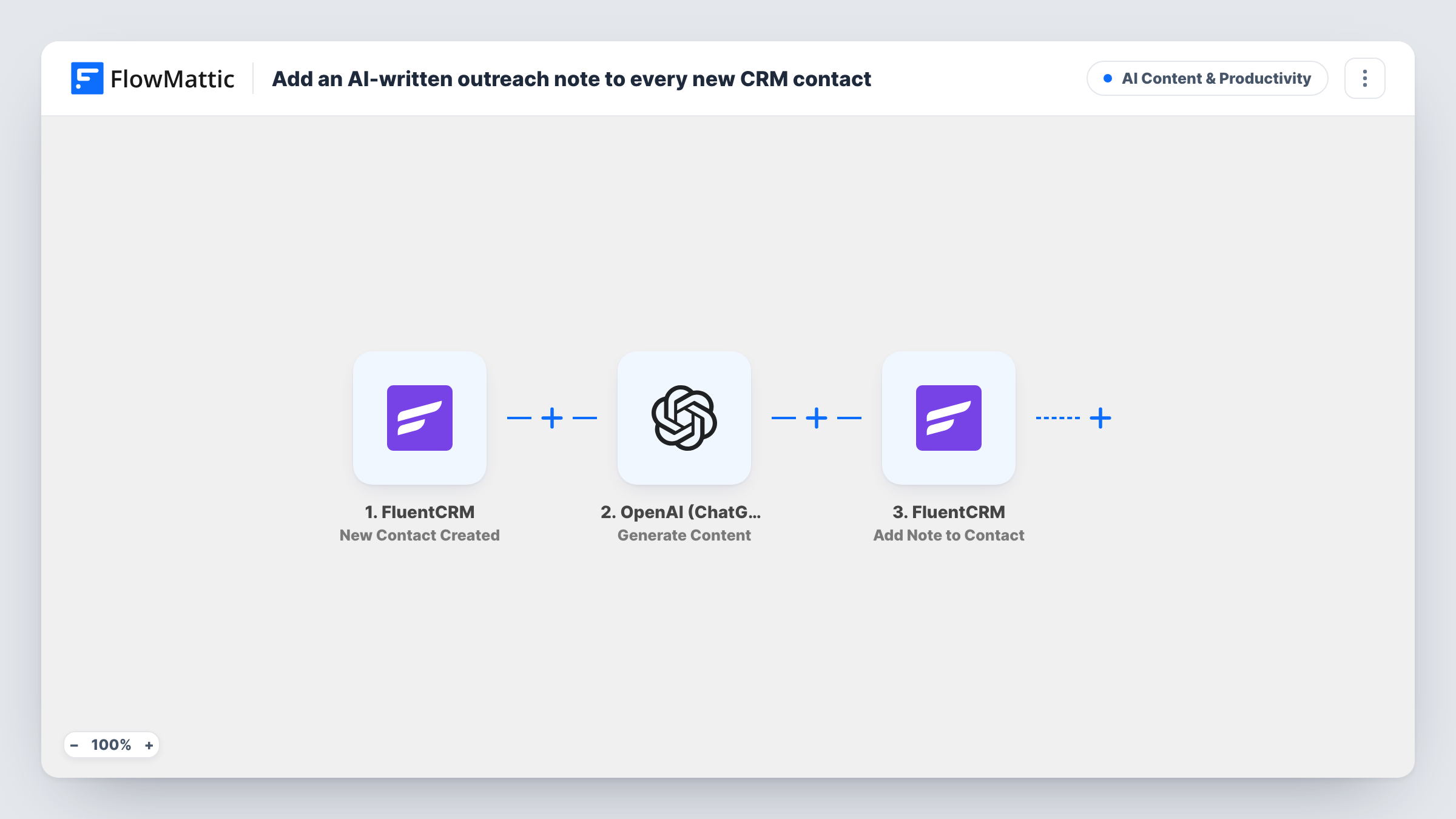
Each run begins with a fresh contact record appearing in FluentCRM. FlowMattic sends a prompt to OpenAI (ChatGPT) that asks for a friendly first-touch outreach note for a lead with the contact's first name at their company. The template uses the gpt-4o model with a limit of 600 tokens. The reply is then added back to the same contact in FluentCRM as a note titled "AI outreach suggestion", matched by the contact's email.
Nothing is sent to the contact. The note is a suggestion for you to read, edit and send yourself. Only the first name and company go to OpenAI. If the company field is empty, the prompt has a gap there, so the note may come out more generic.
B2B lead follow-up
Sales reps open a new contact in FluentCRM and find a drafted opener that already mentions the person's name and company.
Freelancer handling enquiries
When an enquiry adds someone to FluentCRM, a suggested first reply is waiting in their contact notes the next time you check the CRM.
Event networking contacts
Contacts added after a conference each get a drafted intro note, which you adjust with details you remember before writing to them.
How this workflow runs
What happens at each step once the workflow is on, and what you need before you import it.
 FluentCRM New Contact Created
Fires when a contact is created in FluentCRM. The contact's first name, company and email are passed to the next two steps.
- OpenAI (ChatGPT) Generate Content
Asks OpenAI, using gpt-4o, for a friendly first-touch outreach note for this person at their company. Connect your OpenAI account and edit the prompt to describe your product and tone.
- FluentCRM Add Note to Contact
Adds the OpenAI reply to the matching FluentCRM contact as a note titled "AI outreach suggestion". The contact is found by the email from the trigger.
What you need
- FlowMatticCore
- FluentCRM PluginPlugin
- OpenAI (ChatGPT) AccountAccount
After importing, map your own data. To keep the template universal, not every step is pre-filled. Open each step in the builder and connect your accounts and fields (channels, lists, sheets, recipients) before you switch the workflow on.
Make it yours
Changes worth making after you import it.
- Add a sentence to the prompt about what you sell and who you help. The model only knows what the prompt tells it, so the note will be more useful with that context.
- Add a Filter after the trigger that continues only when the company field is not empty, if you only want notes for business leads.
- Create a test contact with a real-looking name and company after import, then read the note in FluentCRM and adjust the prompt until the tone fits.
Questions about this workflow
Does this workflow email the new FluentCRM contact?
No. It only adds a note to the contact record. You decide whether to send the suggested message and how.
What contact data is sent to OpenAI?
As imported, only the contact's first name and company are placed in the prompt. The email address is used inside FluentCRM to find the contact and is not part of the prompt.
Can I use a different OpenAI model for the outreach note?
Yes. The template uses gpt-4o, and you can pick another model in the OpenAI step if your account has access to it.
Do I need an OpenAI account to add AI notes in FluentCRM?
Yes. The Generate Content step runs through your own OpenAI account, which you connect when you import the workflow.
More AI Content & Productivity workflows
Other ready-to-import templates from the same category.






Import this workflow into your WordPress site
Download the JSON, import it from the Workflows screen and connect your accounts. Every run stays on your server, with no per-task fees.
30-day money-back guarantee Unlimited workflows and runs Self-hosted