

Add each new Cal ID booking to Google Calendar
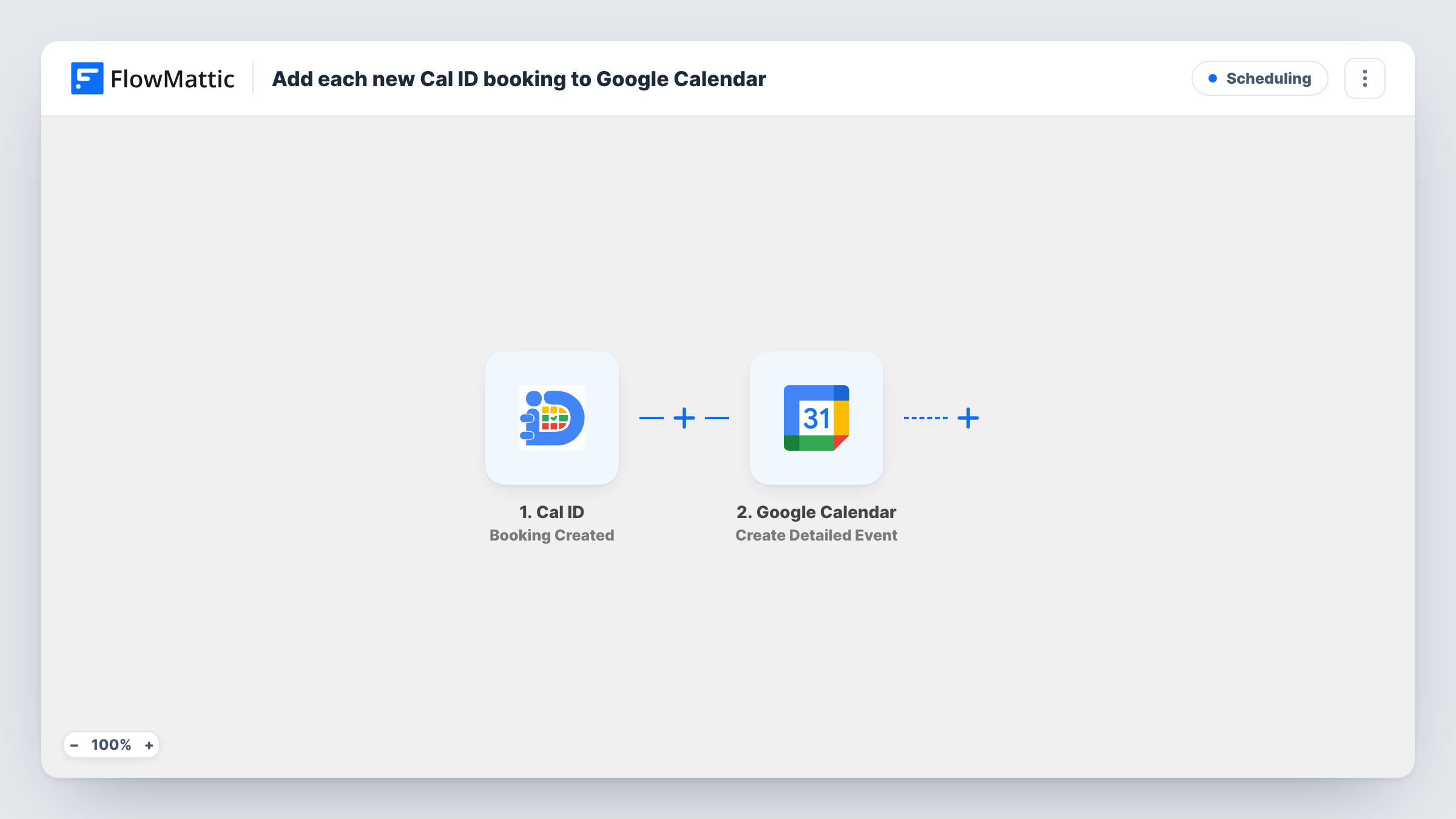
Every booking created in Cal ID becomes a new event in the Google Calendar you pick, built from the booking’s time and details, so your calendar shows each appointment without copying it across.
 Cal ID
 Google Calendar
2 steps Setup ~5 min Used on 3.3k sites Free to import
What this workflow does
When people book you through Cal ID but your day runs from Google Calendar, a missing appointment is easy to overlook. This workflow copies each new Cal ID booking into Google Calendar, so the calendar you check every morning includes what clients have booked.
The Cal ID trigger fires when a new booking is created, and FlowMattic receives the booking data. The Google Calendar step then runs Create Detailed Event and adds an event to the calendar you choose, filled with the booking fields you map, such as the start and end time, the guest's name and any notes.
Nothing in this template edits or deletes calendar entries. A booking that is later rescheduled or cancelled in Cal ID keeps its original event in Google Calendar until you change it there. Task History lists each run, which helps you check that times land correctly during your first few bookings.
Therapist with a personal calendar
Clients book sessions in Cal ID. Each one shows up in the therapist's Google Calendar next to school runs and other personal plans.
Team calendar for a repair shop
Repair appointments booked through Cal ID land on a shared Google Calendar, so every technician sees the day's jobs.
Freelancer avoiding double bookings
A designer keeps all commitments in Google Calendar. Copying Cal ID bookings there makes conflicts visible before accepting other work.
How this workflow runs
What happens at each step once the workflow is on, and what you need before you import it.
 Cal ID Booking Created
Fires when a new booking is created in Cal ID. The booking data, such as times and guest details, becomes available to map into the calendar event.
- Google Calendar Create Detailed Event
Adds the booking to your selected Google Calendar as a new event. Map the booking's start and end times, plus a title and description from the guest's details, then confirm the time zone with a test booking.
What you need
- FlowMatticCore
- Cal ID AccountAccount
- Google Calendar AccountAccount
After importing, map your own data. To keep the template universal, not every step is pre-filled. Open each step in the builder and connect your accounts and fields (channels, lists, sheets, recipients) before you switch the workflow on.
Make it yours
Changes worth making after you import it.
- Make a test booking in Cal ID after import so FlowMattic captures the booking fields, then check that the event's start time matches the booking in your time zone.
- Put the guest's name and the meeting type in the event title, if Cal ID sends them, so you can read your calendar at a glance.
- Send these events to a dedicated Google Calendar used only for Cal ID bookings, so you can share or hide them separately from personal events.
Questions about this workflow
Does a cancelled Cal ID booking remove the Google Calendar event?
No. The template only reacts to new bookings. Cal ID cancellations don't run it, so you remove the event in Google Calendar yourself.
Will Google Calendar invite the Cal ID guest?
The template doesn't show any attendee settings. Make a test booking with your own address as the guest and see whether an invitation arrives.
What happens to bookings made before I turn the workflow on?
Nothing. Only bookings created after the workflow is active reach Google Calendar.
Can Cal ID bookings go to more than one Google Calendar?
Add a second Create Detailed Event step pointed at the other calendar, so each booking appears in both.
More Scheduling workflows
Other ready-to-import templates from the same category.







Import this workflow into your WordPress site
Download the JSON, import it from the Workflows screen and connect your accounts. Every run stays on your server, with no per-task fees.
30-day money-back guarantee Unlimited workflows and runs Self-hosted