

Create Heartbeat events for new Eventbrite events
When you create an event in Eventbrite, this workflow creates a matching event in your Heartbeat community, so members see what’s coming up without you entering it twice.
 Eventbrite
 Heartbeat
2 steps Setup ~5 min Used on 3.4k sites Free to import
What this workflow does
Eventbrite handles ticketing and registration. Heartbeat is where your community talks and checks what's on. Running events in both means typing the same title, date and description into two places, and the copies drift apart. This workflow takes the event you create in Eventbrite and adds it to Heartbeat.
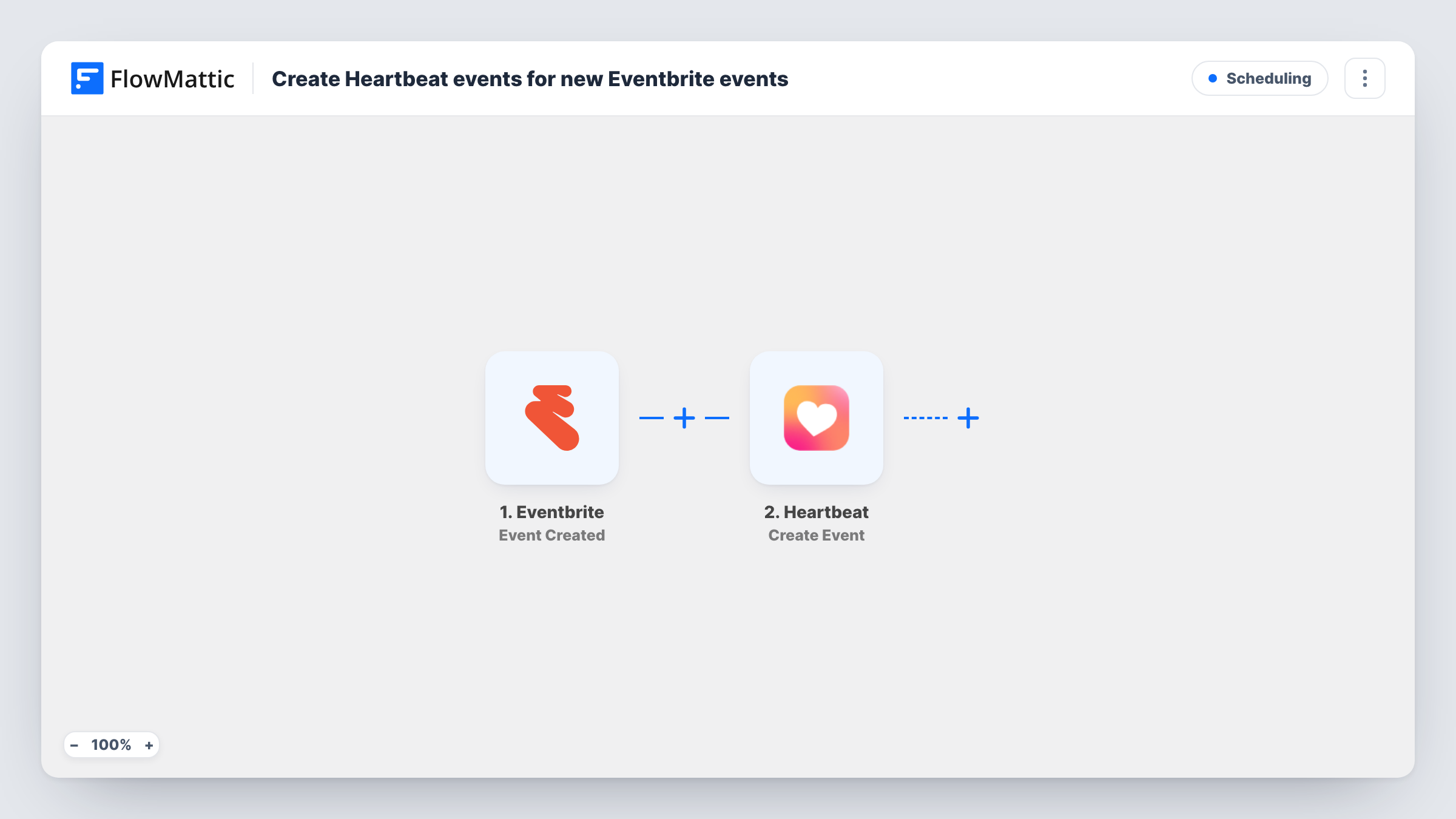
The Eventbrite trigger fires when an event is created in your account. Its details, such as the name, start time and description, become data you can map. The next step uses Heartbeat to create an event in your community, filled from those values.
The flow only reacts to new Eventbrite events. If you change the date or cancel the event later, the Heartbeat copy is not updated. Create a draft event as a test to see whether it starts the workflow before it is published. Task History logs every event created.
Monthly meetups for a member community
Each meetup you set up on Eventbrite for ticketing also appears in Heartbeat, so members browsing the community see it alongside discussions.
Paid workshops for course students
A course creator sells workshop seats through Eventbrite and lists each workshop in the Heartbeat community where students already gather.
Online talks with outside speakers
Talks that need public registration go on Eventbrite, while the Heartbeat event gives existing members a place to see the date and ask questions.
How this workflow runs
What happens at each step once the workflow is on, and what you need before you import it.
 Eventbrite Event Created
Runs when a new event is created in your Eventbrite account. Its name, timing and other details are passed on for the Heartbeat step to use.
- Heartbeat Create Event
Adds an event to your Heartbeat community using the Eventbrite details. Connect Heartbeat and map the event's name, timing and description into it. A test run shows how times are carried over.
What you need
- FlowMatticCore
- Eventbrite AccountAccount
- Heartbeat AccountAccount
After importing, map your own data. To keep the template universal, not every step is pre-filled. Open each step in the builder and connect your accounts and fields (channels, lists, sheets, recipients) before you switch the workflow on.
Make it yours
Changes worth making after you import it.
- Map the Eventbrite event URL into the Heartbeat description so members can click through to register and get a ticket.
- After your first test, compare the start time shown in Heartbeat with the one in Eventbrite. If they differ, adjust the mapped time value before you go live.
- Add a Filter after the trigger if only some Eventbrite events belong in Heartbeat, for example ones whose name contains a word you use for community events.
Questions about this workflow
Will changes to the Eventbrite event update Heartbeat?
No. The workflow runs once, when the Eventbrite event is created. Later edits or cancellations need to be made in Heartbeat by hand, or with a second workflow.
Are registrations synced from Eventbrite to Heartbeat?
No. Only the event itself is created in Heartbeat. Ticket sales and attendee lists stay in Eventbrite.
Are Eventbrite events I already created copied over?
No. Only events created after you turn the workflow on reach Heartbeat. Add older ones manually.
More Scheduling workflows
Other ready-to-import templates from the same category.






Import this workflow into your WordPress site
Download the JSON, import it from the Workflows screen and connect your accounts. Every run stays on your server, with no per-task fees.
30-day money-back guarantee Unlimited workflows and runs Self-hosted