

When a Fluent Support ticket is created, OpenAI summarizes it and adds an internal note
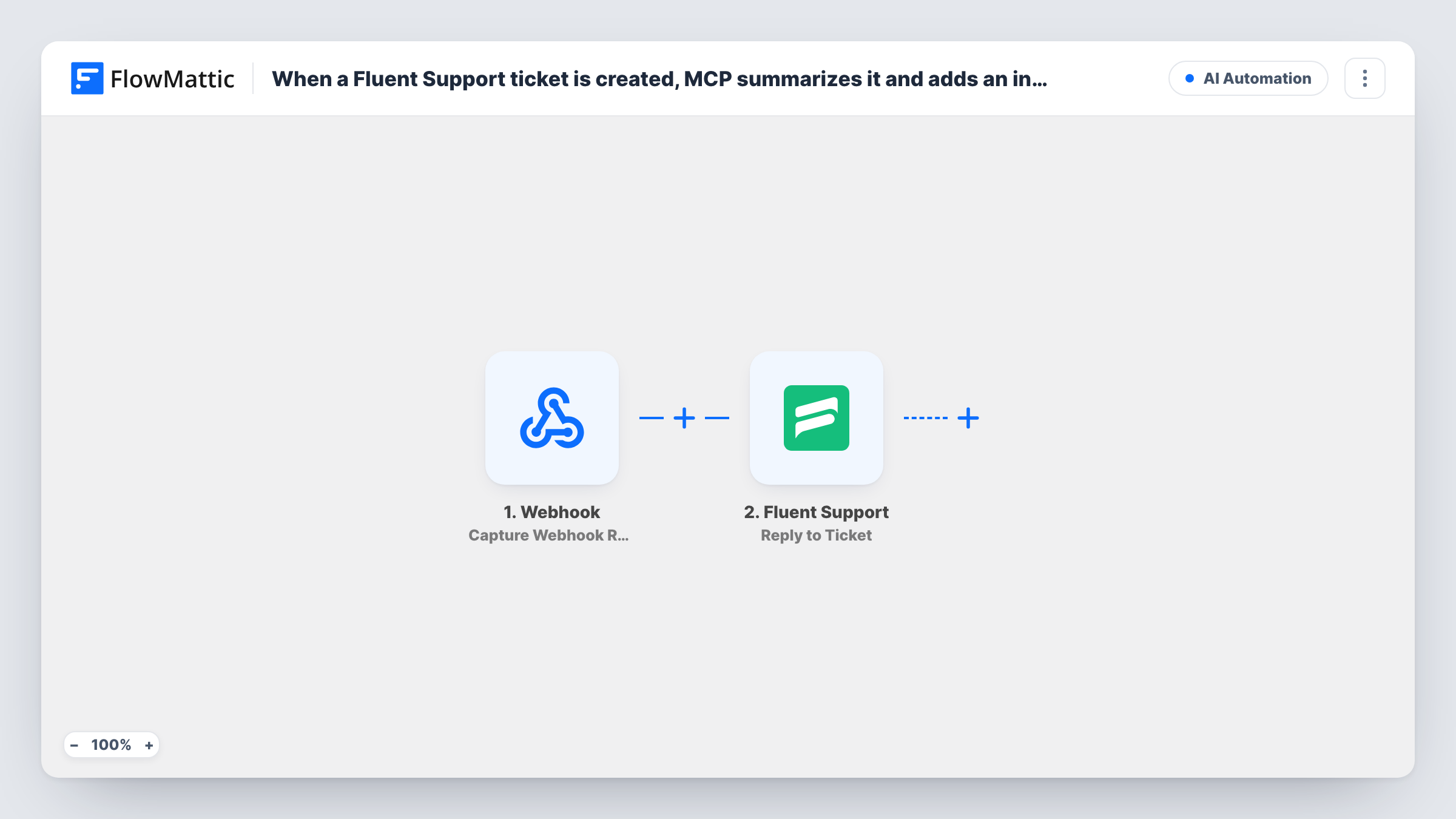
Each new Fluent Support ticket is sent to OpenAI with the prompt you write, and the summary it generates is added back to the same ticket by the Reply to Ticket step, set up as an internal note.
 Fluent Support
 OpenAI (ChatGPT)
3 steps Setup ~5 min Used on 2.6k sites Free to import
What this workflow does
Long tickets take time to read before an agent can act on them. This workflow has OpenAI write a short summary of every new Fluent Support ticket and puts it on the ticket, so whoever picks it up sees the gist first.
The Fluent Support Ticket Created trigger fires when a new ticket is created, whether a customer opens it or an agent creates it. The ticket's details are passed on. The OpenAI (ChatGPT) Generate Content step then writes text from a prompt. It ships unmapped: connect OpenAI, write the instruction, such as "Summarise this support request in three bullet points and list what the customer is asking for", and map the ticket's title and content into it.
The last step is Fluent Support's Reply to Ticket, which replies to a ticket as an agent. It also ships unmapped. Point it at the ticket from the trigger, map OpenAI's output as the content, and set the reply to be posted as an internal note rather than a customer-facing response. Test on a ticket of your own and confirm the customer can't see the summary before you turn the workflow on.
Every new ticket starts a run, including ones agents create. Task History shows the prompt, OpenAI's answer and Fluent Support's response.
Quick triage for busy queues
A support lead scans the summary note on each new ticket to decide who should take it, without reading the whole message.
Clearer handovers between shifts
Agents starting a shift read the AI summaries on overnight tickets to catch up faster.
Pulling out the actual question
A plugin developer prompts OpenAI to list the customer's question and their WordPress setup, so long tickets start with the essentials.
How this workflow runs
What happens at each step once the workflow is on, and what you need before you import it.
 Fluent Support Ticket Created
Starts a run for each ticket opened in Fluent Support, whether a customer or one of your agents opened it. The ticket's title, content and customer details are passed to OpenAI and to the reply step.
- OpenAI (ChatGPT) Generate Content
Generates text from your prompt with OpenAI. The step arrives blank, so connect your OpenAI account, write the summary instruction and map the ticket's title and content into it.
- Fluent Support Reply to Ticket
Replies to the ticket as an agent with OpenAI's text. The step ships unmapped: pick the ticket from the trigger, map the summary and set it to post as an internal note, then test before going live.
What you need
- FlowMatticCore
- Fluent Support PluginPlugin
- OpenAI (ChatGPT) AccountAccount
After importing, map your own data. To keep the template universal, not every step is pre-filled. Open each step in the builder and connect your accounts and fields (channels, lists, sheets, recipients) before you switch the workflow on.
Make it yours
Changes worth making after you import it.
- Ask OpenAI for a fixed format, such as three bullet points and a suggested priority, so every summary note reads the same way.
- If agents create tickets themselves, put a Filter between the Fluent Support trigger and the OpenAI step that checks who created the ticket, so only customer tickets get a summary.
- Tell OpenAI in the prompt not to include personal details like phone numbers or order IDs in the summary if you want the note kept short.
Questions about this workflow
Will customers see the OpenAI summary on their Fluent Support ticket?
They shouldn't, if you set the Reply to Ticket step to post an internal note. The template doesn't set this for you, so check with a test ticket that the summary isn't shown to the customer.
Do tickets created by agents get a summary too?
Yes. Ticket Created fires for tickets opened by customers and by agents. Add a Filter between the trigger and the OpenAI step if you only want customer tickets.
What does OpenAI receive from each Fluent Support ticket?
Only what you map into the prompt in the Generate Content step. The template leaves the prompt empty, so you decide whether to include the title, the content or the customer's name.
More AI Automation workflows
Other ready-to-import templates from the same category.







Import this workflow into your WordPress site
Download the JSON, import it from the Workflows screen and connect your accounts. Every run stays on your server, with no per-task fees.
30-day money-back guarantee Unlimited workflows and runs Self-hosted