

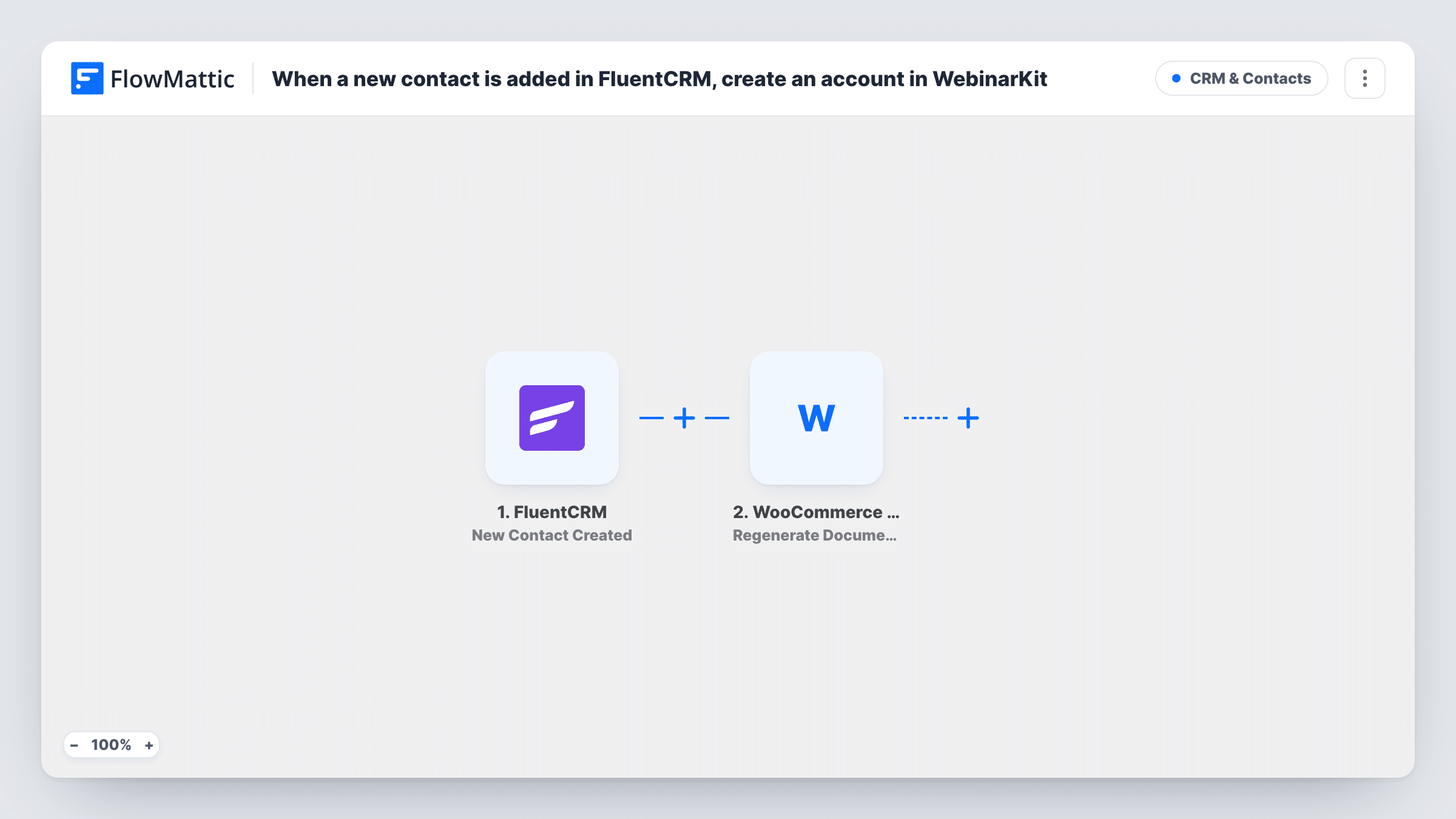
When a new contact is added in FluentCRM, create an account in WebinarKit
Each new FluentCRM contact gets a WebinarKit subaccount under your main WebinarKit account, so clients you add to your CRM can be set up to run their own webinars without manual account creation.
 FluentCRM
 WebinarKit
2 steps Setup ~5 min Used on 1.4k sites Free to import
What this workflow does
If you resell webinars or manage them for clients, each new client needs their own space in WebinarKit. Creating those accounts by hand after adding someone to your CRM is a step that is easy to forget. This workflow creates the WebinarKit account when the contact appears in FluentCRM.
The FluentCRM trigger fires whenever a new contact is created, whether from a form, an import or by hand in the dashboard. It passes the contact's details on. The WebinarKit Create an Account step then creates a new subaccount that belongs to your main WebinarKit account. The step ships unmapped, so after import you connect WebinarKit and map the contact's name and email into it.
Note the difference: this step creates a WebinarKit subaccount, not a webinar registration. That suits agencies and resellers. If you want contacts signed up as attendees, use WebinarKit's New Webinar Registration action instead, as the FAQs explain.
Every new contact runs the workflow, including newsletter sign-ups. If only clients should get an account, start from a narrower trigger or add a Filter. Create a test contact and check Task History for WebinarKit's response.
Agency onboarding for webinar clients
A marketing agency adds each new client to FluentCRM after signing, and the client's WebinarKit subaccount is ready for the kickoff call.
Reselling webinar hosting
A consultant who sells webinar packages through WordPress creates the buyer's FluentCRM contact and has WebinarKit set up their own account.
Course creators on a shared platform
A training network gives each instructor it adds to the CRM a subaccount for hosting their own sessions.
How this workflow runs
What happens at each step once the workflow is on, and what you need before you import it.
 FluentCRM New Contact Created
Fires when a new contact is created in FluentCRM, from any source. The contact's email, name and other details are passed to the WebinarKit step.
- WebinarKit Create an Account
Creates a new subaccount under your main WebinarKit account. Mapping is left empty on import, so connect WebinarKit and map the FluentCRM contact's details into the new account.
What you need
- FlowMatticCore
- FluentCRM PluginPlugin
- WebinarKit AccountAccount
After importing, map your own data. To keep the template universal, not every step is pre-filled. Open each step in the builder and connect your accounts and fields (channels, lists, sheets, recipients) before you switch the workflow on.
Make it yours
Changes worth making after you import it.
- If only clients should get an account, swap the trigger for FluentCRM's Contact Added to Tags and tag clients, so newsletter contacts never reach WebinarKit.
- Or keep the trigger and put a Filter between it and the WebinarKit step on a contact field that marks clients., using a field and value from your own CRM setup.
- Add a FluentCRM Add Note to Contact step after the WebinarKit step to record that the account was created, mapping what WebinarKit returns.
Questions about this workflow
Does this register FluentCRM contacts for a WebinarKit webinar?
No. The Create an Account step makes a WebinarKit subaccount. To register contacts as attendees, replace it with WebinarKit's New Webinar Registration action and pick the webinar.
Will every new FluentCRM contact get a WebinarKit account?
As imported, yes, because each contact FluentCRM creates runs the workflow once. Limit it with a tag-based trigger or a Filter between the FluentCRM trigger and the WebinarKit step.
What if a WebinarKit account already exists for that email?
The workflow sends the request anyway, and WebinarKit decides what to do. It may return an error, which you can read in Task History for that run.
Are contacts that were in FluentCRM before import included?
No. Only contacts created after the workflow is active trigger it.
More CRM & Contacts workflows
Other ready-to-import templates from the same category.






Import this workflow into your WordPress site
Download the JSON, import it from the Workflows screen and connect your accounts. Every run stays on your server, with no per-task fees.
30-day money-back guarantee Unlimited workflows and runs Self-hosted