

When a new coupon is added or updated in RegFox, update the corresponding discount in WooCommerce
When a coupon is created or edited in RegFox, FlowMattic looks up the WooCommerce coupon with the same code and updates it, so the discount matches in both places.
 RegFox
 WooCommerce
3 steps Setup ~5 min Used on 2.1k sites Free to import
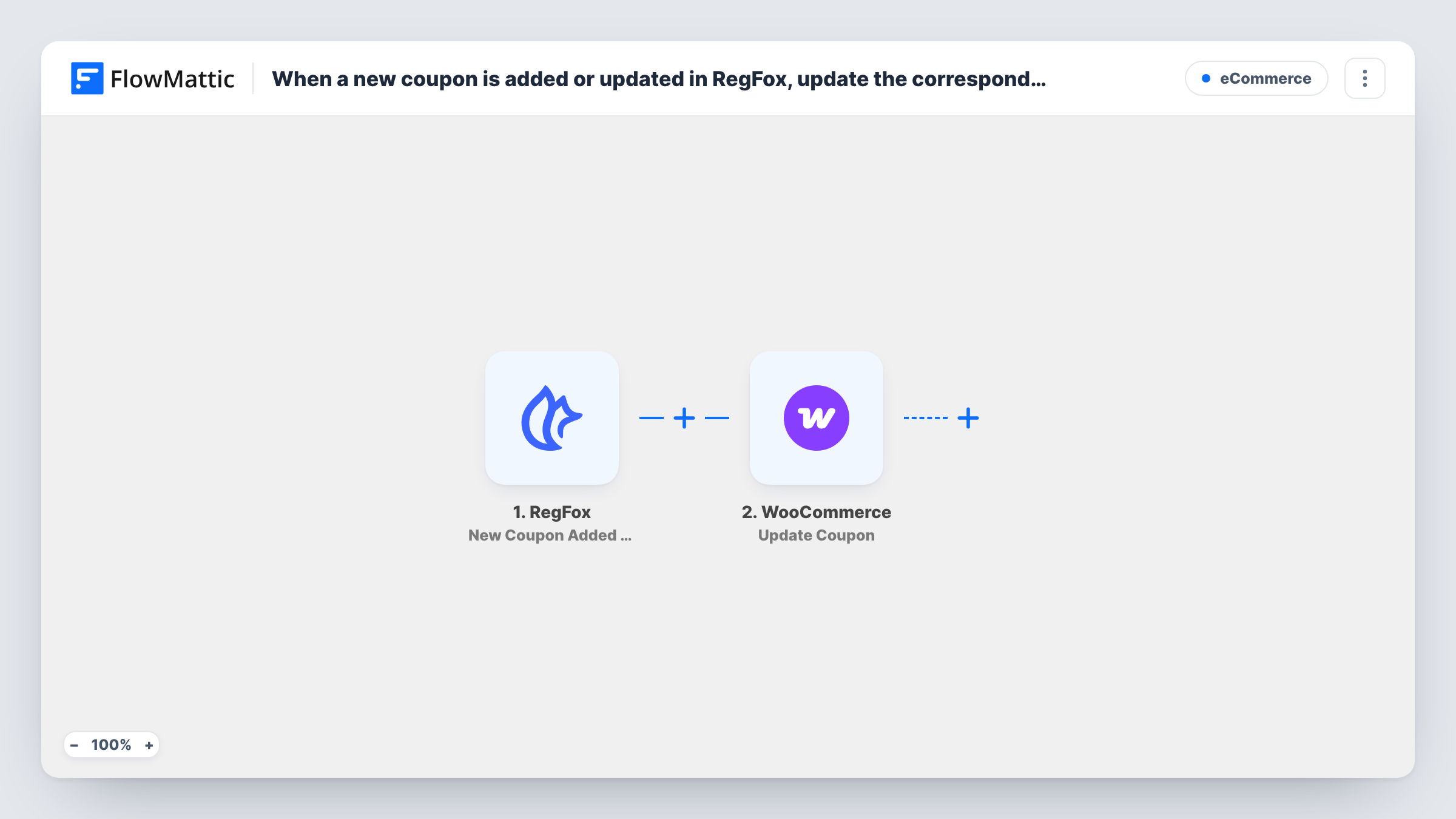
What this workflow does
Event organisers who sell registrations in RegFox and merchandise or extras in WooCommerce often run the same promo code in both. When the discount changes in RegFox, the WooCommerce coupon falls out of step unless someone remembers to edit it too. This workflow keeps an existing WooCommerce coupon in line with its RegFox twin.
The RegFox trigger fires whenever a coupon is made or edited. The coupon's details, such as its code and discount, are passed on; edit a RegFox coupon once to see exactly what arrives.
The first WooCommerce step, Fetch Coupon Details, finds a coupon by code or ID. Map the RegFox coupon code into it so it finds the store coupon with the same code. The Update Coupon step then changes that existing coupon: map the coupon from the fetch step's result, and map the RegFox values you want copied, such as the amount.
All three steps ship without mapping. The workflow updates coupons only. A RegFox code that has no coupon with the same code in WooCommerce has nothing to update, so create the matching WooCommerce coupon first for any code you want kept in sync. Check Task History after a test edit to see what each step returned.
Early-bird code shared by tickets and merch
A conference uses one early-bird code for RegFox tickets and WooCommerce merchandise. Raising the discount in RegFox updates the store coupon too.
Club discount for members
A running club gives members the same code for race entries in RegFox and kit in its WooCommerce shop, and edits it in RegFox each season.
Ending a promotion everywhere
A workshop organiser changes a RegFox coupon's amount when a sale ends, and the matching WooCommerce coupon is changed in the same run.
How this workflow runs
What happens at each step once the workflow is on, and what you need before you import it.
 RegFox New Coupon Added or Updated
Fires whenever a coupon is created or edited in RegFox. The coupon's code and discount details are passed on; run a test to see the exact fields before mapping them.
- WooCommerce Fetch Coupon Details
Retrieves a WooCommerce coupon by code or ID. The template leaves it unmapped, so map the RegFox coupon code here to find the store coupon that uses the same code.
- WooCommerce Update Coupon
Changes the existing WooCommerce coupon found in step 2. Map that coupon from step 2's result, then map the RegFox values to copy, such as the discount amount, into the fields you want updated.
What you need
- FlowMatticCore
- RegFox AccountAccount
- WooCommerce PluginPlugin
After importing, map your own data. To keep the template universal, not every step is pre-filled. Open each step in the builder and connect your accounts and fields (channels, lists, sheets, recipients) before you switch the workflow on.
Make it yours
Changes worth making after you import it.
- Put a Filter between Fetch Coupon Details and Update Coupon that continues only when step 2 returned a coupon ID, so RegFox codes with no store twin stop before the update.
- Use exactly the same code in RegFox and WooCommerce for each coupon you want synced, since the fetch step looks the coupon up by its code.
- RegFox and WooCommerce may describe discount types in different words, so compare a test run's RegFox values with the store coupon before you map the type.
- If you only want edits to sync, swap the trigger for RegFox's Coupon Updated trigger, which fires when a coupon is updated.
Questions about this workflow
Does a new RegFox coupon create a WooCommerce coupon?
No. The template only fetches and updates an existing WooCommerce coupon. FlowMattic's WooCommerce integration also has Create Coupon, if you would rather build new ones from RegFox.
How does the workflow find the right WooCommerce coupon?
Fetch Coupon Details looks the coupon up by code or ID. Map the RegFox coupon code into it, and keep the codes identical in both systems.
Which coupon settings get changed in WooCommerce?
Only the ones you map in the Update Coupon step. The template ships with that step empty, so choose the values from RegFox, such as the amount, that should overwrite the store coupon.
Will editing a coupon in WooCommerce update RegFox?
No. The workflow runs one way, from RegFox to WooCommerce. Changes made directly in WooCommerce stay there and may be overwritten the next time the RegFox coupon changes.
More E-Commerce workflows
Other ready-to-import templates from the same category.




Import this workflow into your WordPress site
Download the JSON, import it from the Workflows screen and connect your accounts. Every run stays on your server, with no per-task fees.
30-day money-back guarantee Unlimited workflows and runs Self-hosted