

When a new customer is created in Desku.io, create a new user in WordPress
Every customer created in Desku gets a matching WordPress user account, built from the name and email you map, so helpdesk customers can log in to your site.
 Desku
 WordPress
2 steps Setup ~5 min Used on 3.3k sites Free to import
What this workflow does
If customers reach you through Desku first, their helpdesk record and their WordPress login are often set up separately, or not at all. When your site holds a knowledge base, member area or customer portal behind a login, this workflow gives each new Desku customer an account there without anyone copying details across.
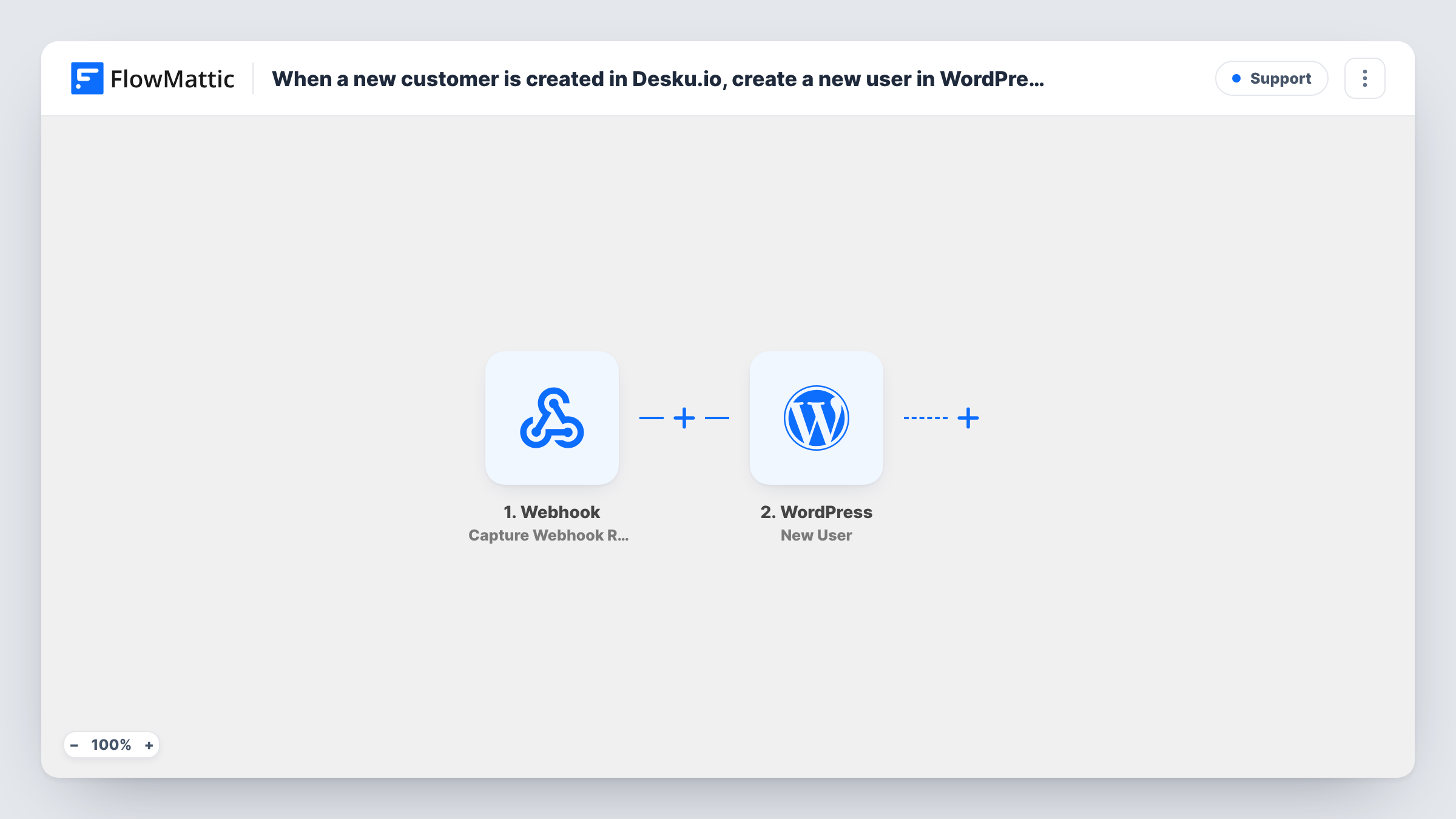
The Desku trigger fires when a customer is created in your Desku workspace, and passes the customer's details on. The WordPress New User step then creates an account on your site.
The New User step ships unmapped. After import you map the customer's email and name from the Desku event, choose the username to use (the email works well) and set the role new accounts should get. Run a test with a sample customer to see which Desku values arrive.
FlowMattic checks the email before it creates anything. If an account with that address already exists, it doesn't add a second one and returns the existing user's ID instead; a role you set in the step is added to that account too. WordPress can still refuse a new account, for example when the username is already taken, and Task History shows the reason.
Portal logins for support customers
A software company creates a WordPress login for each new Desku customer, so they can sign in to the customer portal where downloads and licence details live.
Members-only knowledge base
A service business keeps its detailed guides for registered users and gives every Desku customer an account that can open them.
One customer list across tools
An agency that adds clients in Desku first keeps its WordPress user list in step, so the client dashboard on its site already knows each client.
How this workflow runs
What happens at each step once the workflow is on, and what you need before you import it.
 Desku Add New Customer
Starts when a new customer is created in Desku. Updates to existing customers don't fire it. The customer's details from Desku are passed to the WordPress step.
- WordPress New User
Creates a WordPress user for the customer. The step ships unmapped: map the email, name and a username from the Desku data and choose the role. An existing account with the same email is reused, not duplicated.
What you need
- FlowMatticCore
- Desku.io AccountAccount
After importing, map your own data. To keep the template universal, not every step is pre-filled. Open each step in the builder and connect your accounts and fields (channels, lists, sheets, recipients) before you switch the workflow on.
Make it yours
Changes worth making after you import it.
- Give these accounts a role with limited access, such as subscriber or a role your portal plugin provides, so helpdesk customers can't reach anything meant for staff.
- Map the customer's email into the username as well, which avoids clashes when two customers share the same name.
- Set the step to send WordPress's new user notification if customers should get their login details by email; check a test account's inbox before turning the workflow on.
Questions about this workflow
What if the Desku customer already has a WordPress account?
FlowMattic looks the email up first. If a user with that address exists, no second account is created; the step returns the existing user ID, and any role you set in the step is added to that user.
Does updating a customer in Desku change their WordPress account?
No. The trigger is Add New Customer, which fires only when a customer is created. Later edits in Desku don't start a run or touch the WordPress user.
How does the customer get a password for the new account?
That depends on how you set up the New User step. Enable WordPress's new user notification in it, or send your own email from a later step, so the customer can set a password and log in.
Will customers who were in Desku before I import this get accounts?
No. Only customers created in Desku after the workflow is turned on start a run. Create accounts for earlier customers separately.
More Support workflows
Other ready-to-import templates from the same category.






Import this workflow into your WordPress site
Download the JSON, import it from the Workflows screen and connect your accounts. Every run stays on your server, with no per-task fees.
30-day money-back guarantee Unlimited workflows and runs Self-hosted