

When a new support ticket is created in Fluent Support, create a related task in FluentBoards
Each new Fluent Support ticket, whether a customer or an agent opens it, becomes a task on a FluentBoards board, so support work sits alongside your team’s other projects in WordPress.
 Fluent Support
 FluentBoards
2 steps Setup ~5 min Used on 330 sites Free to import
What this workflow does
Fluent Support handles the conversation with the customer, but the work behind a ticket often involves people who plan their week in FluentBoards. A bug fix, a refund check or a content change needs a task on a board, not just a reply. This workflow creates that task for every new ticket.
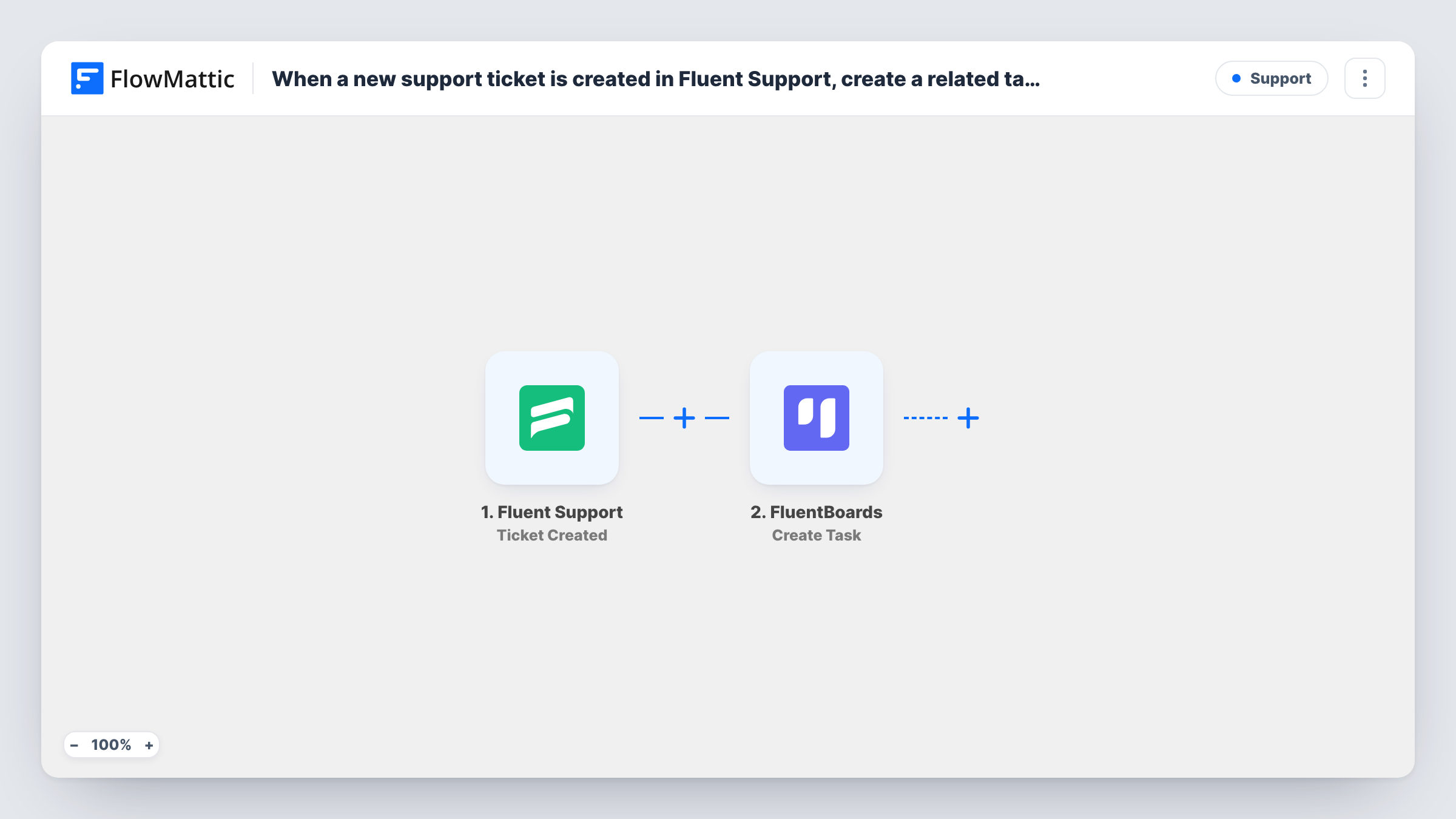
The Fluent Support trigger, Ticket Created, runs when a new ticket is created by either a customer or an agent. FlowMattic passes the ticket's details to FluentBoards, where Create Task adds a new task to the board you pick. Map the ticket title, description or customer details into the task when you set up the step.
Both plugins run on your WordPress site, so the ticket data stays on your own server. Every ticket creates a task, including ones agents open on a customer's behalf. Add a Filter if only some tickets need board work.
Bug reports for a plugin or theme seller
Each support ticket lands on a development board as a task, so developers see customer issues in the same place as their planned work.
Agency client requests
Clients open tickets for site changes, and each one becomes a task the project manager can assign and move through the board's stages.
Small team with one shared board
A two-person business keeps every customer request on one FluentBoards board next to marketing and admin tasks.
How this workflow runs
What happens at each step once the workflow is on, and what you need before you import it.
 Fluent Support Ticket Created
Runs when a new Fluent Support ticket is created, by a customer or by an agent. The ticket's details are passed on to the FluentBoards step.
- FluentBoards Create Task
Adds a task for the new ticket to the FluentBoards board you pick. Map the ticket subject into the task title and any other ticket details you want the team to see.
What you need
- FlowMatticCore
- Fluent Support PluginPlugin
- FluentBoards PluginPlugin
After importing, map your own data. To keep the template universal, not every step is pre-filled. Open each step in the builder and connect your accounts and fields (channels, lists, sheets, recipients) before you switch the workflow on.
Make it yours
Changes worth making after you import it.
- Add a Filter after the trigger that lets through only tickets that match a value you pick from the captured ticket data, if not every ticket needs a board task.
- Put the ticket ID or link into the task description, so whoever picks up the task can find the conversation in Fluent Support.
- Add an Assign Task to User step from FluentBoards after Create Task if one person should own all new support tasks.
Questions about this workflow
Do tickets agents open in Fluent Support also create FluentBoards tasks?
Yes. Ticket Created fires when a ticket is created by either a customer or an agent, so both make a task unless you add a Filter.
If I resolve the ticket in Fluent Support, is the FluentBoards task marked done?
No. This workflow only creates the task when the ticket is opened. Move or archive the task yourself, or build a second workflow for that.
Do I need both Fluent Support and FluentBoards on the same site?
Yes. Both are WordPress plugins, and FlowMattic needs to be installed on the same site as them for this workflow to run.
More Support workflows
Other ready-to-import templates from the same category.





Import this workflow into your WordPress site
Download the JSON, import it from the Workflows screen and connect your accounts. Every run stays on your server, with no per-task fees.
30-day money-back guarantee Unlimited workflows and runs Self-hosted