

When inventory supply is updated in RegFox, update a WooCommerce product's stock level
When RegFox reports inventory being used on your registration forms, FlowMattic sets the stock quantity of one WooCommerce product you identify by SKU or ID.
 RegFox
 WooCommerce
2 steps Setup ~5 min Used on 3.0k sites Free to import
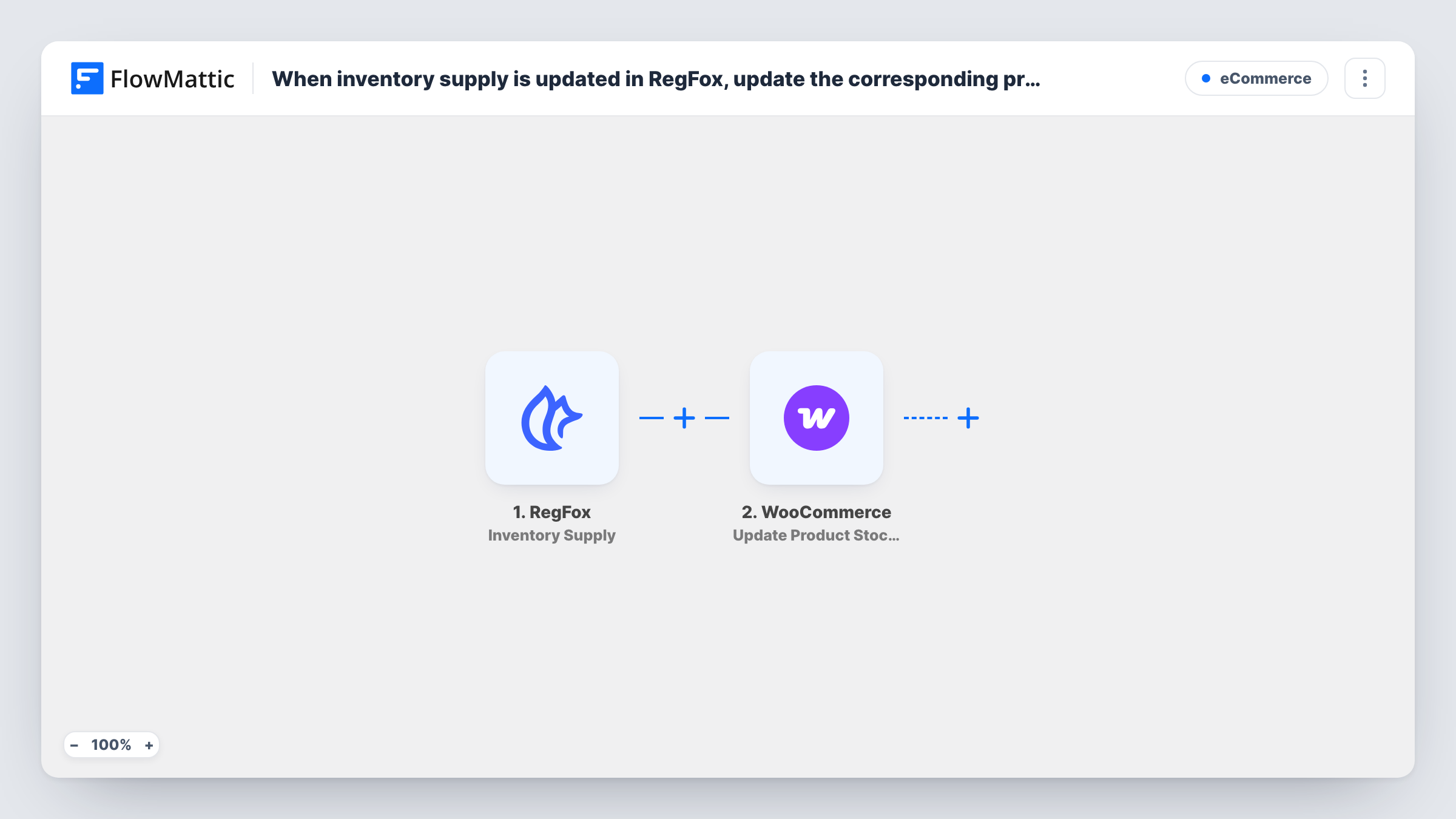
What this workflow does
If you sell the same limited items in two places, such as event T-shirts or workshop seats offered on a RegFox form and in your WooCommerce store, the counts drift apart quickly. This workflow lets RegFox's inventory updates drive the stock level of a matching product in your shop.
The RegFox Inventory Supply trigger fires when inventory is used on your forms. FlowMattic describes it as reporting at a few intervals so inventory stays tracked, so expect several runs over time rather than one per registration.
The WooCommerce step then updates the stock quantity and stock status of an existing product or variation, found by its SKU or ID. Nothing in the RegFox data points to a WooCommerce product, so you enter the SKU or ID of the one product this flow keeps in step. The step ships unmapped: after import, type that SKU or ID and map the quantity from the RegFox data into it.
Run a test registration and open Task History to see which inventory fields RegFox sends, so you can map the remaining quantity rather than the amount used. If your forms track several inventory items, each update reaches this same product unless you filter them.
Event merchandise sold in two places
A race organiser sells finisher shirts as a RegFox add-on and in its WooCommerce shop, and wants the shop's stock to follow what RegFox reports.
Workshop seats shared with the store
A craft studio lists the same limited workshop on a RegFox form and as a WooCommerce product, so the product's stock reflects RegFox's inventory updates.
Conference add-ons with limited supply
A conference offers a limited number of dinner tickets through RegFox and keeps a WooCommerce product for late buyers in line with that supply.
How this workflow runs
What happens at each step once the workflow is on, and what you need before you import it.
 RegFox Inventory Supply
Fires when inventory is used on your RegFox forms, with updates at intervals so the count stays tracked. The inventory data RegFox reports is passed to the WooCommerce step.
- WooCommerce Update Product Stock Quantity
Sets the stock quantity and status of an existing WooCommerce product or variation by SKU or ID. Unmapped as shipped: enter the product's SKU or ID and map the quantity from RegFox.
What you need
- FlowMatticCore
- RegFox AccountAccount
- WooCommerce PluginPlugin
After importing, map your own data. To keep the template universal, not every step is pre-filled. Open each step in the builder and connect your accounts and fields (channels, lists, sheets, recipients) before you switch the workflow on.
Make it yours
Changes worth making after you import it.
- If more than one RegFox inventory item exists, put a Filter between the RegFox trigger and the WooCommerce step that continues only for the item name that matches this product. That name is an example to replace with your own.
- To sync several items, import one copy of the workflow per product, each with its own Filter between the trigger and the WooCommerce step and its own SKU.
- Check that stock management is switched on for the WooCommerce product, so your shop tracks the quantity this workflow sets.
Questions about this workflow
How does the workflow know which WooCommerce product to update?
It doesn't work it out from RegFox. You type the product's SKU or ID into the Update Product Stock Quantity step after import, and every run updates that product.
Does each RegFox registration change the WooCommerce stock immediately?
Not necessarily. RegFox's Inventory Supply trigger reports at intervals as inventory is used, so the stock updates when RegFox sends those reports.
Do WooCommerce sales reduce the RegFox inventory too?
No. The sync runs one way, from RegFox to WooCommerce. Sales in your shop don't change anything in RegFox.
Which RegFox value should go into the stock quantity?
The field that holds what's left, if RegFox sends one. Check a test run in Task History, since mapping the amount used would set the wrong stock level.
More E-Commerce workflows
Other ready-to-import templates from the same category.






Import this workflow into your WordPress site
Download the JSON, import it from the Workflows screen and connect your accounts. Every run stays on your server, with no per-task fees.
30-day money-back guarantee Unlimited workflows and runs Self-hosted