

When a ClickUp task status is updated, send a channel message to Zoho Cliq
Every time a ClickUp task moves to a new status, FlowMattic posts a message to the Zoho Cliq channel you name, so the team can follow progress without opening ClickUp.
 ClickUp
 Zoho Cliq
2 steps Setup ~5 min Used on 2.4k sites Productivity Free to import
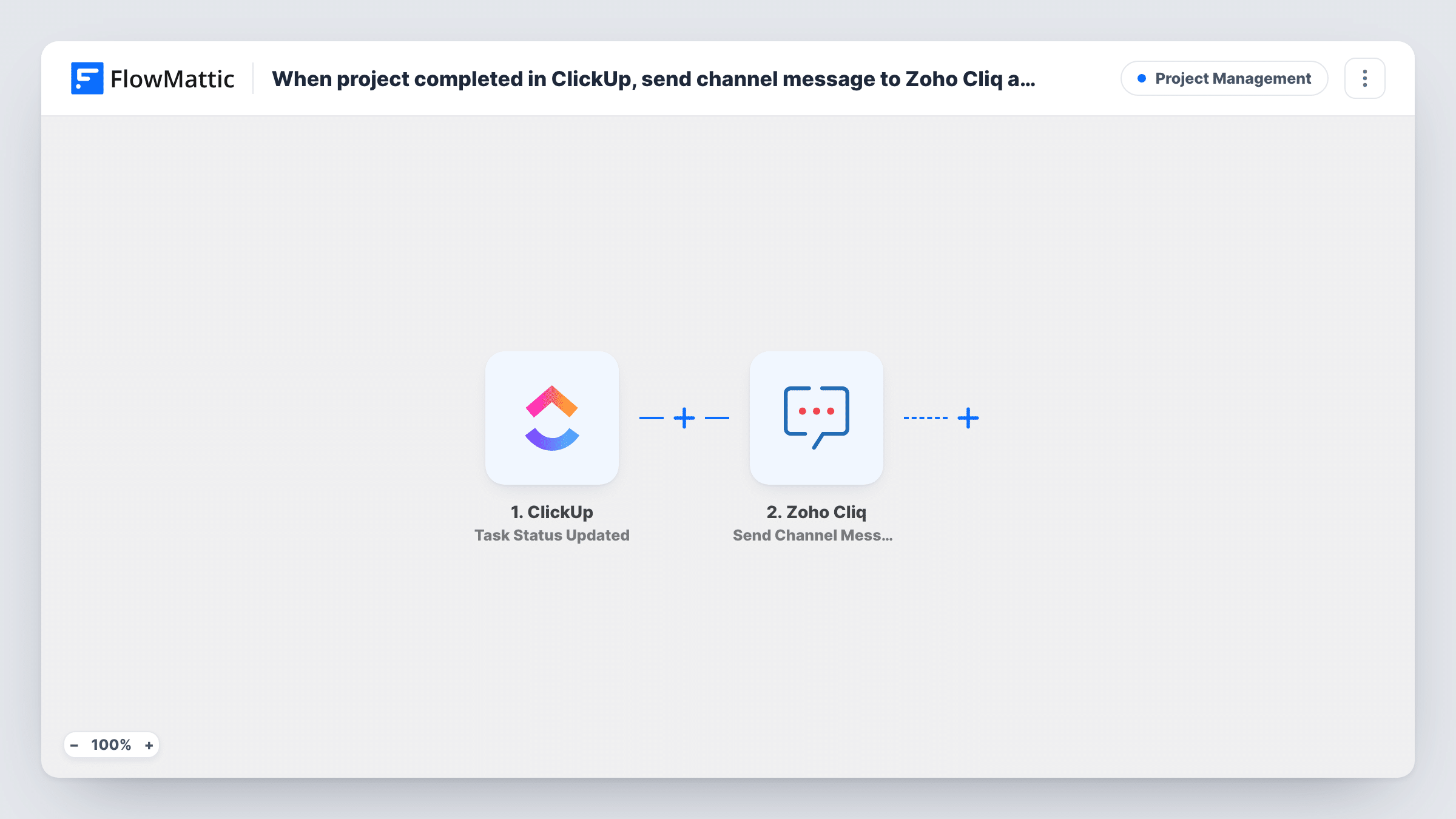
What this workflow does
Status changes are the moments people care about: a task moves into review, gets blocked, or is marked done. If your team talks in Zoho Cliq, a short message in the right channel saves everyone from refreshing ClickUp to see what changed. This workflow sends one for each status change.
The ClickUp Task Status Updated trigger fires whenever the status of a task is updated, in any direction and to any status. It passes on the task's details, such as its name, its new status and a link to it. Every change starts a run, so a task that moves through four statuses produces four messages.
The Zoho Cliq step runs Send Channel Message, which posts to a channel by its unique name. It ships unmapped: after import you connect your Zoho account, enter the channel's unique name and write the message, mapping in the task name, the new status and the task link from ClickUp.
Change a test task's status and check Task History. You'll see which ClickUp fields came through, which helps you decide how much detail the message should carry.
Review requests for a design team
When a designer moves a ClickUp task to In Review, the team's Zoho Cliq channel gets a message with the task link so a reviewer can pick it up.
Done updates for a client project
An agency's project channel in Zoho Cliq shows each task as it changes status, giving the account manager a running log for client calls.
Spotting blocked work early
A product team sees in Cliq when a task is set to Blocked, with the task name and link, so the lead knows which item to ask about.
How this workflow runs
What happens at each step once the workflow is on, and what you need before you import it.
 ClickUp Task Status Updated
Fires whenever a ClickUp task's status is updated, to any status. The task name, new status, link and other task details are passed to the Zoho Cliq step.
- Zoho Cliq Send Channel Message
Posts a message to the Zoho Cliq channel whose unique name you enter. The step ships unmapped: write the message and map the task name, new status and link from ClickUp.
What you need
- FlowMatticCore
- ClickUp AccountAccount
- Zoho Cliq AccountAccount
After importing, map your own data. To keep the template universal, not every step is pre-filled. Open each step in the builder and connect your accounts and fields (channels, lists, sheets, recipients) before you switch the workflow on.
Make it yours
Changes worth making after you import it.
- To post only when a task is finished, put a Filter between the ClickUp trigger and the Zoho Cliq step that continues only when the new status exactly matches your done status, such as complete.
- Include the task link in the message so people can open the task straight from Cliq.
- For busy spaces, use a dedicated Zoho Cliq channel for these updates, so status messages don't bury the team's conversations.
Questions about this workflow
Does every ClickUp status change post to Zoho Cliq?
Yes, as imported. Each status update on any task starts a run and sends one message. A Filter between the trigger and the Cliq step on the new status narrows it to the statuses you care about.
How do I pick the Zoho Cliq channel?
Send Channel Message posts to a channel by its unique name, so enter that name in the step after import. The connected Zoho account needs to be able to post in that channel.
Can a ClickUp status update go to one Zoho Cliq user instead?
Yes. FlowMattic's Zoho Cliq integration also has Send Direct Message. Swap it in for Send Channel Message and map the person who should receive the update.
Which ClickUp details can I include in the Cliq message?
Anything the status update passes on, such as the task name, the new status and the task URL. Change a test task's status and look in Task History for the full list.
More Project Management workflows
Other ready-to-import templates from the same category.







Import this workflow into your WordPress site
Download the JSON, import it from the Workflows screen and connect your accounts. Every run stays on your server, with no per-task fees.
30-day money-back guarantee Unlimited workflows and runs Self-hosted