

When a WooCommerce order is completed, create an invoice in Zoho Inventory with the order details
When a WooCommerce order is marked completed, FlowMattic creates a Zoho Inventory contact from the billing details, then an invoice for the order total. Pick the Zoho item for the line after import; the contact name includes the order number so repeat buyers never clash.
 WooCommerce
 Zoho Inventory
3 steps Setup ~5 min Used on 3.3k sites Free to import
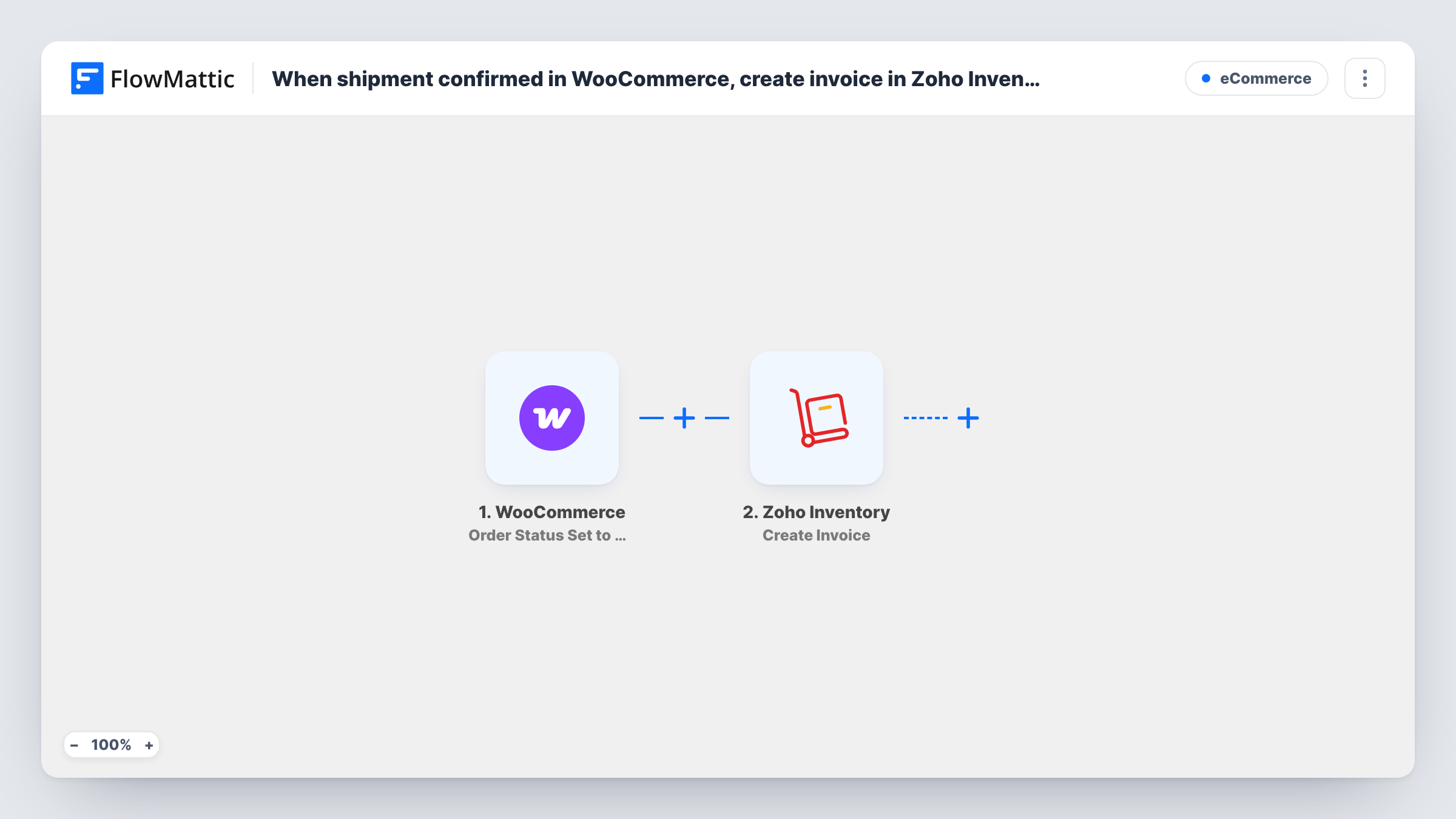
What this workflow does
Stores that keep their stock and accounting in Zoho Inventory often want an invoice there for each order that has gone out. Typing those in from WooCommerce takes time and invites mistakes. This workflow creates the invoice as soon as you mark the order done.
WooCommerce's built-in order statuses don't include a shipped status, so the WooCommerce trigger used here fires when an order's status is set to Completed. Mark orders Completed when they ship, and each one starts a run with its customer, billing, item and total details.
The Zoho Inventory step then creates a new invoice. It ships unmapped, so after import you connect your Zoho account and map the order details into it, such as the customer, the line items and the totals.
A Zoho Inventory invoice belongs to a customer contact in Zoho. If your WooCommerce buyers aren't already contacts there, look at a test run to see what the invoice step needs, and consider adding a Zoho Inventory contact step before it. Complete a test order and check Task History for Zoho's response.
Invoices after dispatch
A shop marks orders Completed once the courier collects them, and the matching invoice appears in Zoho Inventory for the bookkeeper.
Accounting in Zoho, selling in WooCommerce
A wholesaler runs its storefront on WooCommerce but closes the books in Zoho, so every completed order needs a Zoho invoice.
Fewer manual entries at month end
Instead of exporting completed orders and keying invoices in at the end of the month, the finance team reviews invoices that are already there.
How this workflow runs
What happens at each step once the workflow is on, and what you need before you import it.
 WooCommerce Order Status Set to Completed
The workflow starts automatically when an order status is set to completed in WooCommerce. FlowMattic captures that data for the steps below.
- Zoho Inventory Create Contact
Zoho Inventory — creates a new contact (customer or vendor). Data is mapped from earlier steps; connect your Zoho Inventory account on import.
- Zoho Inventory Create Invoice
Zoho Inventory — creates a new invoice. Data is mapped from earlier steps; connect your Zoho Inventory account on import.
What you need
- FlowMatticCore
- WooCommerce PluginPlugin
- Zoho Inventory AccountAccount
After importing, map your own data. To keep the template universal, not every step is pre-filled. Open each step in the builder and connect your accounts and fields (channels, lists, sheets, recipients) before you switch the workflow on.
Make it yours
Changes worth making after you import it.
- Include the WooCommerce order number on the invoice, so anyone in Zoho can trace each invoice back to its order.
- If many buyers are new to Zoho, add a Zoho Inventory Create Contact step between the WooCommerce trigger and Create Invoice, and use the contact it returns on the invoice.
- If you track stock in Zoho Inventory, set up your WooCommerce products as Zoho items too, and check a test invoice to see how its lines were filled.
Questions about this workflow
Does this run when the WooCommerce order ships?
It runs when the order is set to Completed. Core WooCommerce has no shipped status, so this works if your team marks orders Completed when they ship.
What if the WooCommerce buyer isn't a customer in Zoho Inventory?
The invoice needs a Zoho customer, and Zoho may return an error if it can't find one. Add a Create Contact step before the invoice, or check Task History to see what Zoho returned.
Will an order that is completed twice get two invoices?
If an order is set back to another status and then to Completed again, the trigger fires again and a second invoice is created. Check Zoho before re-completing an order.
Is the invoice sent to the customer?
Not by this workflow. It only creates the invoice in Zoho Inventory. Send it from Zoho, or add an email step after Create Invoice.
More E-Commerce workflows
Other ready-to-import templates from the same category.






Import this workflow into your WordPress site
Download the JSON, import it from the Workflows screen and connect your accounts. Every run stays on your server, with no per-task fees.
30-day money-back guarantee Unlimited workflows and runs Self-hosted