

When a new form submission is received in Gravity Forms, create a new user in WordPress and create a new customer in Desku.io
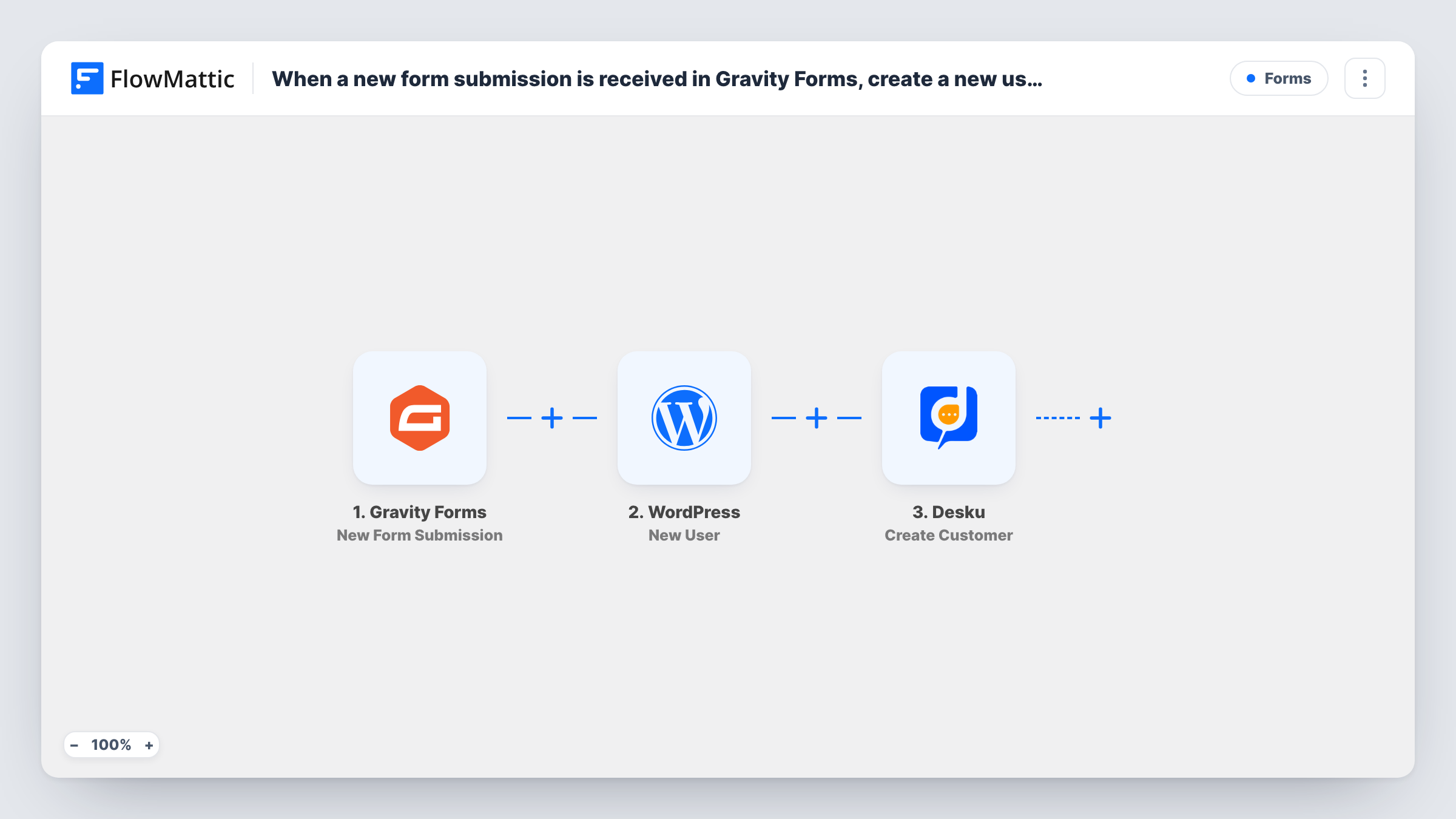
Each Gravity Forms submission creates a WordPress user account from the form answers and then adds the same person as a customer in Desku.io, so they exist on your site and in your helpdesk.
 Gravity Forms
 WordPress
 Desku
3 steps Setup ~5 min Used on 1.6k sites Free to import
What this workflow does
When someone signs up for a service, a client area or a support plan through a form, they usually need two records: a login on your WordPress site and a customer profile in the helpdesk your team answers from. This workflow builds both from one Gravity Forms entry, so support can see the person before they write in.
The Gravity Forms trigger starts a run when the form is submitted. The WordPress New User step then creates an account from the answers you map, such as the email and name. The Desku.io step creates a customer in Desku with the same details.
Both action steps ship empty. After import you map the form's fields into the WordPress account and into the Desku customer, and choose any account settings the New User step offers. A test entry shows what each step returns.
If the email is already registered, WordPress keeps the one account it has rather than adding another, and Task History lists the user ID the step handed back. The Desku step runs its own create for each entry, so check how Desku answers a repeat email in the same place.
Client portal registration
An accounting firm's Gravity Forms onboarding form gives each new client a WordPress login for the portal and a Desku customer record for their questions.
Support plan sign-ups
A web agency sells maintenance plans through a form, and each subscriber gets a site account plus a Desku profile before their first request.
Member applications
A professional association approves members who apply through Gravity Forms and keeps their account and helpdesk record in step from day one.
How this workflow runs
What happens at each step once the workflow is on, and what you need before you import it.
 Gravity Forms New Form Submission
Runs once for each entry your chosen Gravity Forms form receives. Every field on the entry, including the email and name, is available to the WordPress and Desku steps.
- WordPress New User
Creates a WordPress user account from the form answers. Nothing is mapped yet: map the email, name and any other details after import. An email that already has an account doesn't get a second one.
- Desku Create Customer
Creates a customer in Desku.io from the same entry. Connect your Desku account and map the person's email and name, either from the form or from what the WordPress step returned.
What you need
- FlowMatticCore
- Gravity Forms PluginPlugin
- Desku.io AccountAccount
After importing, map your own data. To keep the template universal, not every step is pre-filled. Open each step in the builder and connect your accounts and fields (channels, lists, sheets, recipients) before you switch the workflow on.
Make it yours
Changes worth making after you import it.
- Use a dedicated registration form for this workflow, because every entry of the form you pick creates a WordPress account and a Desku customer.
- Make the email field required in Gravity Forms, since both the WordPress account and the Desku customer need an address to identify the person.
- If the form also handles enquiries, put a Filter between the Gravity Forms trigger and the New User step that checks a choice such as account type. Entries it stops create neither record.
Questions about this workflow
What if the Gravity Forms email already has a WordPress account?
WordPress never makes a duplicate account for a registered address. The step reports success with the existing user's ID, which you can see in Task History for that run.
Do past Gravity Forms entries get WordPress accounts when I switch this on?
No. The trigger reacts to entries submitted after the workflow is active. Earlier entries stay in Gravity Forms without an account or a Desku record.
Does the workflow open a Desku.io ticket as well?
No. The Desku step stops at the customer record. Desku's Create Ticket action can be added after it if you want each sign-up to start a conversation too.
More Forms workflows
Other ready-to-import templates from the same category.




Import this workflow into your WordPress site
Download the JSON, import it from the Workflows screen and connect your accounts. Every run stays on your server, with no per-task fees.
30-day money-back guarantee Unlimited workflows and runs Self-hosted