WordPress AI agent: build agents that reason and use tools
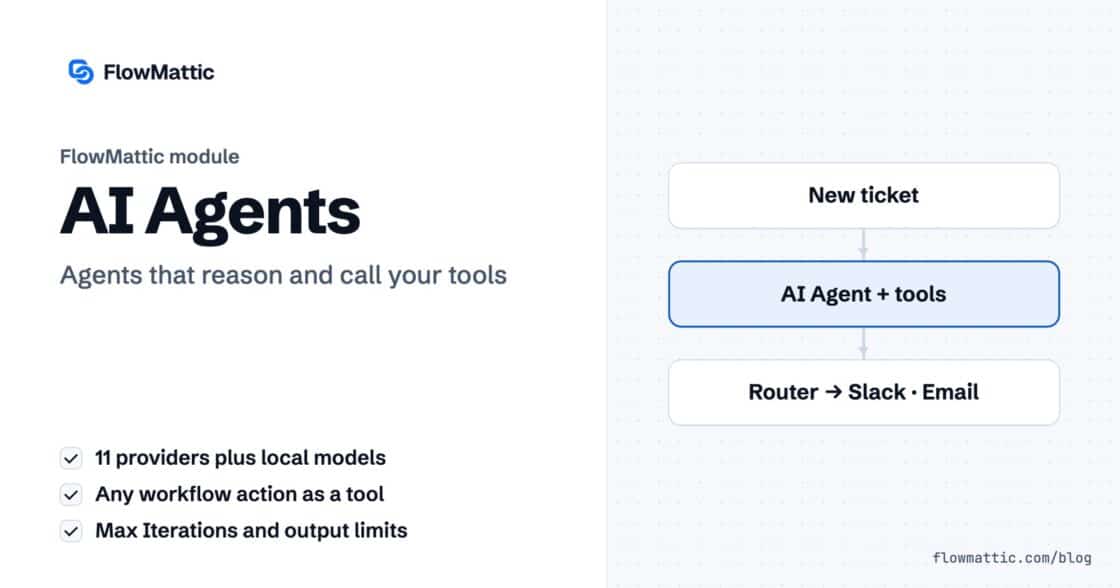
The FlowMattic AI Agent is a workflow step with a chat model, memory and a toolbelt. It calls your actions as tools…


Step-by-step guides, ready-made workflow ideas and release notes from the FlowMattic team, for automating WordPress, WooCommerce and the apps you already use.
Popular topics: Feature Guides Release Notes Use Cases Tutorials AI & MCP Integration Updates
Page 3 of 9.
The FlowMattic AI Agent is a workflow step with a chat model, memory and a toolbelt. It calls your actions as tools…
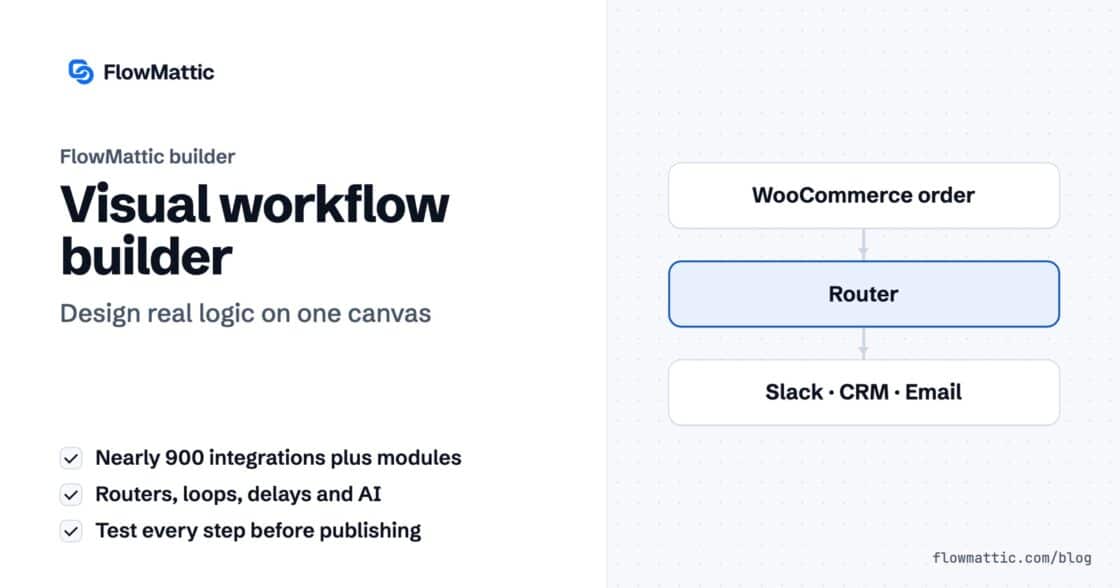
Build WordPress workflow automation on one canvas: pick a trigger, chain apps and logic, map data from earlier steps, test and publish…
FlowMattic 7.3 runs schedules on time with FlowMattic Cloud, keeps webhooks from getting lost, and adds Tables views and templates, booking questions,…
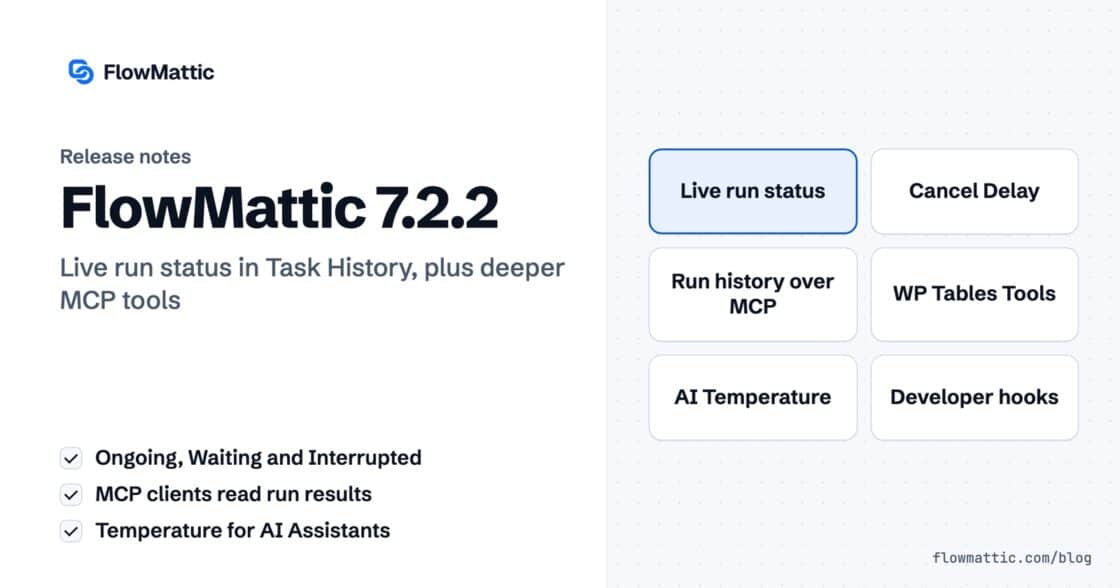
Live run status in Task History — Ongoing, Waiting, Interrupted — plus MCP clients that can read run results and manage WP…
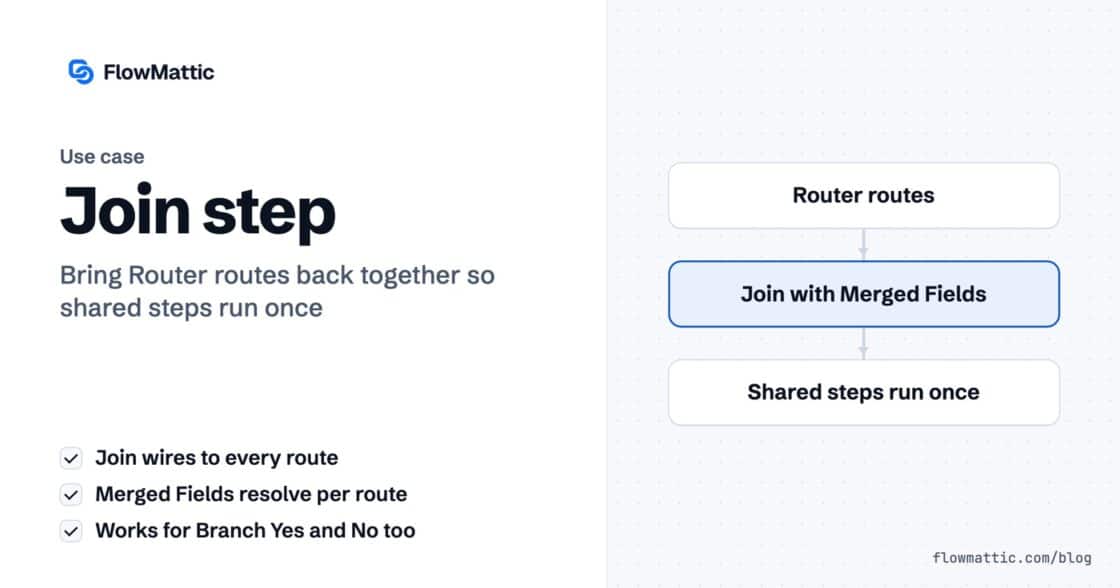
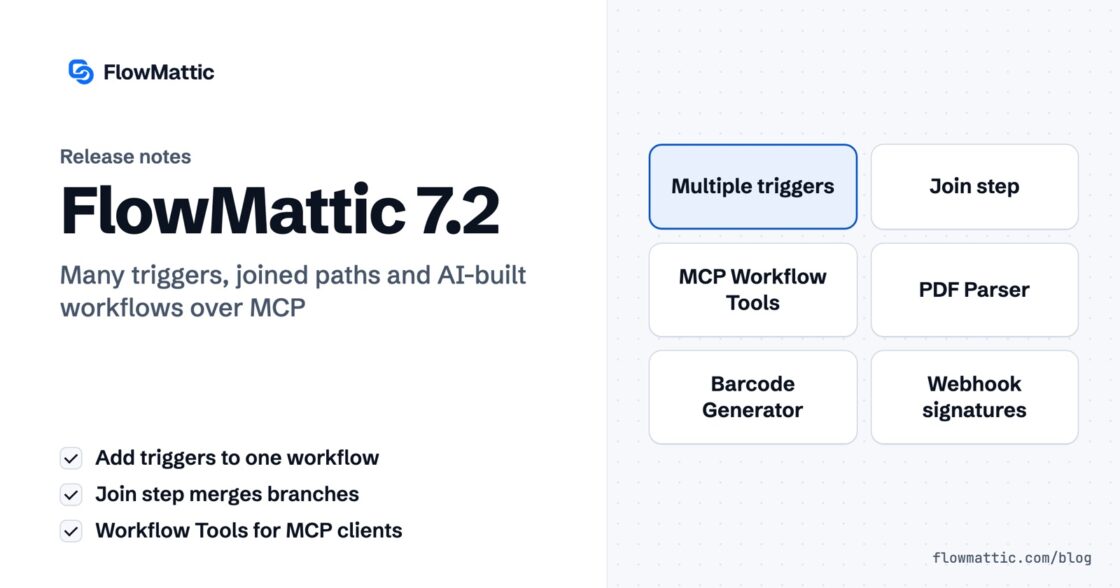
The Join step merges a Router's routes or a Branch's Yes/No back into one chain, so the steps after it run once.…
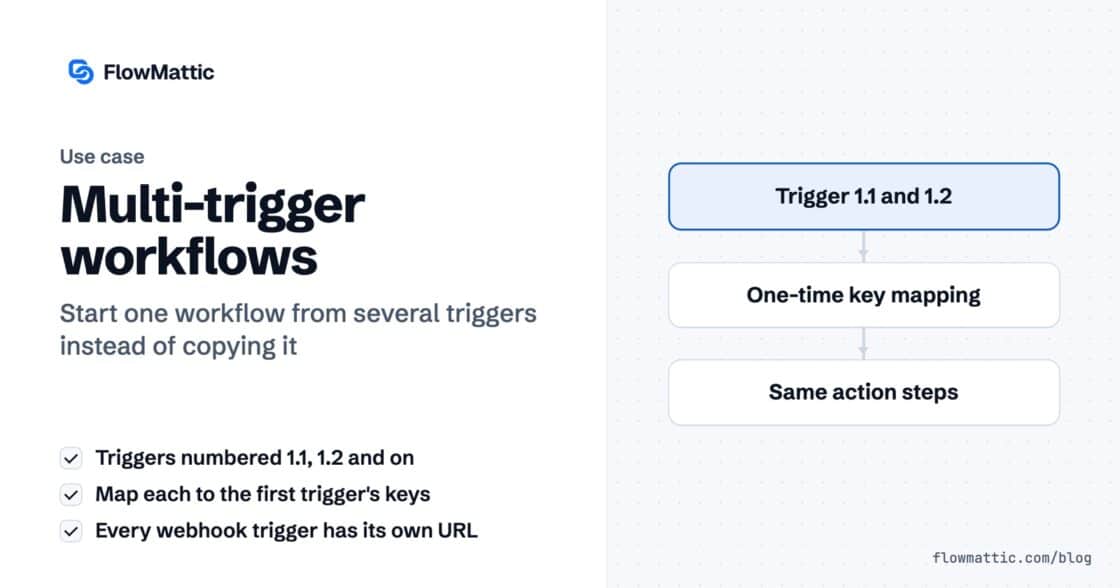
A workflow can now start from several triggers — a second webhook, a schedule, a form — all running the same steps.…
Multi-trigger workflows, the new Join step, AI that builds workflows over MCP — plus PDF Parser, webhook signature verification, barcodes and HTML-to-PDF,…
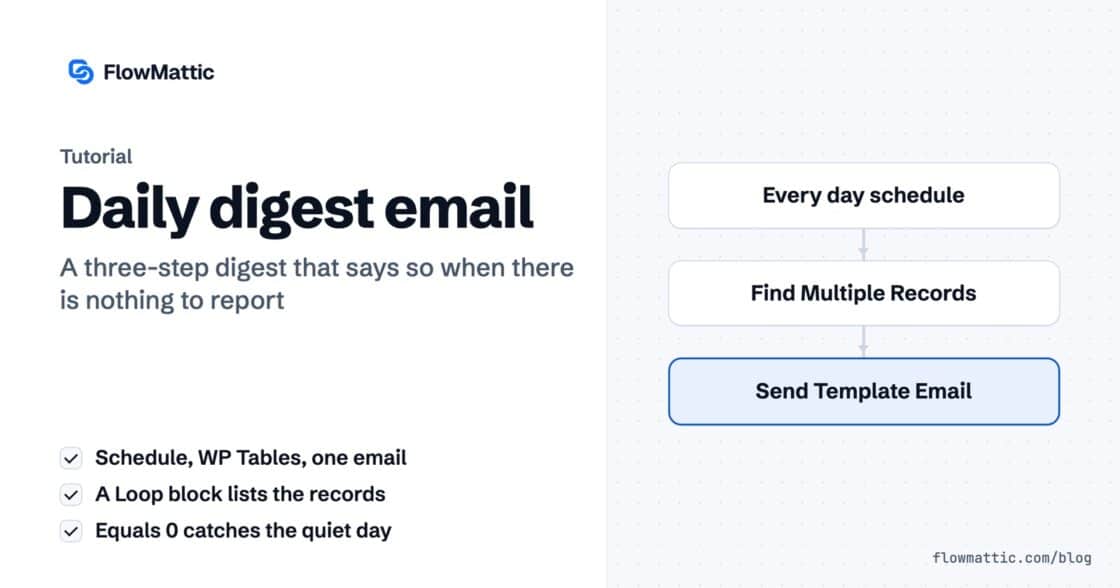
Three steps, one template. The loop handles the many, the count handles the none — and the operator choice that makes the…
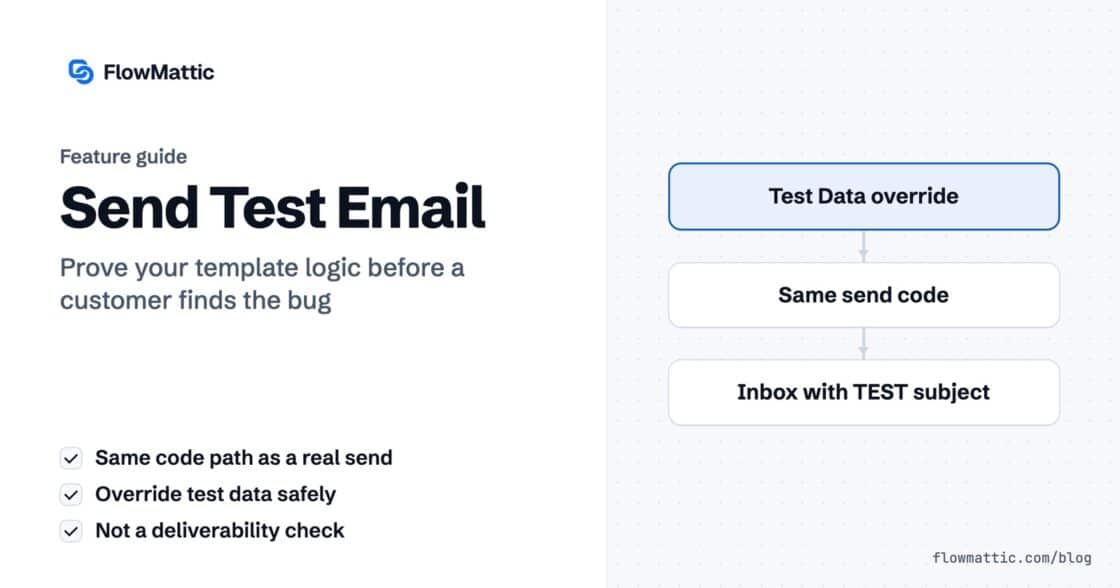
A test send runs the same three functions, in the same order, as a real one. So if a block is missing…